

Vault
Vault combines app locking, a private browser, and cloud backup for photos and videos. It also offers password recovery by email, data transfer between devices, and intrusion alerts.
App information
- Category
- Finance
- Package name
- com.netqin.ps
- Version
- 6.4.22.22
- File size
- 5.5 MB
- Requires
- Android 4.0+
Screenshots
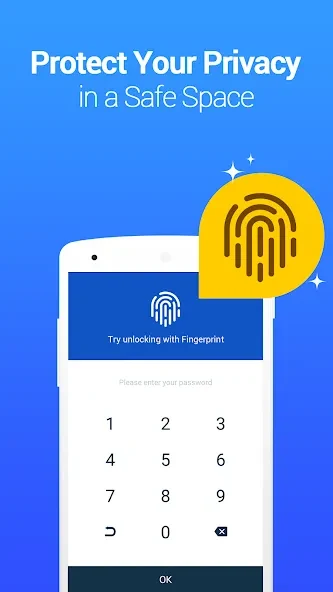
About this app
Overview
Vault is an Android privacy app that brings app locking, private browsing, and protected media storage together. You can use its app lock to restrict access to selected apps, including social, photo, call-log, and telephone apps. A private browser with bookmarks is available for browsing, while cloud backup can store photos and videos and help move them to a new phone. Vault also provides a recovery-email option for forgotten app-lock passwords. Its disguise and intrusion-alert features offer additional privacy tools, though they do not remove the need to protect backed-up files and account access. The listed minimum requirement is Android 4.0 or later.
What You Can Do
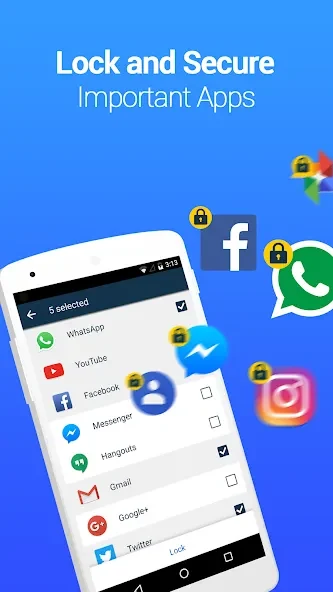
⭐ Lock selected apps with a password. Vault lists social, photo, call-log, and telephone apps among the types you can protect, helping keep them from being opened casually by someone using your device.
⭐ Browse with the private browser and save private bookmarks. The app describes the browser as leaving no traces, but this should be understood as the app’s stated feature rather than a guarantee about all browser or network activity.
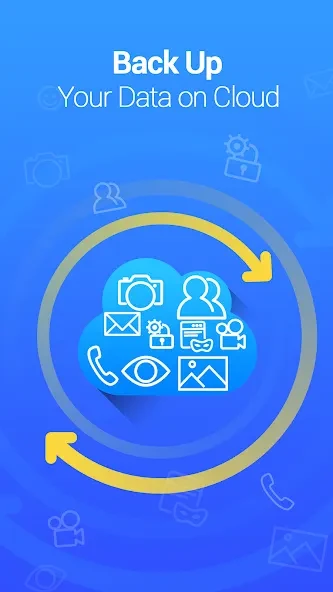
⭐ Back up photos and videos to cloud storage. Vault says this backup can also support cross-device synchronization, making it possible to transfer protected media when moving to a new phone.
⭐ Set a security email for password recovery. If you forget the app-lock password, the source says a “Forgot Password” option should appear after an incorrect entry when a recovery email was configured beforehand.
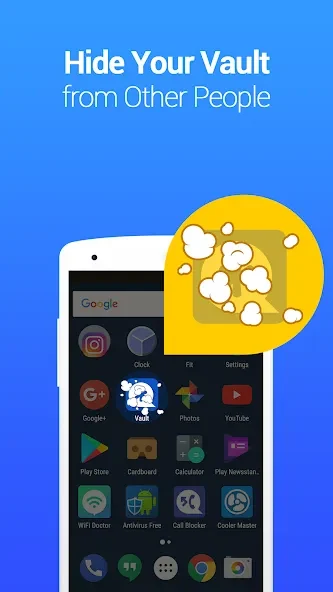
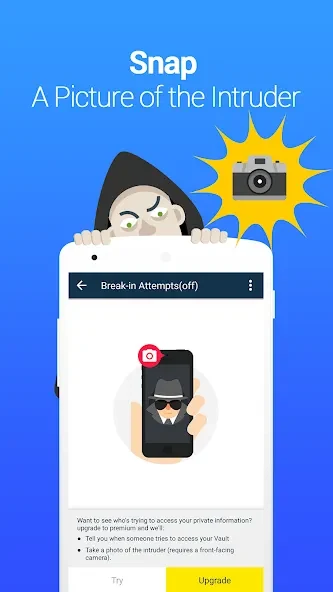
⭐ Use a disguised vault and intrusion alerts. Vault can disguise itself as another application, and its break-in alert is described as recording a photo, the time, and the attempted PIN when triggered. The source also mentions support for multiple vaults.
Using the App
Choose the apps you want to lock and set an app password, then use Vault’s media and browser tools as needed. For the described stealth access method, add the Vault widget to the phone’s home screen, tap it, and enter the password. The available instructions do not explain every setup step, so the precise process may depend on the app’s interface. For password recovery, configure a security email in advance; the source also describes reinstalling Vault to recover cloud-backed-up data if no recovery email was set. Cloud synchronization is the stated route for transferring backed-up media between devices.
Why It May Appeal
✅ The app combines several privacy tasks in one place: app access controls, a private browser, media backup, and password recovery.
✅ Cloud backup and cross-device synchronization may be useful when changing phones, while the recovery email provides a separate option for regaining access to the app lock.
Things to Consider
❎ The source warns that cleaning or free-storage apps may delete Vault’s media folder, which can result in missing photos or videos. It advises users not to delete the Vault data folder or its subfolders when using such cleanup tools.
❎ The source also includes user reports of missing files and unreliable password access. These reports are not a guarantee that every user will encounter the issue, but they are a reason to avoid relying on a single copy of important media and to check that backups are available.
Version history
View all10 Sep 2026 · stable
Frequently asked questions
How can I recover a forgotten Vault password?
If you set a security email beforehand, the source says a “Forgot Password” option should appear after an incorrect password entry. Follow the in-app instructions. It also describes recovering cloud-backed-up data by reinstalling Vault if no security email was set.
Why might photos or videos stored in Vault go missing?
The source warns that some cleaning or free-storage apps may delete Vault’s media folder. Avoid selecting Vault’s data folder and subfolders for deletion when using those tools.
How do I access Vault using the described stealth method?
Add the Vault widget to the phone’s home screen, tap the widget, and enter your password. The source does not provide further steps for this method.