

Swift WiFi
Swift WiFi helps users search for nearby shared and open Wi-Fi hotspots, connect, and monitor connection speed. It also includes Wi-Fi controls, hotspot sharing, and a face-to-face file-sharing feature.
App information
- Category
- Tools
- Package name
- mobi.wifi.toolbox
- Version
- 2.3.124.5228
- File size
- 9.4 MB
- Requires
- Android 4.0.3+
Screenshots



About this app
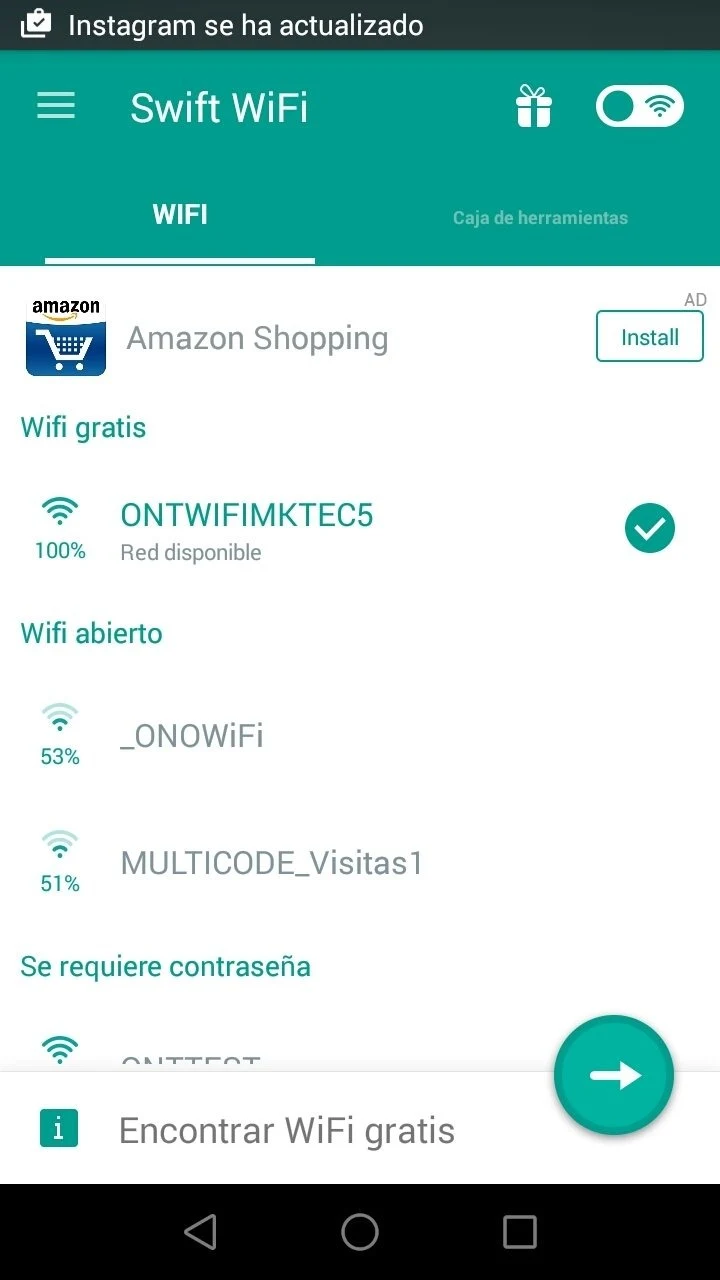
Swift WiFi helps users find nearby free or shared Wi-Fi hotspots and connect with a tap, which can be useful when travelling or looking for a connection in places such as cafés and subway stations. The app also shows the current speed of a connected Wi-Fi network and offers controls for managing Wi-Fi in different circumstances. Its tools extend beyond finding networks: users can share previously connected network passwords, provide a personal hotspot, or transfer files face to face through Easy Share. The app says it can operate without consuming mobile data, though public Wi-Fi still calls for caution.
Finding and checking nearby networks
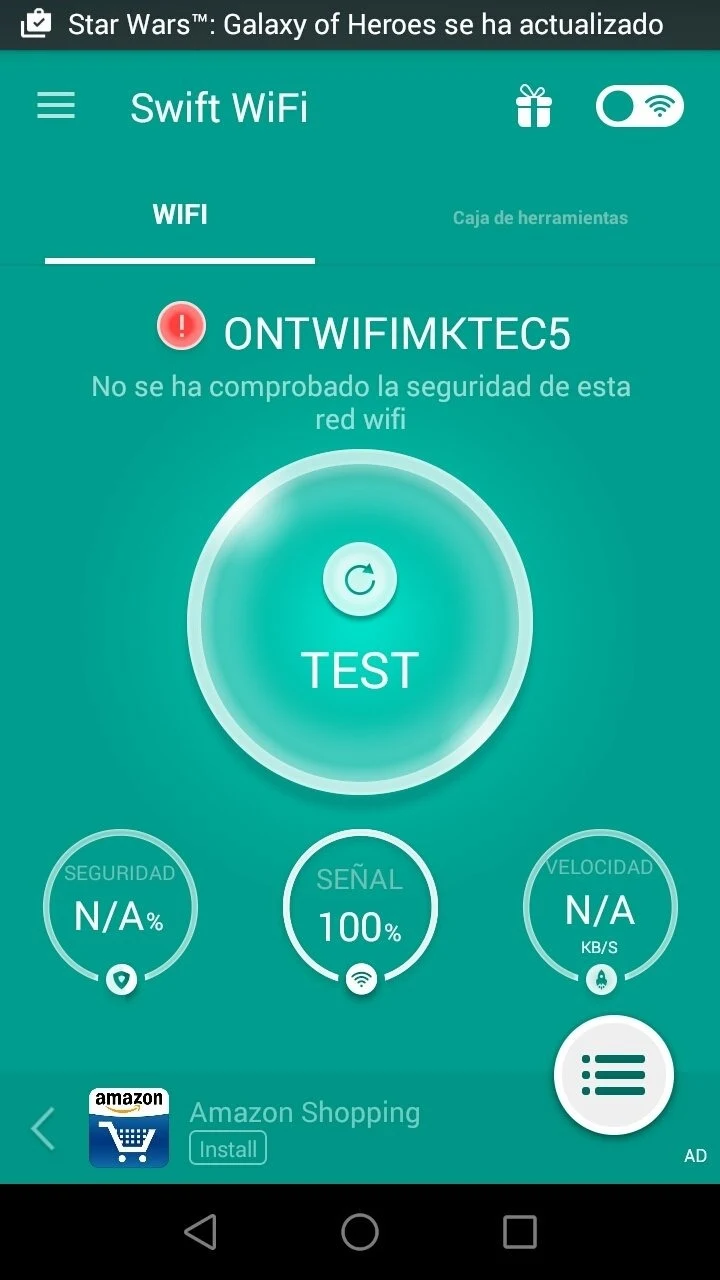
Swift WiFi scans for nearby free and user-shared hotspots, then lets users select a network to connect. The service describes its available hotspots as including both free networks and those shared by users. It also provides a real-time display of the connected Wi-Fi hotspot’s speed, giving users a way to check connection status while online. The app says it checks networks for security concerns, but that should not be taken as a guarantee that a public network is safe.
Wi-Fi controls and sharing
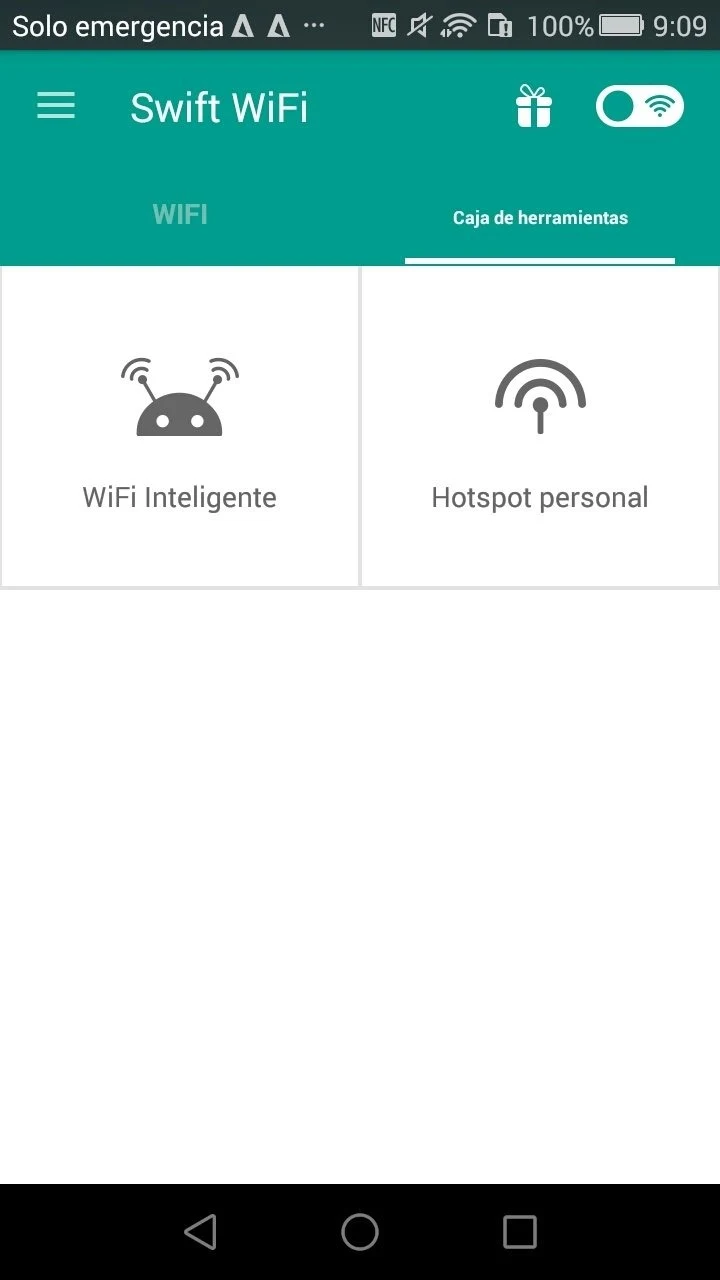
Smart WiFi lets users set modes to turn Wi-Fi on or off in different circumstances; the stated aim is to help save battery. For sharing, users can contribute passwords for networks they have connected to, making those hotspots available to other users. Swift WiFi also supports sharing a personal hotspot when the phone is acting as one, so another person can use the phone’s mobile connection.
Face-to-face file transfers
Easy Share is a separate tool for sharing files with someone nearby without using mobile data. The source specifies that both devices need to have the app for this feature to work. This makes it distinct from hotspot sharing: one function transfers files between nearby users, while the other shares an internet connection or Wi-Fi access.
Language and practical considerations
The app describes a simple interface and support for more than 35 languages, with availability across 223 countries and regions. Its hotspot directory may be relevant to travellers as well as people seeking a connection in everyday public places. Swift WiFi lists Android 4.0.3 or later as the minimum operating system. As with other public networks, users should remain careful when connecting, even when the app offers security checks.
Version history
View all10 Sep 2026 · stable
Frequently asked questions
What Android version does Swift WiFi require?
The listed minimum operating system is Android 4.0.3.
Can Swift WiFi share files without mobile data?
Its Easy Share feature is described as transferring files face to face without mobile data. Both devices need to have the app.
Can Swift WiFi share a phone’s internet connection?
Yes. The app supports sharing a personal hotspot when the phone is acting as a portable hotspot.