

Smart IR Remote
Smart IR Remote lets you control compatible electronics using infrared or, for supported devices, Wi-Fi. Customize remote layouts, combine commands into macros, and use options such as floating remotes and Tasker integration.
App information
- Category
- Tools
- Package name
- com.remotefairy
- Version
- 4.2.1
- File size
- 13.1 MB
- Requires
- Android 4.0.3+
Screenshots
About this app
Overview
Smart IR Remote turns a compatible Android phone or tablet into a control interface for home electronics. It can send infrared commands when the device has an IR blaster, and the source also describes Wi-Fi control for supported brands, including Sonos, Samsung, Sharp, and Philips. Rather than keeping separate controls for a television, set-top box, and surround system, you can bring compatible device controls together and tailor their layout. The app is listed for Android 4.0.3 and later; the source notes that some IR-capable phones, including certain Samsung Galaxy and HTC models, are associated with Android 4.4 or higher.
What You Can Do
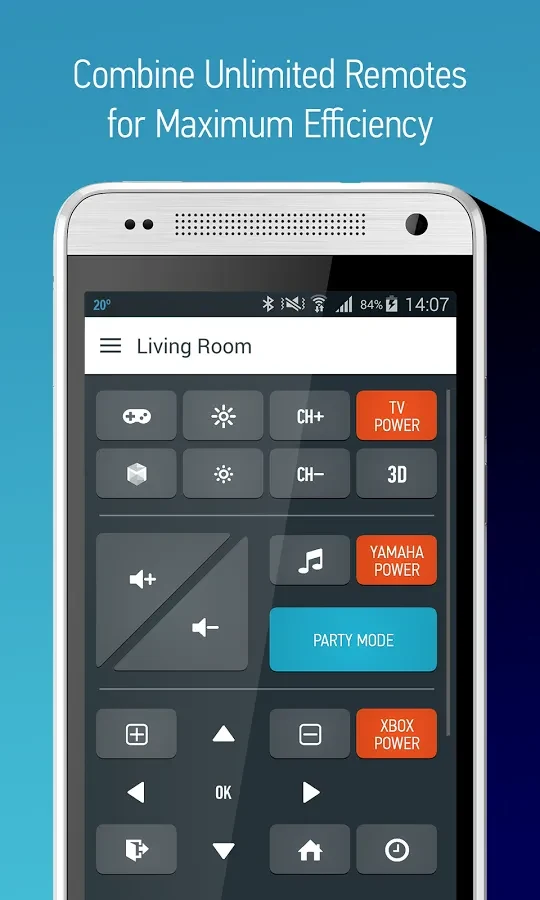
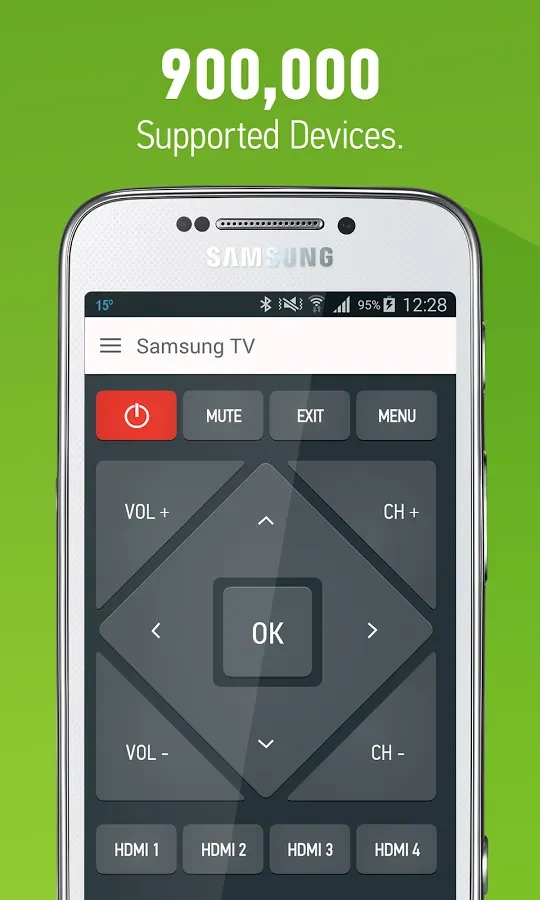
⭐ Set up controls for compatible electronics. The source says the device database covers more than 900,000 devices, and gives examples of combining surround-system volume, set-top-box channels, and TV display settings in one interface.
⭐ Customize a remote by rearranging buttons and changing their colors, positions, text, and icons, so frequently used controls can be placed where they suit your preferences.
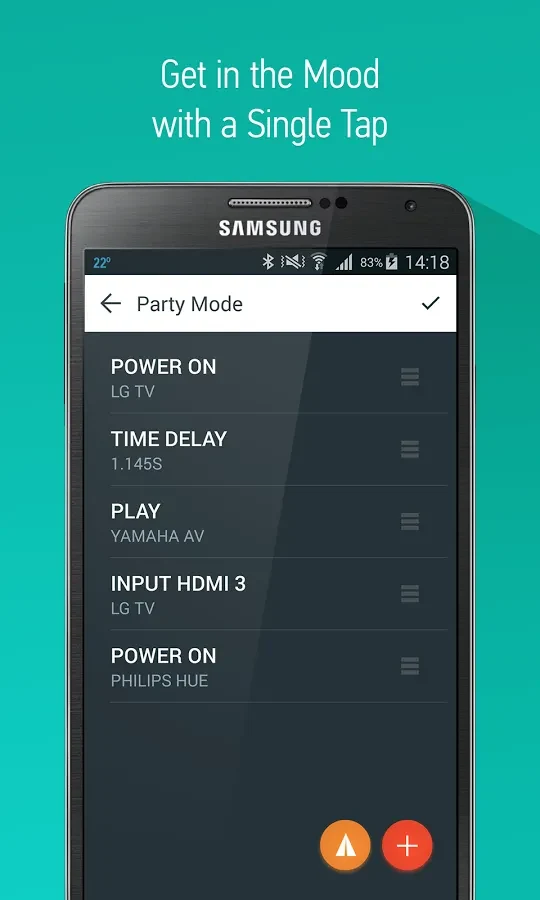
⭐ Create macros that send multiple commands with a single touch. This can combine actions into one control rather than requiring separate button presses.
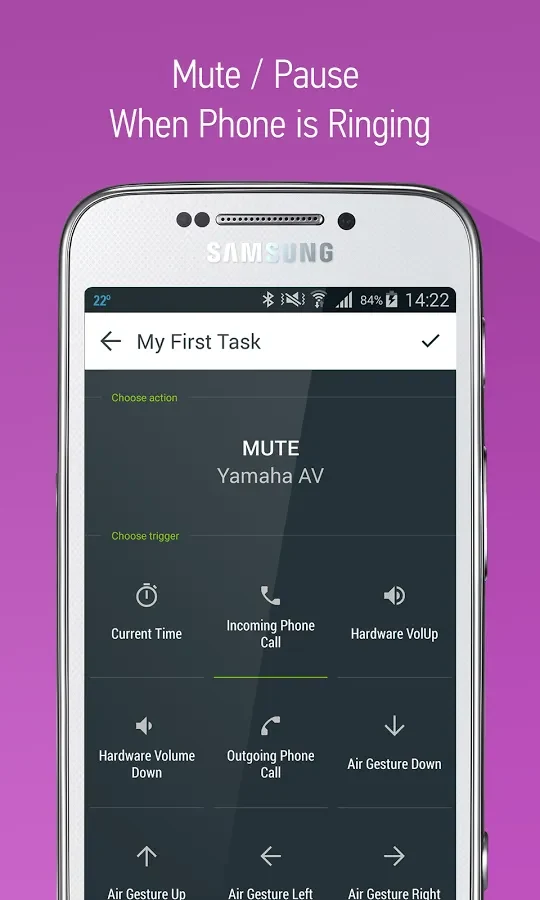
⭐ Use automated tasks to run commands without interaction; the source gives muting during a call as an example. Tasker integration is also listed.
⭐ Open floating remotes while using other apps, or use voice commands through Google Now. Air gestures are listed as an option limited to the Galaxy S4.
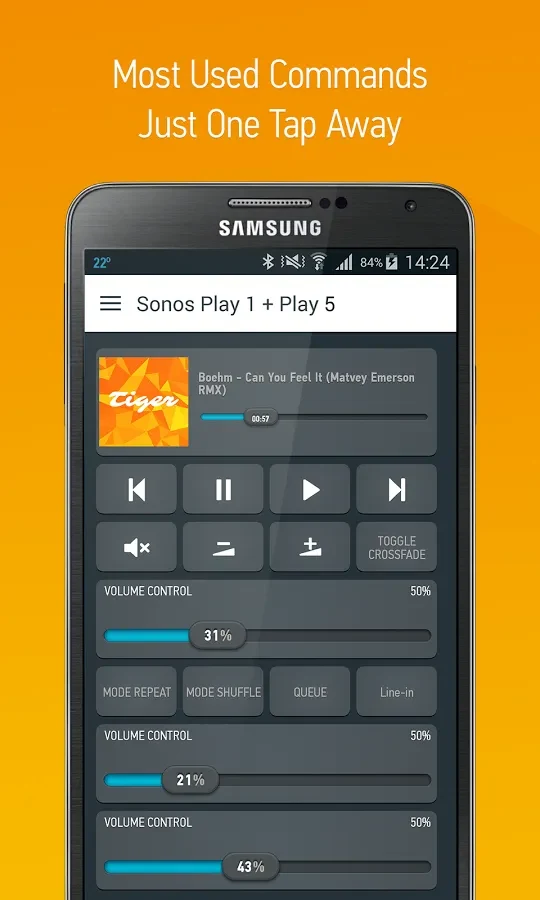
⭐ Control supported devices through Wi-Fi when available, including named brands such as Sonos, Samsung, Sharp, and Philips. The source says this can work without a phone IR blaster.
Using the App
Choose compatible devices and arrange their controls to suit how you use them. For infrared operation, the phone needs suitable IR hardware; Wi-Fi control depends on device and brand support. Macros, automated tasks, voice commands, and floating remotes provide alternate ways to access or trigger controls. The listing describes a basic version with customization and macros, while a premium upgrade adds unlimited remote configurations, advanced customer support, and backup and restore options. It also says previous Smart IR Remote product users receive PRO features.
Why It May Appeal
✅ Bringing controls for several compatible electronics into one app may reduce the need to switch between individual remotes.
✅ The adjustable layouts and one-touch macros let users shape controls around their devices and common command sequences.
Things to Consider
❎ Infrared control requires a phone with an IR blaster. Wi-Fi control is described for supported devices and brands, so it should not be assumed to work with every piece of equipment.
❎ Some listed options have specific requirements: air gestures are limited to the Galaxy S4, and unlimited remote configurations and backup and restore are identified as premium features.
Version history
View all11 Sep 2026 · stable
Frequently asked questions
Does Smart IR Remote require a phone with an IR blaster?
An IR blaster is needed for infrared control. The source also describes Wi-Fi control for supported devices and brands, which can work without an IR blaster.
Can I customize the remote controls?
Yes. The source lists rearranging buttons and changing their colors, positions, text, and icons. It also describes macros that run multiple commands with one touch.
Are all remote configurations and features included in the basic version?
The source says the basic version includes customization and macros. Unlimited remote configurations, advanced customer support, and backup and restore are listed as premium features.