

GPS Fake Location Toolkit
GPS Fake Location Toolkit lets you set a mock GPS position on a map or by coordinates, then simulate movement using routes, phone tilt, or other movement controls. It supports background operation and can run as a normal app without root when Android mock locations are enabled.
App information
- Category
- Tools
- Package name
- com.fakegps.mock
- Version
- 3.673
- File size
- 6.9 MB
- Requires
- Android 2.3.3+
Screenshots
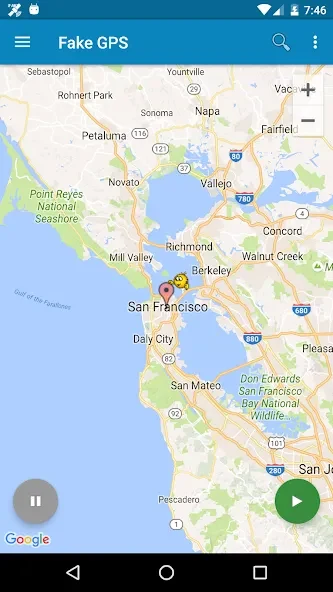
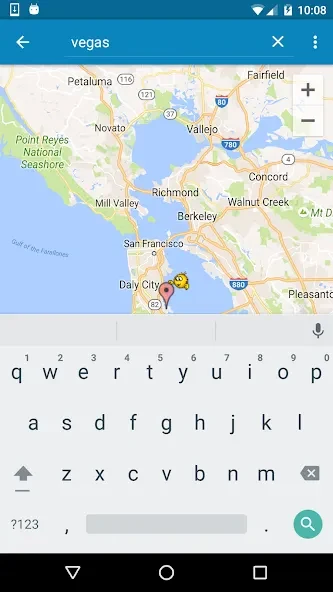
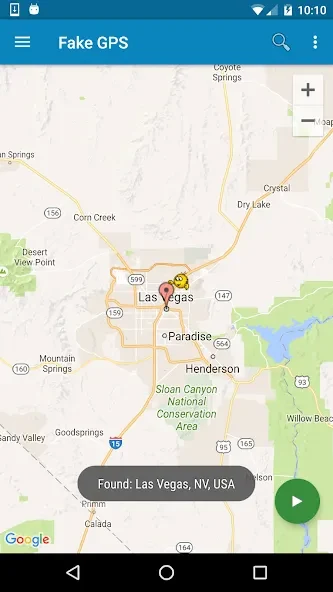
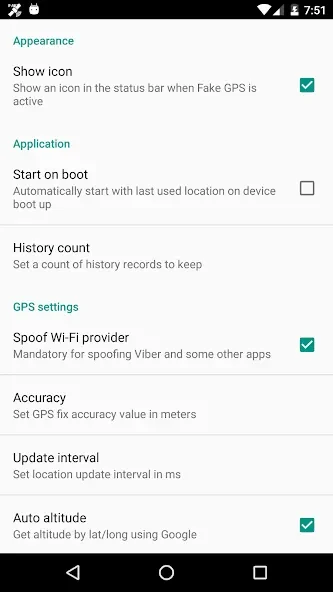
About this app
Overview
GPS Fake Location Toolkit is an Android utility for setting a mock GPS position or simulating movement between locations. You can choose a point on a map, enter GPS coordinates, or create a route to move along once or repeatedly. Its tools also include movement controlled by tilting the phone and randomized positions. A background service can continue the simulated movement while you use another app. In its normal app mode, it does not require root access, but Android’s mock-location setting must be enabled. The listed minimum requirement is Android 2.3.3.
What You Can Do
⭐ Set a location by tapping the map or entering GPS coordinates. The map lets you select a specific point, and the source recommends zooming in when precision matters.
⭐ Simulate travel with movement controls, including teleporting and movement at a chosen speed. This can represent a change in position rather than leaving the device at one fixed point.
⭐ Create routes and run them as a single trip or repeat them in a loop. This is useful when you need a location simulation to follow a planned path more than once.
⭐ Use G-sensor mode to move the simulated position by tilting your smartphone, or use the option for randomized positions.
⭐ Save and load positions and routes, and import or export them in supported file formats. Saved positions can also be reused without finding the same point on the map again.
⭐ Keep simulated movement running in the background while another application is active. The app also describes options for use as a system app or with the Xposed framework, in addition to normal operation without root.
Using the App
Start by finding the point you want on the map or entering its coordinates. Zooming in can help when choosing a precise spot. After selecting the location, activate the mock position; the device will report that location until you stop the simulation. To end it, reopen the app and use the Stop control. The source says the position is then saved automatically, making it available for reuse. For movement, select a route or another supported movement mode; background operation lets the process continue when you switch apps. Normal app use requires mock locations to be enabled in Android’s developer options.
Why It May Appeal
✅ Map selection and coordinate entry provide two ways to set a position, while start and stop controls keep the basic location-switching workflow straightforward.
✅ Route repetition, tilt-based movement, and saved positions offer alternatives to setting a single fixed point each time.
✅ The normal app mode works without root access, provided the required Android mock-location setting is enabled.
Things to Consider
❎ Mock coordinates are not accepted by every app, so the simulated position may not work as intended in some services.
❎ The source warns that using location spoofing in some games may lead to penalties. Check an app’s rules before using mock locations with it.
❎ The app depends on Android mock-location settings in its normal mode; alternative system-app or Xposed use involves additional configuration.
Version history
View all10 Sep 2026 · stable
Frequently asked questions
Does GPS Fake Location Toolkit require root access?
Its normal app mode does not require root, but mock locations must be enabled in Android’s developer options. The source also describes system-app and Xposed options.
Can it simulate a route?
Yes. Routes can be run once or repeated in a loop, and the app also provides movement controls including tilt-based movement.
Will a mock location work in every app?
No. The source notes that some apps may not accept mocked coordinates, and warns that some games may penalize location spoofing.
What is the minimum Android version listed?
The supplied information lists Android 2.3.3 or later.