

DU Battery Saver
DU Battery Saver for Android provides battery management, smart presets, and performance monitoring tools to help you keep track of power usage.
App information
- Category
- Tools
- Package name
- com.dianxinos.dxbs
- Version
- 4.9.5.1
- File size
- 14.8 MB
- Requires
- Android 2.3+
Screenshots
About this app
Overview
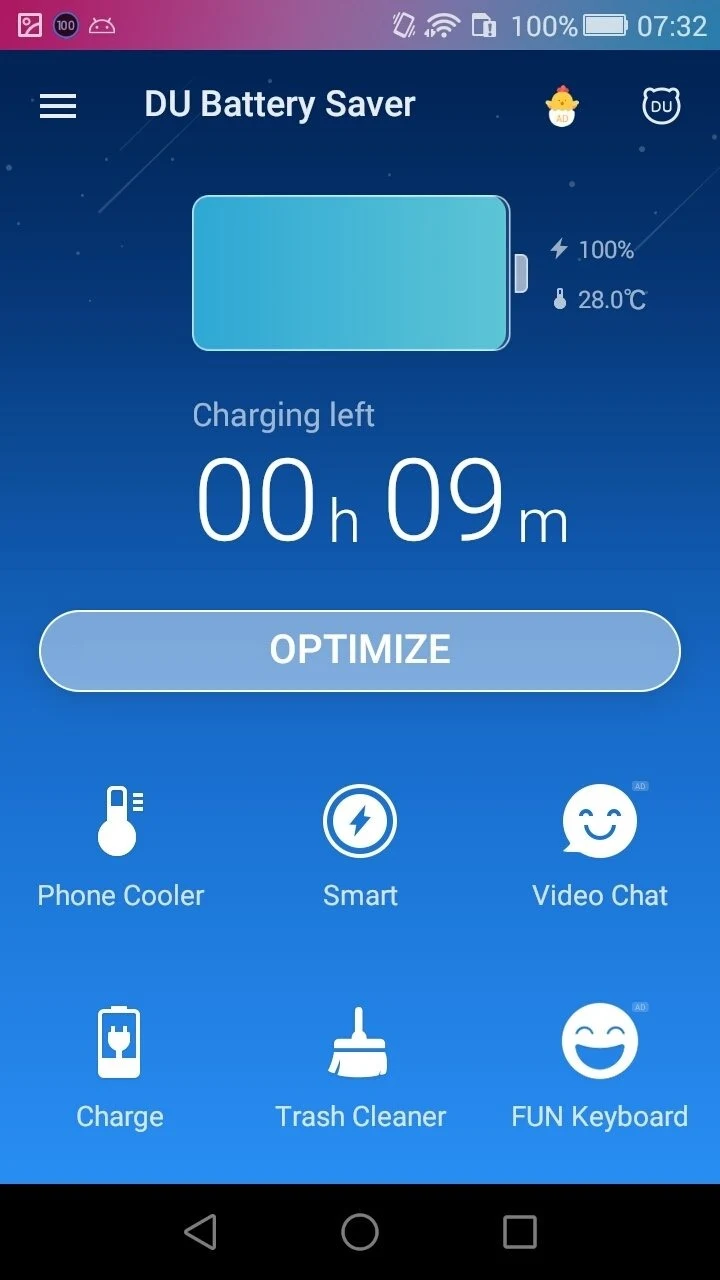
DU Battery Saver is a standard battery management tool designed to help users terminate unnecessary, power-hungry processes and extend their device's battery life. Offering a comprehensive suite of eco-friendly battery management modes and a one-tap fix option, the application helps solve various technical and related problems through a one-click optimization function. Additionally, smart battery modes ensure smooth device performance while simultaneously prolonging battery life on compatible Android systems.
What You Can Do
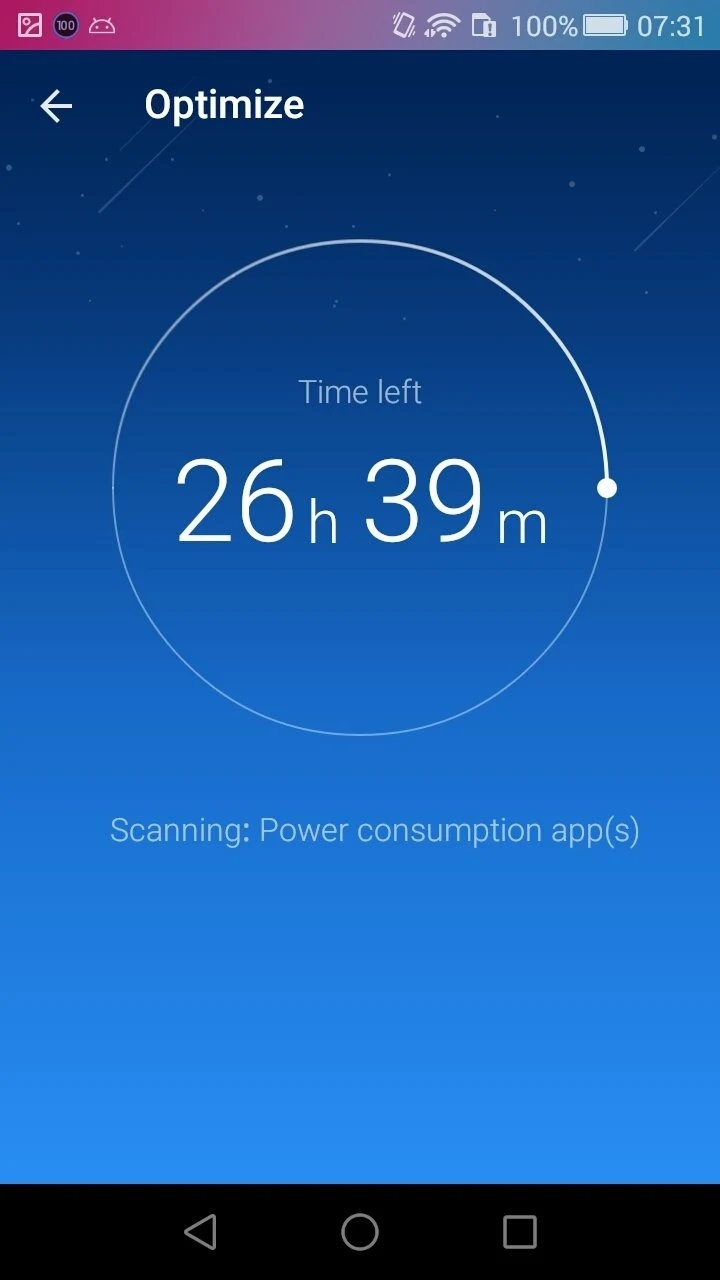
⭐ Use an optimization widget that works with a single tap to neutralize all processes that consume energy running in the background.
⭐ Configure preset smart modes to establish the perfect balance between the useful life of your battery and its performance.
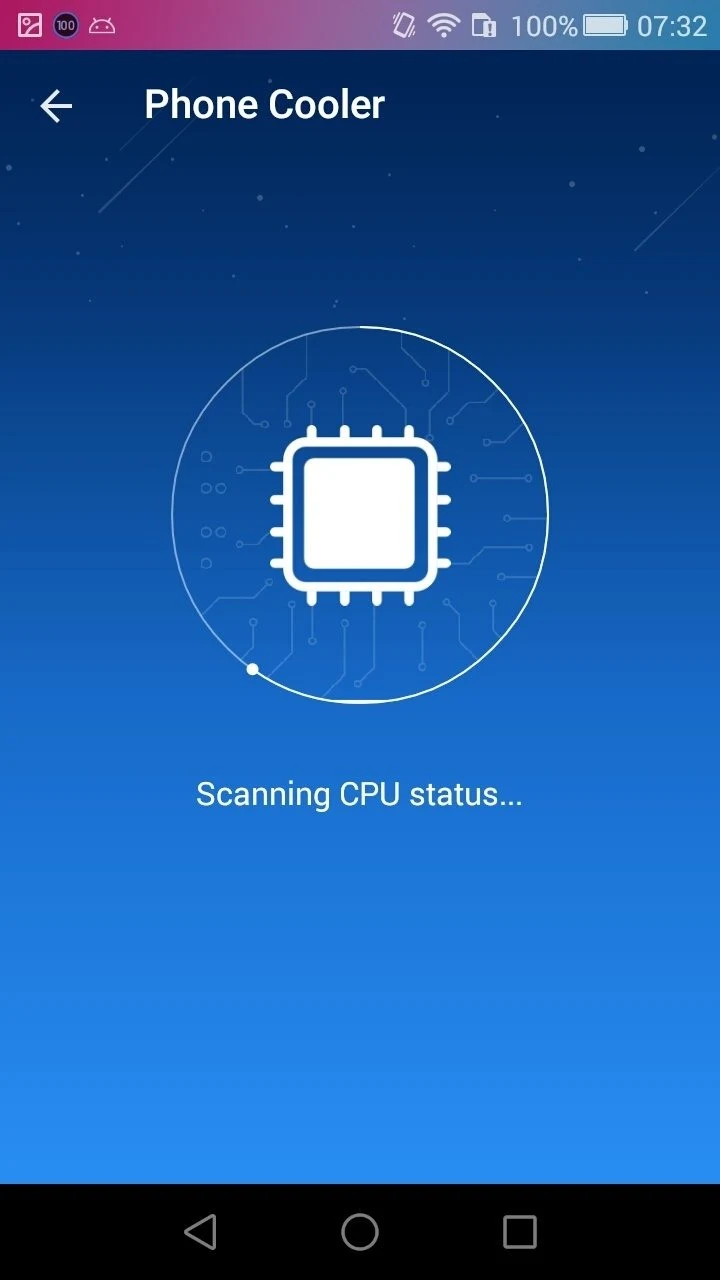
⭐ Cool down your device with a CPU temperature reduction feature that cancels power-intensive operations and processes.
⭐ Monitor and regulate consumption to keep your charge under control, identifying exactly what hinders your device's energy usage.
⭐ Clean system junk with an integrated system cleaner tool to help keep your Android device in suitable condition.
⭐ Turn specific services on or off according to your preferences to minimize battery drain using custom saver settings.
⭐ Access a Toolbox section to discover games and apps or utilize coins for content.
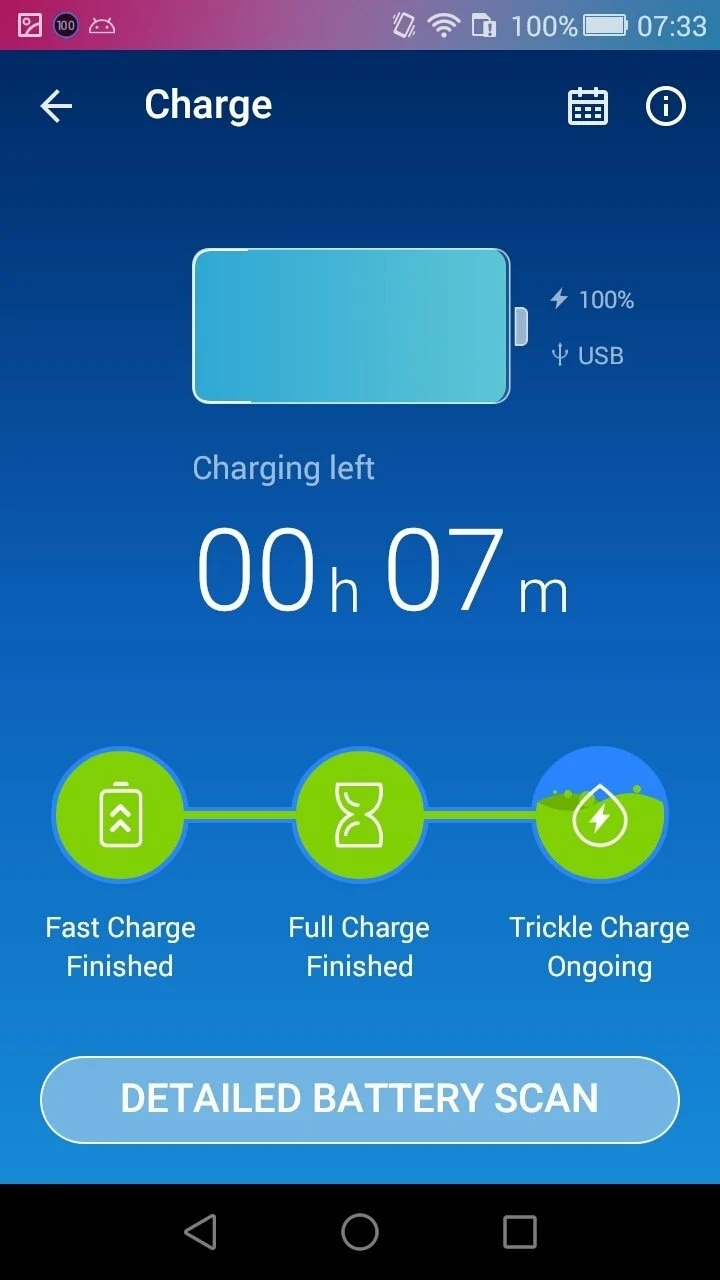
⭐ Consult charging tips, monitor remaining battery levels, view monthly charging records via a calendar icon, and inspect hardware details like CPU, Wi-Fi, radio, and screen consumption.
Using the App
The application allows you to manually manage processes or rely on preset modes to control energy drain. Users can review full battery reports that include technical data such as temperature, voltage, capacity, and power usage breakdown for specific tasks like phone calls. While recent versions of the Android operating system include built-in power-saving and background management features natively, DU Battery Saver remains particularly relevant for older devices running Android Gingerbread or earlier versions to help identify high-impact apps.
Why It May Appeal
✅ Helps extend battery life through configurable power-saving options and quick optimization buttons.
✅ Provides extensive hardware and usage reports for thorough visibility into power consumption.
✅ Offers flexibility through both automated preset modes and manual process management.
Things to Consider
❎ Native power-saving features included in newer Android OS versions may render the app's primary functions redundant for modern devices.
❎ The tool does not perform miracles on older hardware, though it helps isolate apps that dramatically impact battery life.
Version history
View all11 Sep 2026 · stable