

vClock
vClock provides a widget that lets users set alarms with multiple date formats and languages while adapting to various backgrounds without ads.
App information
- Category
- Tools
- Package name
- hk.zst.vClock
- Version
- 1.4
- File size
- 112 KB
- Requires
- Android Votes:144
Screenshots
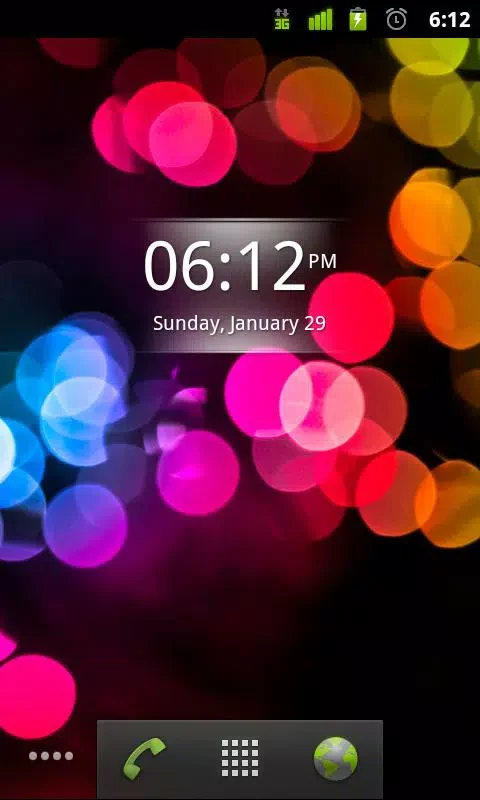
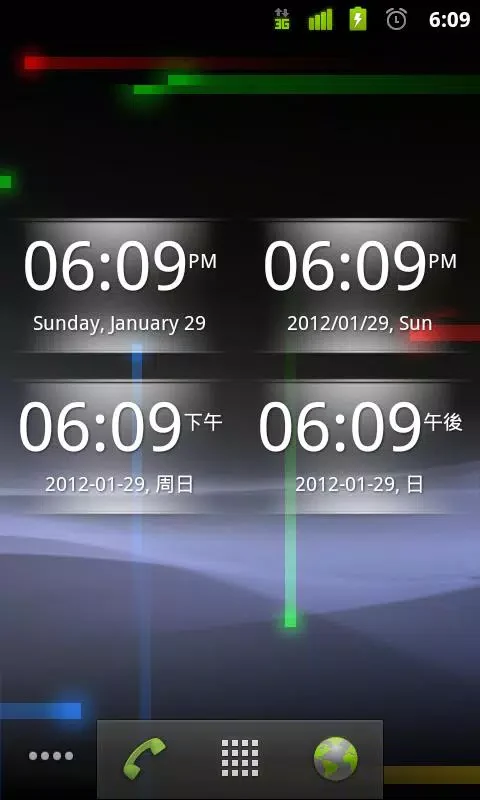
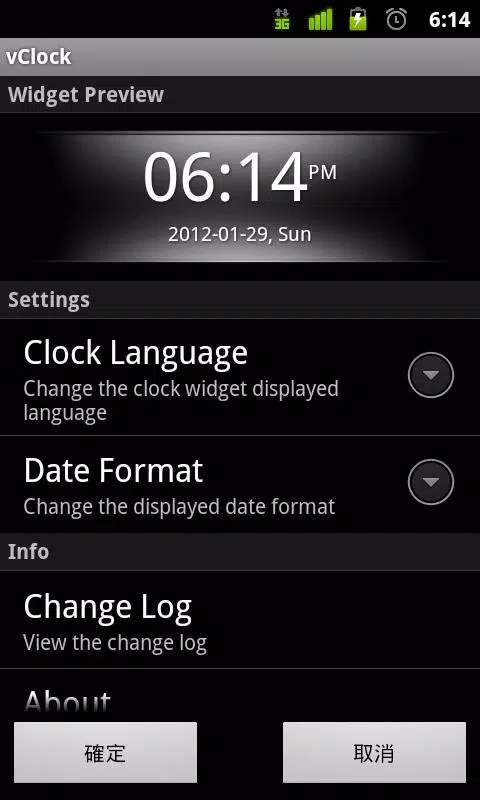
About this app
vClock is a timer widget tool inspired by the Digital Clock program inside Sony Ericsson Android phones. It lets users set multiple date formats for alarms and select from multiple clock languages to create a more personalized clock experience. The widget is designed for quick interaction: tapping it opens the alarm settings interface to choose the desired time, and tapping again restores the clock if it was turned off. The tool adapts to most background colors and contains no ads. It runs on Android 2.1 or later and requires a small installation package of 112.3 KB. Updates have addressed compatibility issues on certain Samsung and Sony devices while adding larger widget options.
How does tapping the widget control alarms and the clock display?
Tapping the widget directly loads the alarm clock settings page so users can set the desired alarm time without navigating through separate menus. A second tap on the widget restores the clock view if the alarm display was previously turned off, providing a fast way to switch between the clock and settings.
What display options does vClock support for personalization?
The app allows selection of multiple date formats for alarms along with multiple clock languages. These choices help users match the widget appearance to personal preferences while the widget itself adapts automatically to most background colors on the home screen.
Which widget sizes and updates are available?
Version 1.4 added a 4x2 size widget along with bug fixes. Earlier updates corrected problems that prevented the alarm settings page from opening on some Samsung and Sony phones and resolved potential crashes when the settings page could not be located.
Does vClock include advertisements?
The app is listed with no ads, so users see only the clock widget and alarm functions without promotional interruptions.
Version history
View all27 May 2026 · stable