

RevHeadz Engine Sounds
RevHeadz Engine Sounds is an interactive engine sound simulator designed for racing and car enthusiasts. It replicates classic vehicles, sports bikes, and supercars using precise mechanical physical parameters.
App information
- Category
- Video Players & Editors
- Package name
- au.com.revheadz.revheadz
- Version
- 1.38
- File size
- 205.2 MB
- Requires
- Android Votes:294
Screenshots
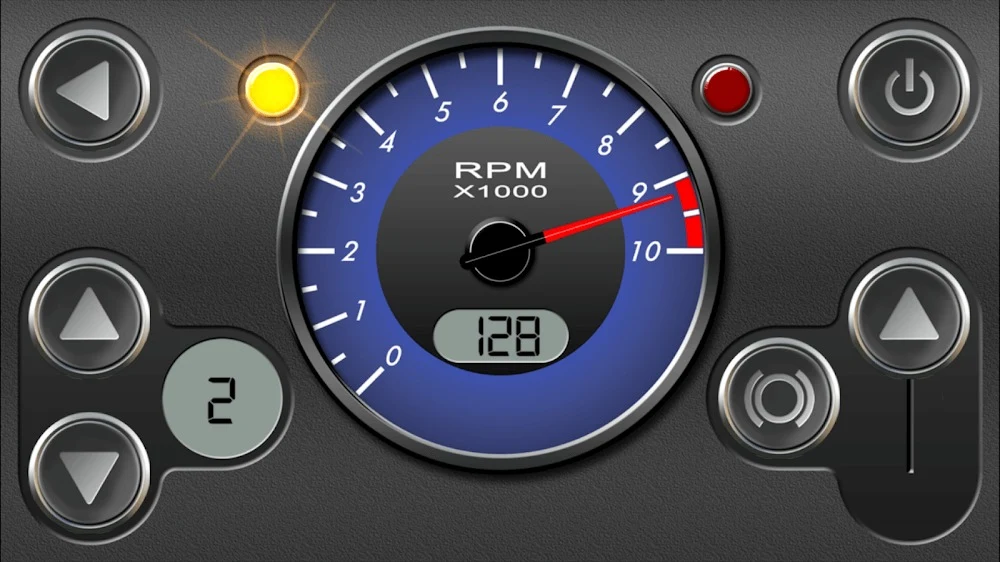
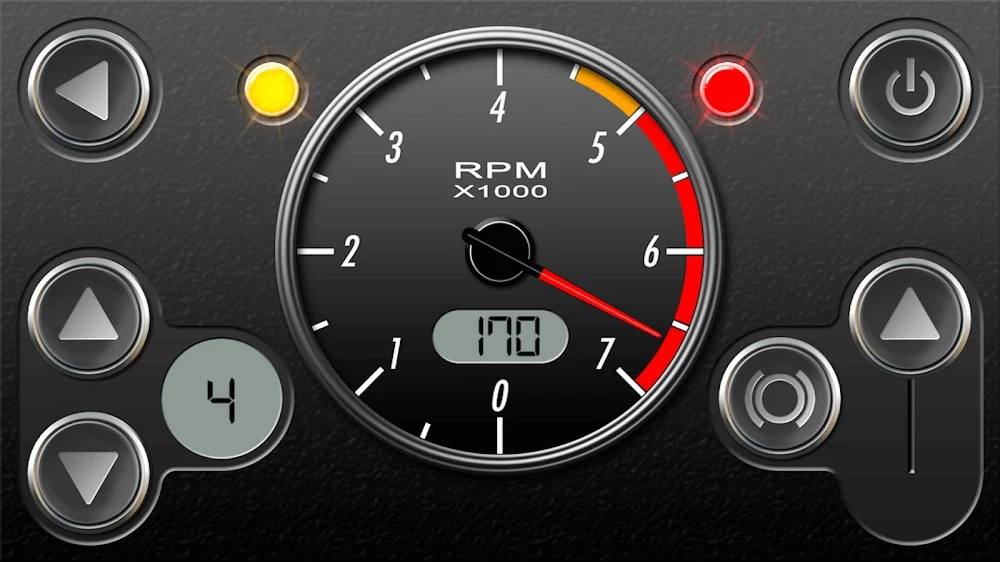
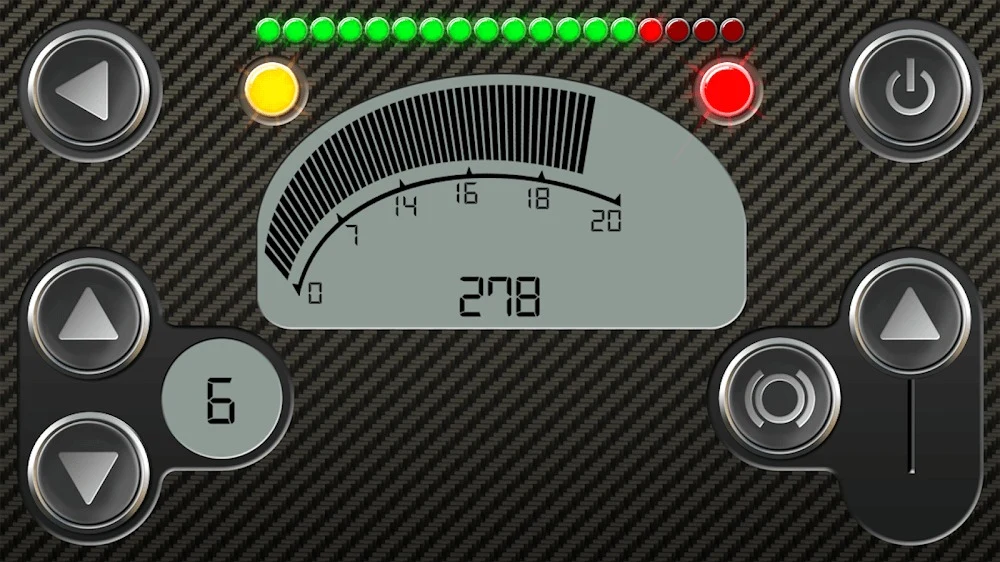
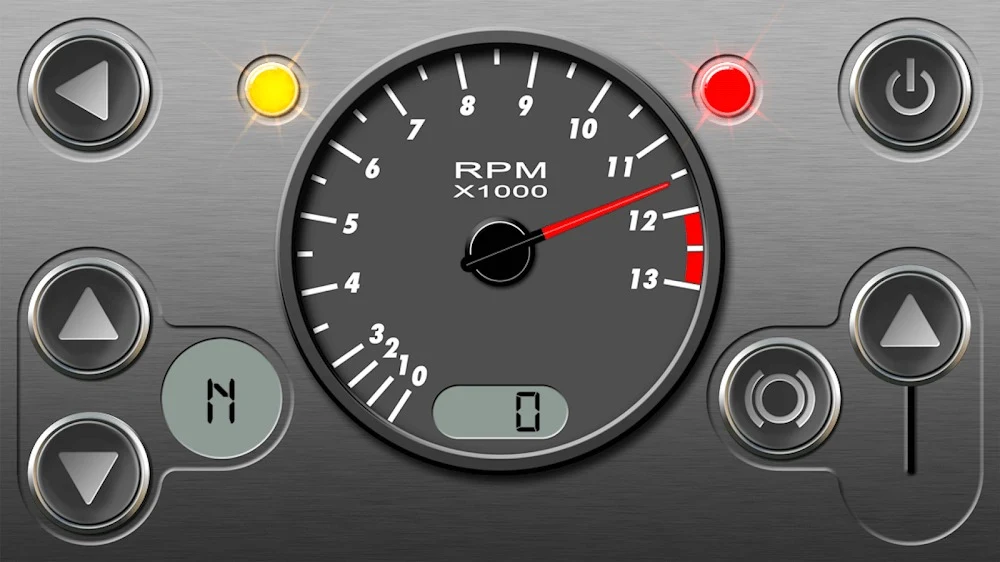
About this app
Overview
RevHeadz Engine Sounds is a specialized engine sound effects software built for car and motorcycle enthusiasts who want to experience authentic automotive audio on their mobile devices. By accurately simulating the engine sounds of various classic vehicles, modern GT cars, and historic Grand Prix winners, the application delivers a hands-on auditory experience. Users can quickly locate their favorite vehicle profiles via a built-in search function or organize choices through categorized upgrade packs. Whether exploring a free selection of iconic engines or connecting to external audio gear, the software provides an immersive tool for anyone passionate about vehicle mechanics and roaring exhaust notes.
What You Can Do
⭐ Experience a realistic engine sound simulator featuring dozens of true-to-life car and bike engines, each crafted with accurate revs, acceleration profiles, gear changes, and intricate mechanical nuances.
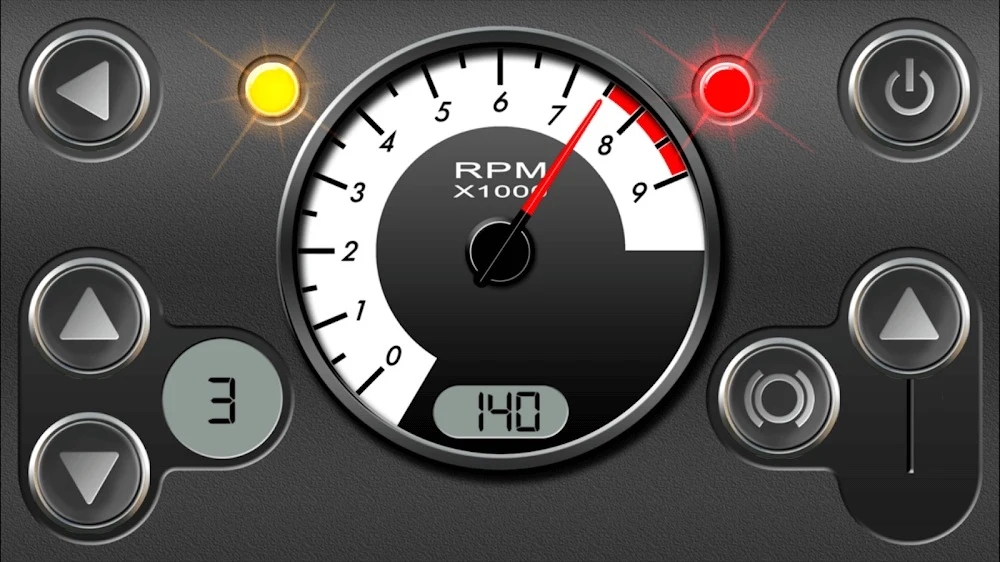
⭐ Take charge with interactive on-screen controls that put you directly in the driver's seat. Use simple dashboard dials and buttons for gear-shifting, braking, and throttling to control speed and sound dynamically.
⭐ Sync the software to a compatible OBD-II vehicle using an OBD Wi-Fi or Bluetooth adapter. This integration maps your real car's RPM and speed data so the audio tracks your actual drive.
⭐ Browse and explore easy upgrade packs organized by category, covering themed options from street tuners and choppers to rally machines, modern GT cars, and classic muscle cars.
⭐ Watch visual gauges like tachometers and speedometers jump and flicker in real time, moving in strict sync with your engine revs to boost the overall immersion.
⭐ Connect your device to various smart audio systems, home speakers, or car stereos for convenient remote control, delivering a powerful room-filling sound with enhanced low-end presence.
Using the App
The application relies on sophisticated sonic modeling mapped to real mechanical parameters for a lifelike response. The underlying audio engine references a speedometer, tachometer, drive ratios, engine load, and backfire logic to ensure audio transitions feel connected to true engine behavior. Users can shape the sound directly through short throttle blips, steady cruising, or strategic downshifts. Furthermore, the software provides a 'Restore Purchases' option, allowing users to conveniently retrieve previously acquired engine sound packs across reinstallations or devices.
Why It May Appeal
✅ Delivers highly accurate sonic modeling that incorporates real-world mechanical physical parameters like backfire logic, engine load, and variable drive ratios.
✅ Offers unique OBD-II communication support that lets drivers experience live engine sound simulation while operating a real-world compliant vehicle.
✅ Provides optimized audio output designed to integrate seamlessly with external car or home sound systems for meetups, show demonstrations, or garage work.
Things to Consider
❎ Connecting the OBD-II feature requires specific hardware, including a certified OBD-II Wi-Fi or Bluetooth adapter and a compatible vehicle reporting proper RPM or speed data.
❎ Some users have noted limitations in the existing vehicle selection or expressed a desire for additional specialized sound modes, such as dedicated flyby audio or advanced turbo boost variations.
Version history
View all11 Aug 2026 · stable
Frequently asked questions
Does RevHeadz Engine Sounds incorporate real-world mechanical physical parameters?
Yes, it incorporates sonic models based on real-world mechanical parameters including a speedometer, tachometer, accelerator, brake, drive ratios, engine load, gear-shifts, and backfire logic.
How do you use the OBD-II feature?
The OBD-II feature requires an OBD-II compliant vehicle that reports RPM or speed data, along with a certified ELM or OBD-II Wi-Fi/Bluetooth adapter to sync the application with your actual drive.
What engine sounds are included in the free pack?
The free pack features a 6.0L V12 Italian Supercar, 1000cc V4 Japanese Sports Bike, 4.7L V8 American Classic Muscle Car, 1.3L RX Rotary, 100cc Chainsaw, 1800cc V-Twin Cruiser, NIS 350Z V8 Super GT, AM V12 GT3, and FER 458 GT3.
Can I control gear changes and acceleration manually?
Yes, the app provides interactive on-screen controls that allow you to manipulate gear-shifts, brakes, and accelerator speed directly during simulation.
What is the purpose of the 'Restore Purchases' option?
It allows you to retrieve previously purchased engine sound packs, ensuring continuous access to your owned content across devices or after reinstalling the software.