

photopea
Photopea supplies Android users with tools for handling PSD and other design files along with templates to support editing tasks.
App information
- Category
- Photography
- Package name
- com.wphotopia_9508791
- Version
- 1.0
- File size
- 13.5 MB
- Requires
- Android Votes:587
Screenshots
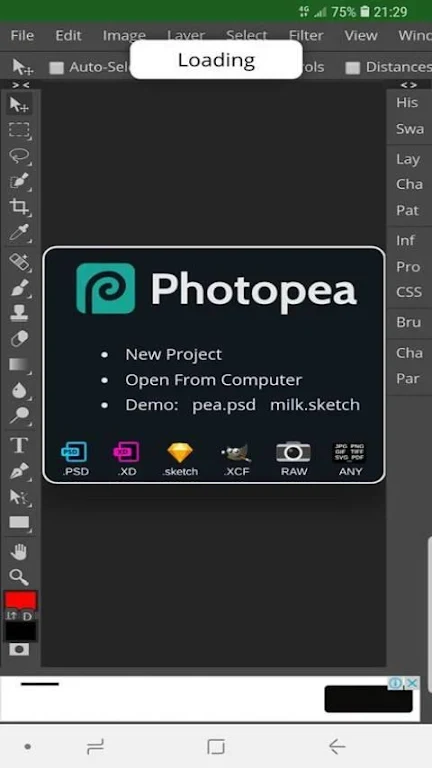
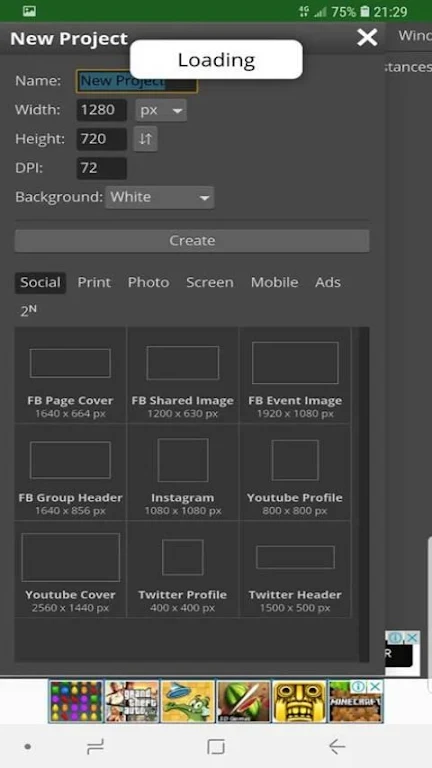
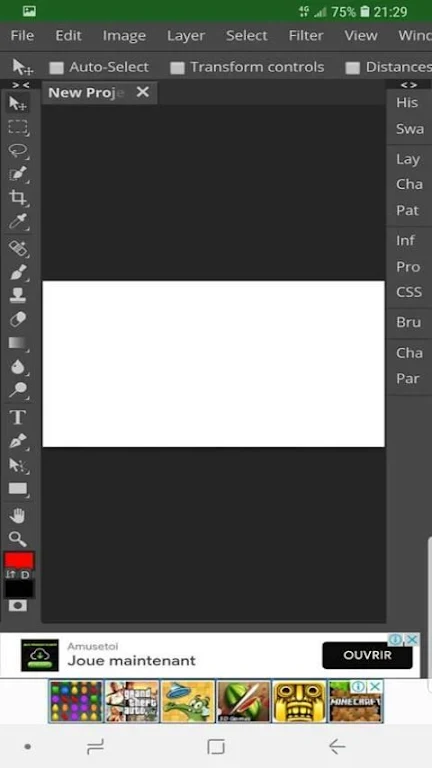
About this app
Photopea enables Android users to carry out detailed image editing tasks on their devices by supporting professional file formats and providing access to numerous tools. Photographers and designers can import projects from multiple sources and apply adjustments without switching to desktop applications, which supports continued work during travel or in locations without computer access. The inclusion of templates further reduces setup time for repeated project types.
Supported File Formats and Import Methods
The application works with PSD, XCF, Sketch, XD, and CDR files. Users can bring in content from local storage or cloud services such as Dropbox, OneDrive, and Google Drive, allowing direct continuation of existing projects across different storage locations.
Editing Tools and Layer Capabilities
More than sixty tools are available, ranging from basic cropping and brushes to advanced options including spot healing, clone stamp, patch tool, layers, layer masks, channels, selections, paths, smart objects, and filters. These functions operate together to support bitmap editing, vector elements, and format conversion within the same session.
Template Resources for Common Projects
Hundreds of PSD templates are included to let users begin work on standard designs without creating layouts from scratch. This collection pairs with the layer and filter tools to speed up typical illustration or web design steps.
Performance and Learning Considerations
Operation can slow during intensive tasks, and the interface presents a steep learning curve for those unfamiliar with similar desktop editors. These factors may affect users seeking quick results on lower-powered devices.
Version history
View all29 May 2026 · stable