
ntDown
ntDown transfers files and selected phone data through download links or local connections. It supports contacts, photos, videos, calendars, reminders, applications, and other files, with a settings area for reviewing and deleting transferred content.
App information
- Category
- Tools
- Package name
- link.ntdev.ntdw
- Version
- 1.0.6
- File size
- 19.8 MB
- Requires
- Android Votes:440
Screenshots
About this app
ntDown is a file transfer application for importing content from links and moving data between devices over the same Wi-Fi network. It addresses the task of sending files, applications, and selected personal data from one device to another, including transfers to Android TV. Users can handle contacts, photos, videos, music, calendars, reminders, APK files, and miscellaneous documents. A clear benefit is having several transfer types in one tool, while the settings tab provides access to transferred items so unwanted files can be removed when they are no longer needed.
How can you import a file or app from a link?
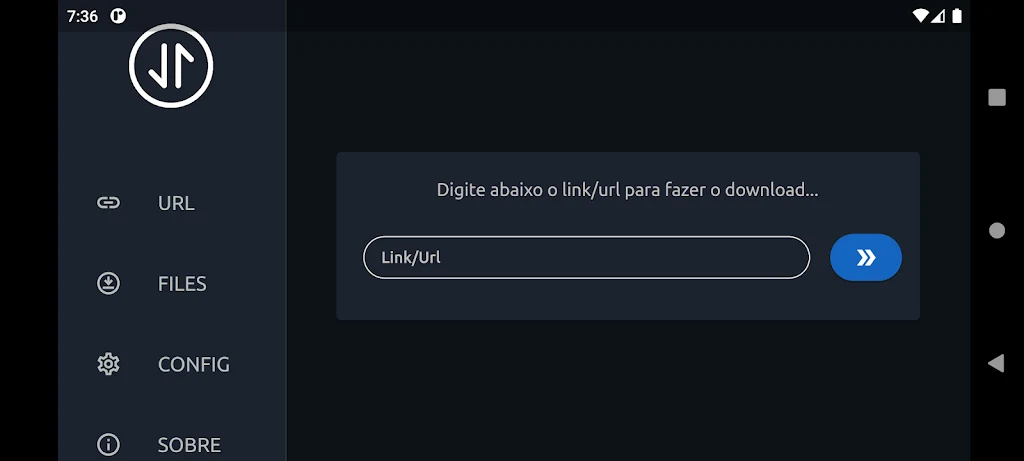
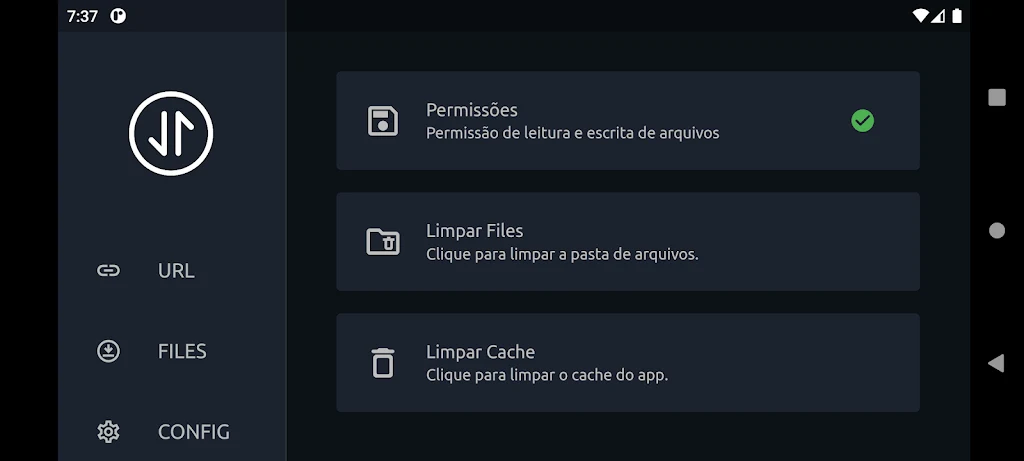
Open ntDown, grant the requested permissions such as storage access, and paste the URL for the content you want to obtain. Confirm the import and wait for it to finish, then look for the saved file or data in the relevant folder or application.
When importing an APK, check its source and applicable policies before installation. Android may also require you to allow app installations from unknown sources in the device settings before following the installation prompts.
How does local transfer between devices work?
Install ntDown on both devices and connect them to the same Wi-Fi network. Alternatively, enable a hotspot on one device. Start the transfer on the sending device, then confirm and save the incoming content on the receiving device.
On Android TV, use the remote control to navigate through ntDown and confirm the operation on screen. The app can transfer multimedia content such as photos, videos, and music, as well as contacts between smartphones.
Which types of data can ntDown transfer?
Supported transfer categories include contacts, photos, videos, calendars, reminders, applications, and miscellaneous files. This makes it suitable for moving both personal information and general documents, rather than limiting transfers to one file type.
Where can you manage transferred items?
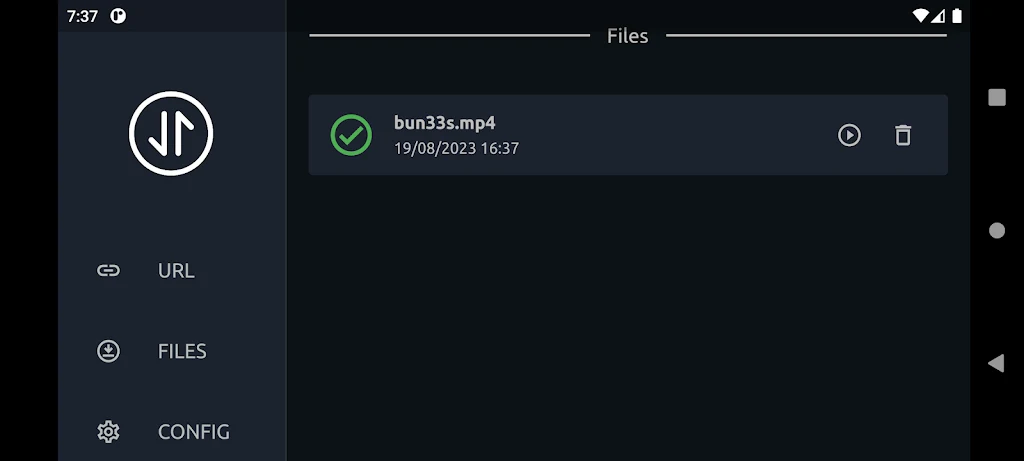
Transferred content can be accessed through the settings tab. After an import or local transfer, you can review the items, organize documents into folders, check photos and videos, and verify contacts or calendar entries as needed.
The same list also lets you delete files that are unwanted or no longer required. Removing those items can free space on the Android device. ntDown may therefore be useful for people moving mixed content between phones or sending files to a compatible TV while retaining access to transferred items afterward.
Version history
View all02 Jun 2026 · stable