

The Sims 4 Gallery
The Sims 4 Gallery helps players discover community creations, save favorites for their next play session, and follow creators. Search filters, social tools, and news bring content discovery and community activity together.
App information
- Category
- Action
- Package name
- com.ea.gp.thesims4companion
- Version
- 1.2.1
- File size
- 33.7 MB
- Requires
- Android Votes:455
Screenshots
About this app
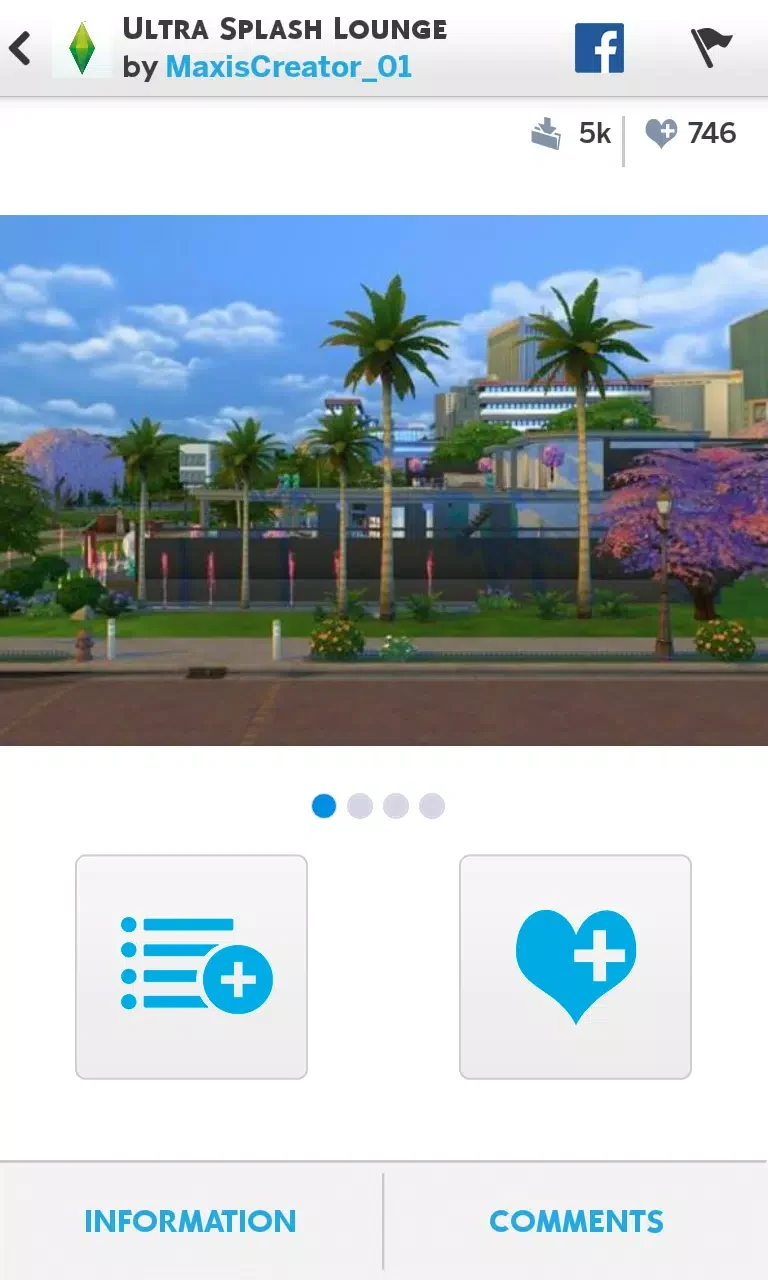
The Sims 4 Gallery helps players find community-made creations and save them for use in The Sims 4. Its collection covers characters, buildings, terrain, and items, giving players a way to furnish a project, find a household, or gather ideas for their own creations. Search and category filters narrow the selection, while creator follows and update notifications help users keep track of work they enjoy. The app also connects discovery with community activity through likes, comments, sharing, and a news area.
Finding households, builds, and other creations
The Gallery tab brings together community work. Its initial view highlights creations favorited during the past week rather than separating everything by item type. Players can then filter by time, content type, and likes, or search for a particular creation. These controls support both open-ended browsing for inspiration and more targeted searches for something to add to a game.
Saving content and using My Library
My Library holds a player's own creations alongside downloaded content. Favorites can be saved for automatic download into The Sims 4 the next time the player plays, connecting browsing with a later game session. The library is also the place from which saved creations can be selected and added to the game.
The supplied instructions distinguish the in-game placement process from browsing the app. Within The Sims 4, players can open the Gallery with F4 or the Gallery button in the upper-right corner. To add Sims, they open the Gallery from Create-A-Sim, choose the Households category, select a household, and save it to My Library. From there, the Place Household control adds the chosen household.
Rooms and lots follow a similar route through Build Mode. Players open the Gallery, choose Rooms or Lots, and save their selection to My Library before using Place Room or Place Lot. These keyboard and game-mode steps describe controls inside The Sims 4, not Android navigation.
Following creators and managing a profile
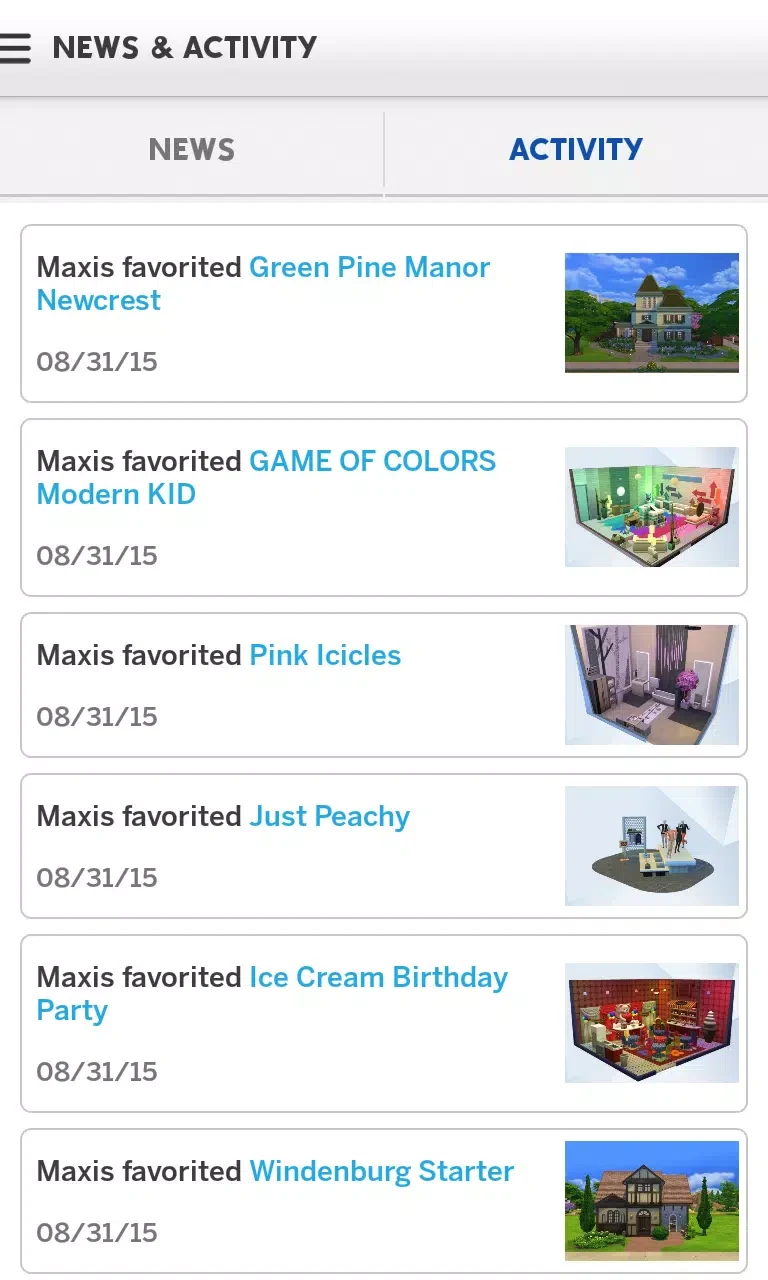
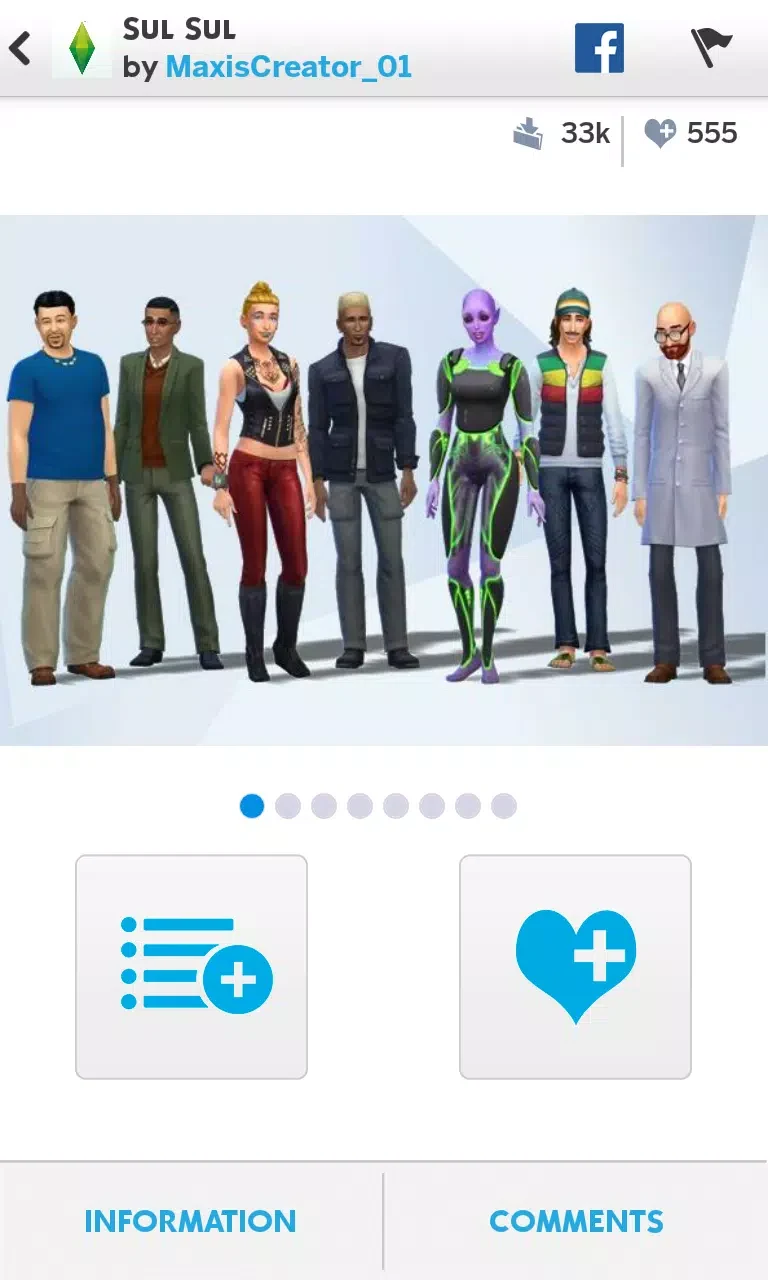
Players can follow creators, like or comment on their work, and share creations with friends. Notifications when followed creators update their work provide a way to return to new content without repeating a search. Statistics are available for shared creations and followers.
The account-named User Homepage gathers friends, followers, followed accounts, and comments left on the player's page. Players can also choose uploads to showcase there, bringing their own work and community connections into one profile area.
News alongside community activity
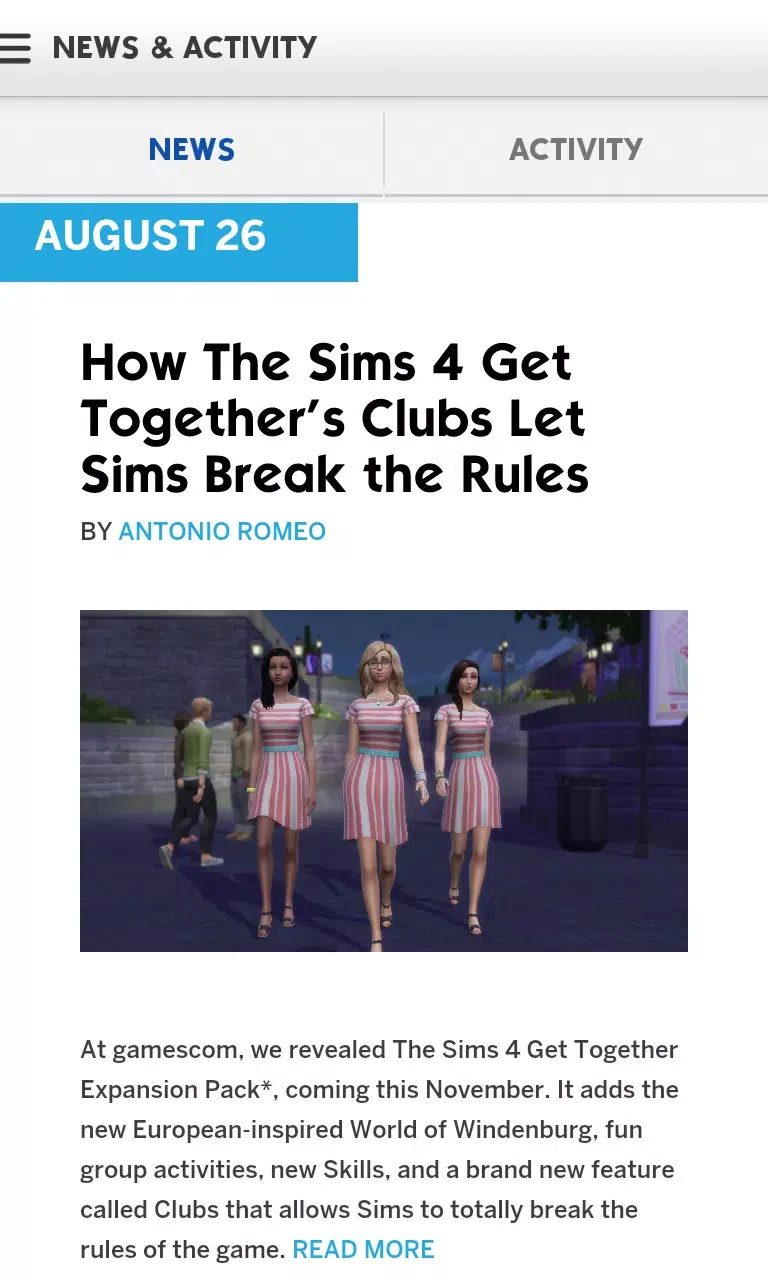
The News tab combines relevant announcements with popular content and items friends have liked. News Alerts flag announcements, while news from TheSims.com provides information about the game and its planned direction. This gives players another route to discovering creations, guided by community activity rather than search filters alone.
Viewing Spark'd Challenges
A separate Spark'd Challenges tab provides information about the current challenge and lets players vote on other participants' entries. It offers a focused way to explore community work connected to a shared challenge, alongside the broader browsing available in the Gallery.
Version history
View all30 Jul 2026 · stable
Frequently asked questions
Can saved creations download into The Sims 4 automatically?
Yes. Favorite creations can be saved to download automatically into The Sims 4 the next time you play.
What is stored in My Library?
My Library contains your own creations and downloaded content. In The Sims 4, you can select saved content there and use the relevant placement control to add it to the game.
Can I follow creators and interact with their work?
You can follow creators, receive notifications when they update their work, and like, comment on, or share community creations.
What does the Spark'd Challenges tab offer?
It shows information about the current Spark'd challenge and lets players vote on other players' entries.