

Team Fortress 2 Mobile
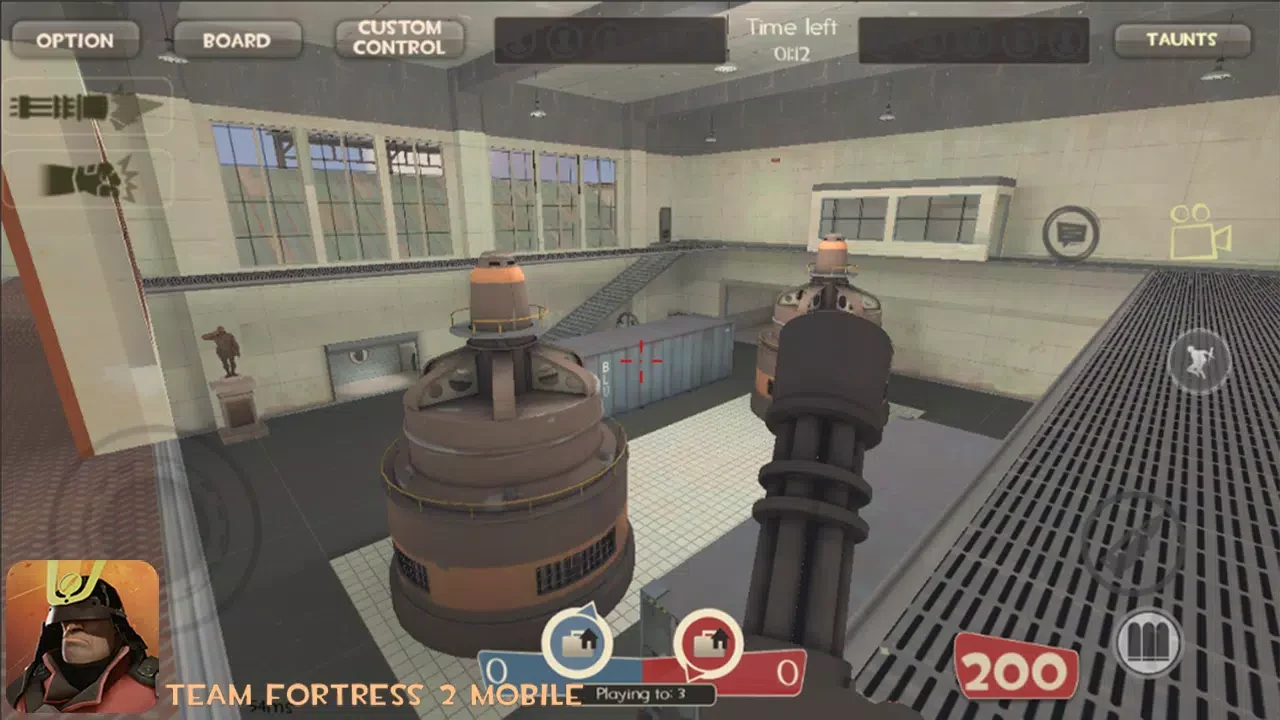
Team Fortress 2 Mobile is an action game built around class-based team combat, online modes, and an offline practice option. Players choose from nine classes, select weapons and equipment, use touch controls across 3D maps, and compete in objectives such as Capture the Flag and Control Point.
App information
- Category
- Action
- Package name
- com.stoneagegames.teamfortress2new
- Version
- 2.3.2
- File size
- 613.4 MB
- Requires
- Android Votes:251
Screenshots
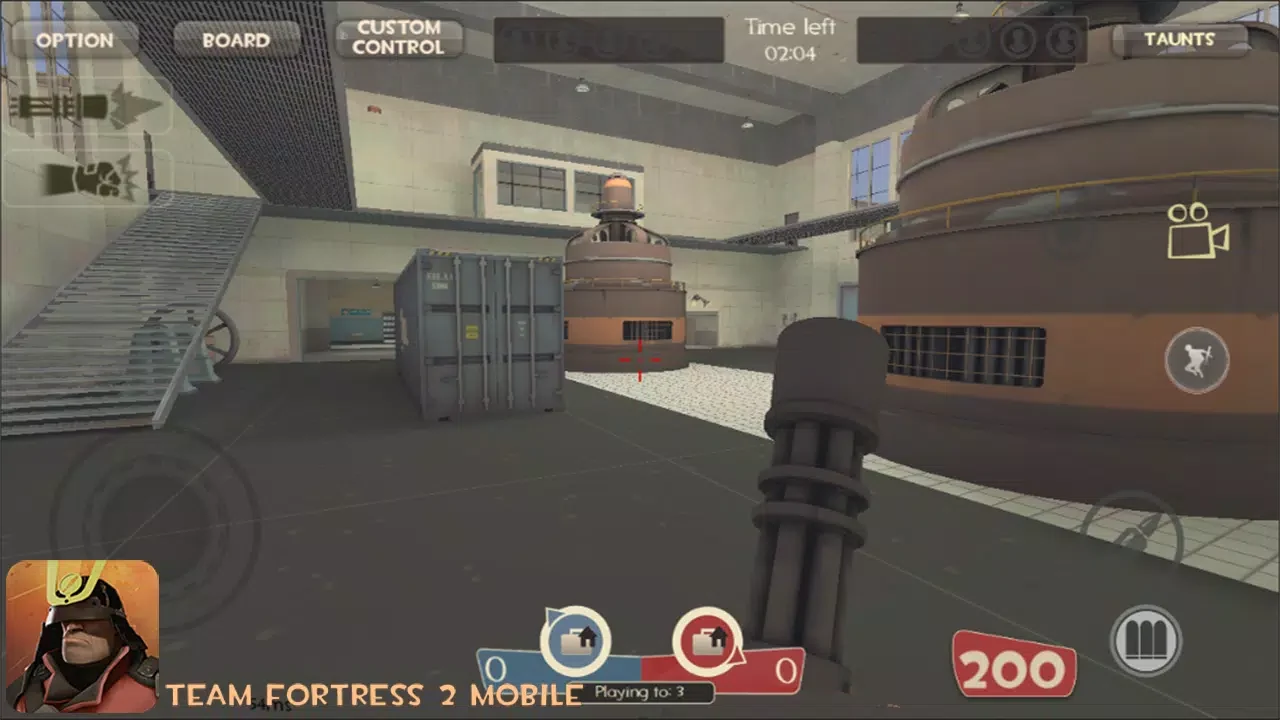
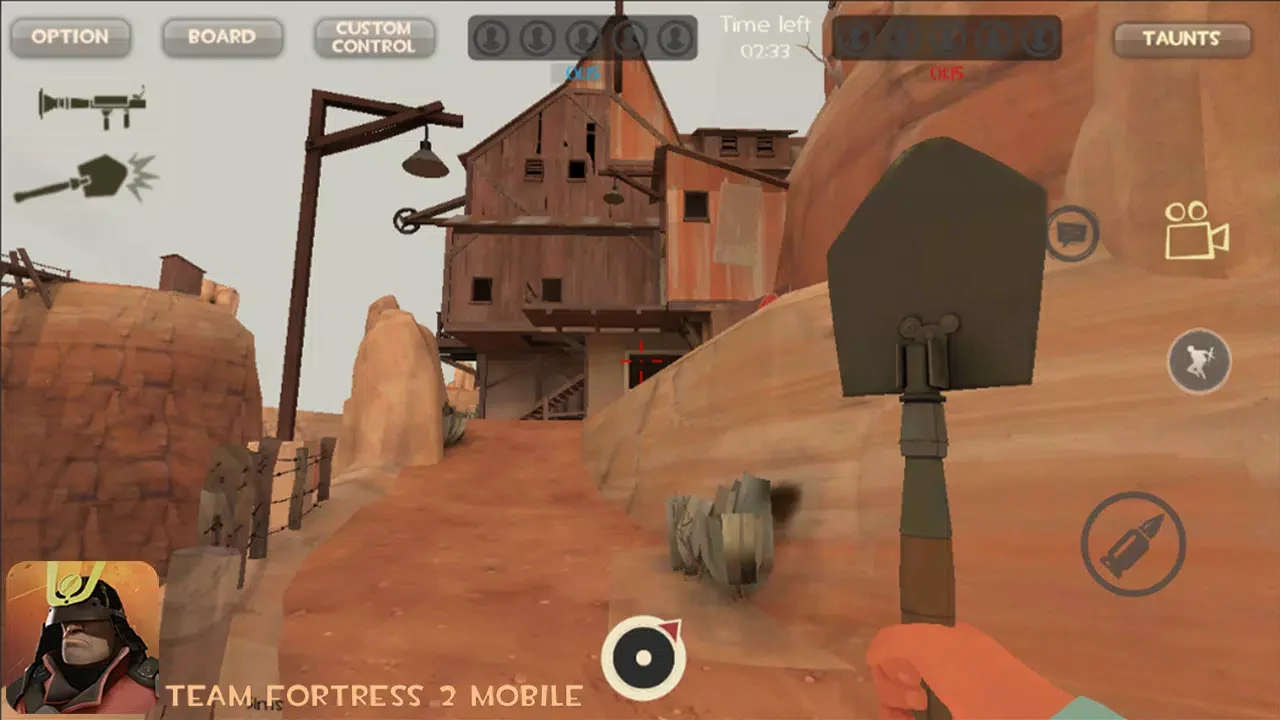
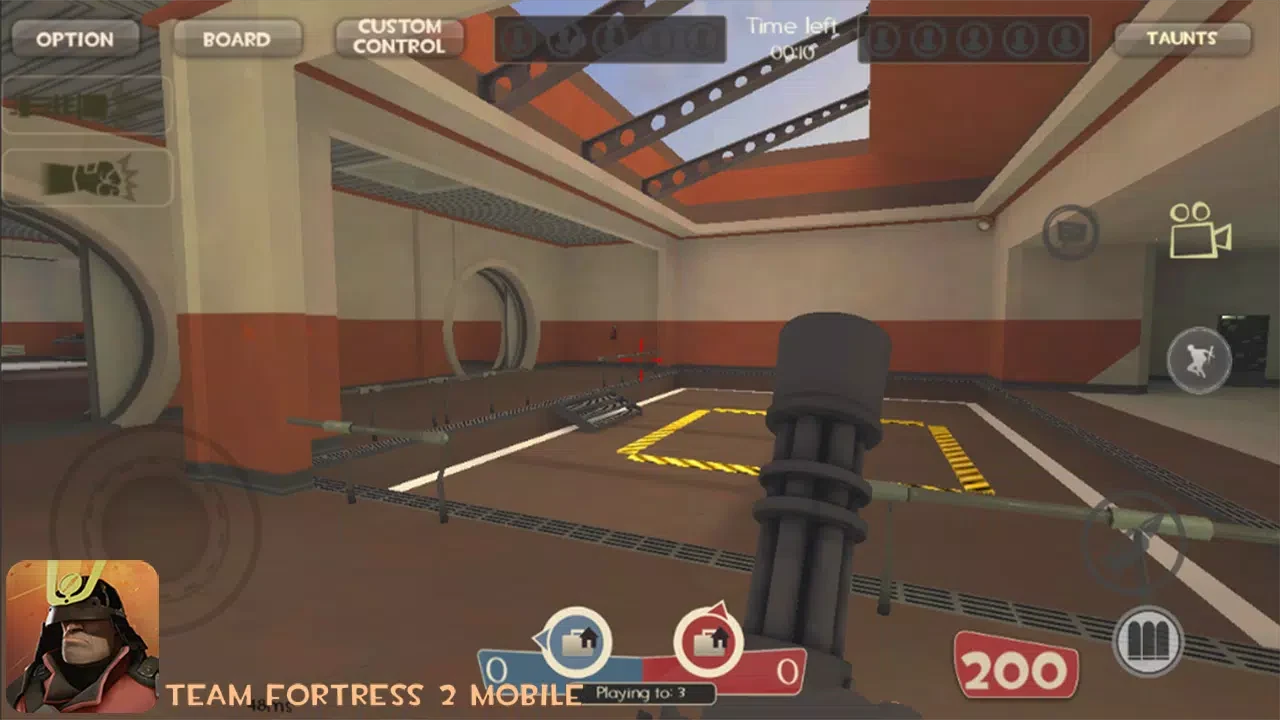
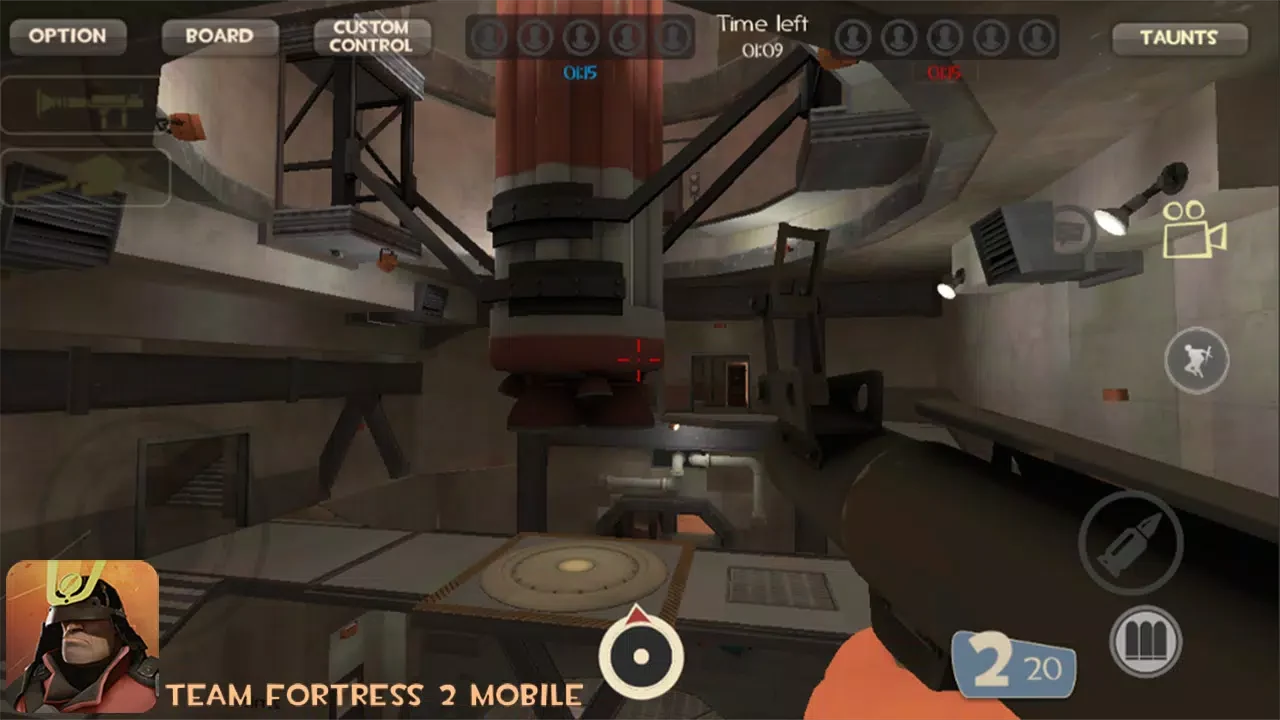
About this app
What is the main objective in Team Fortress 2 Mobile?
Team Fortress 2 Mobile centers on team-based action in which two sides compete across objective-focused matches. The source lists Capture the Flag, Control Point, Arena, and Payload among the available modes. Each mode presents its own rules and goals, so players need to adjust their approach to the current objective rather than rely on one fixed style of play.
Matches use a visible timer, while the scoreboard tracks the changing momentum of a round. The description also mentions revive items appearing on maps, giving players another factor to consider during a fight. The overall design emphasizes coordinated pushes, defending important areas, and reacting when the opposing team changes its position.
Which classes can players choose?
The game provides nine classes, with class selection shaping the way each player contributes to a team. The supplied description identifies the Scout, Heavy, Spy, Soldier, Medic, Pyro, Demoman, and other class roles as distinct options with different abilities and playstyles. A Scout is presented as agile, the Heavy as focused on strong firepower, and the Spy as a stealth-oriented choice.
Other examples describe the Medic as supporting teammates, the Soldier as applying steady damage while pushing lanes, and the Spy as flanking or disrupting opponents. These roles give players different ways to approach the same map. A player who prefers direct attacks can select a heavier combat role, while someone who favors support, stealth, mobility, or area control can choose a class that reflects that preference.
How do the touch controls work?
Team Fortress 2 Mobile uses touch controls for shooting and camera movement. Tapping the Shoot button fires the selected weapon, while swiping changes the camera angle and viewing distance. Pulling the view back can help show more than one lane at a time, while a closer view can be useful in tighter corridors where keeping sight of an opponent matters.
Before a round, players choose weapons that fit their selected class and intended plan. The source gives the Soldier as an example of a class that can hold a central position with dependable fire, while a Spy can select equipment suited to sneaking and burst damage. The control system is therefore linked to both loadout decisions and positioning on the map.
What weapons and equipment are available?
The description says that players can choose from hundreds of weapons and equipment options. Loadouts are selected before a round and are meant to complement the class being used. The source specifically discusses the Demoman's Sticky Bomb Launchers, including the Scottish Resistance, which can place up to 14 bombs but detonates more slowly than other launchers.
Sticky bombs can be positioned around entrances or near a capture point to prepare an area for an approaching enemy. The source notes that opponents can destroy or move these explosives, so they are not a permanent barrier. It also distinguishes between using the Scottish Resistance for defensive placement and using other Sticky Bomb Launchers when quicker explosive damage is more important.
What maps and environments are included?
Matches take place on 3D maps with different layouts and tactical possibilities. The source refers to urban, desert, and forest environments and names Dustbowl, 2Fort, Sawmill, and Harvest. The map layout affects routes, cover, sight lines, and the ways classes can approach an objective.
The tips section specifically refers to five maps available for training and recommends learning their cover positions, shortcuts, and routes before entering a competitive match. Sawmill is described as having large saw blades that a Pyro can use with an air blast, while Harvest includes a roof opening that Soldiers and Demomen can use for explosive jumps. These examples show how environmental details can influence movement and attacks.
Is there a practice mode?
Yes. The source describes an offline practice mode in which players can train against bots. It also says that the bot difficulty can be set before starting a match, allowing practice to be adjusted for a more gradual learning experience.
Training is presented as a way to study the available maps and become familiar with cover, shortcuts, capture routes, and possible approaches. This is particularly useful for players who do not yet know where an objective is located or how different classes can move through a map. The practice option is separate from the online modes described elsewhere in the source.
What tactics does the source recommend?
One recommendation is to keep moving while capturing a control point instead of standing still. The supplied tips warn that stationary players are easier targets for Snipers and Spies, while Pyros can push them away with an air blast and Demomen can threaten the area with Sticky Bombs. Moving around when there is no cover can make the capture attempt less predictable.
Another suggested approach is to flank a captured point when a direct attack fails. The usefulness of this tactic depends on the map, but the source gives Sawmill and Harvest as examples of environments where side routes or vertical openings can create an unexpected attack. The advice is not tied to one class: the description says that most classes can contribute to this kind of approach when the map allows it.
Does the game include customization?
The source describes character customization through skins and cosmetic items. It also mentions hats and says that updates introduce additional cosmetics and seasonal events. These items are presented as ways for players to express an individual style rather than as replacements for class selection or weapon loadouts.
The description additionally mentions new game modes, maps, equipment, and hats in connection with future or continuing updates. Because the supplied material does not provide an update schedule or specific release details, those statements describe the source's stated plans rather than a confirmed timetable.
Version history
View all26 Mar 2026 · stable
Frequently asked questions
What version is listed for Team Fortress 2 Mobile?
The supplied listing identifies version 2.3.2.