

Garrys mod
Garrys mod is a sandbox game without missions or fixed objectives. Spawn objects, NPCs, vehicles, and props, then use in-game tools to build structures, manipulate physics, customize characters, or create maps and gameplay elements.
App information
- Category
- Simulation
- Package name
- com.apkmodforgarry.modapk
- Version
- 1.0
- File size
- 20.2 MB
- Requires
- Android Votes:145
Screenshots
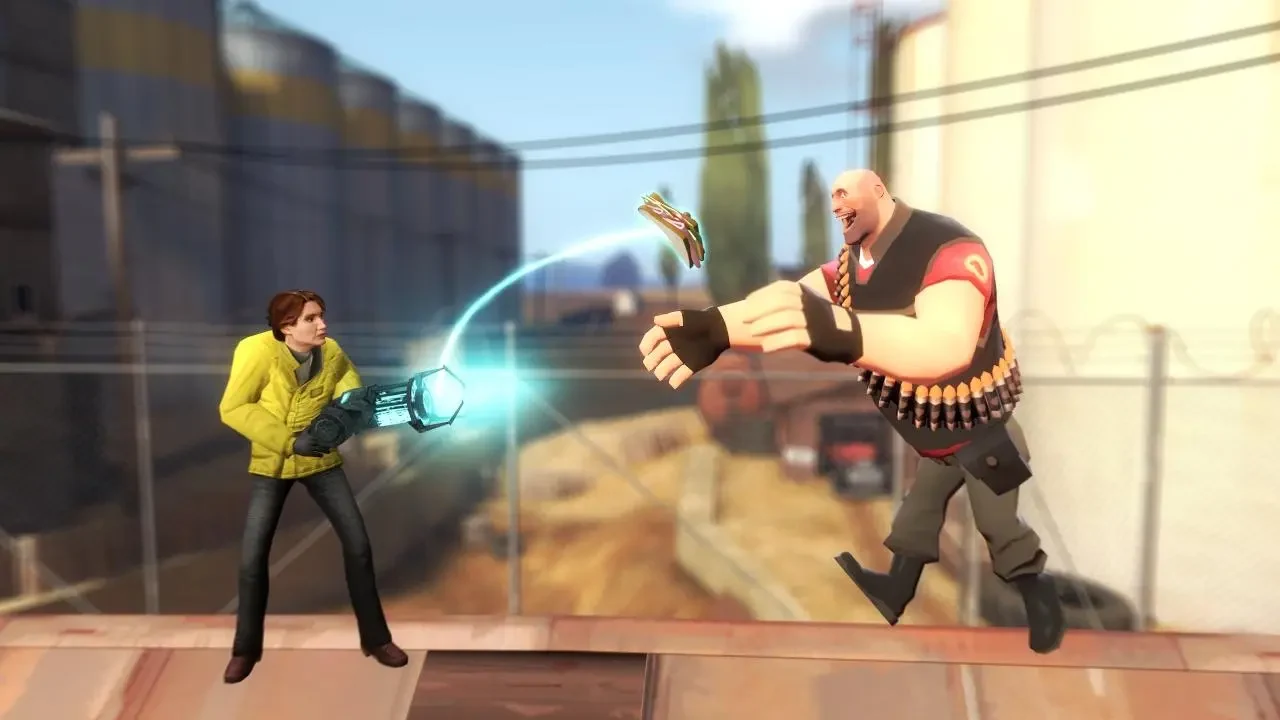
About this app
Garrys mod is a sandbox game where players create scenes, structures, and contraptions rather than follow a set mission path. Its tools let you spawn objects and characters, manipulate them with physics, and shape environments or gameplay elements.
What is the player’s objective?
There are no missions or fixed objectives described for Garrys mod. The activity is self-directed: you can experiment with objects and physics, build structures, assemble machines, or arrange characters in a scene. The game also allows destructive experiments, such as using vehicles to ram creations or weapons to damage them. These are options within the sandbox rather than steps in a required progression.
This open-ended structure means that a session can focus on one small experiment or a more involved creation. You can start by placing a few props and testing how they behave, or use the available tools to put together a larger environment. The source describes free exploration, with no forced rules or mission sequence governing what players build.
How do you place and manipulate objects?
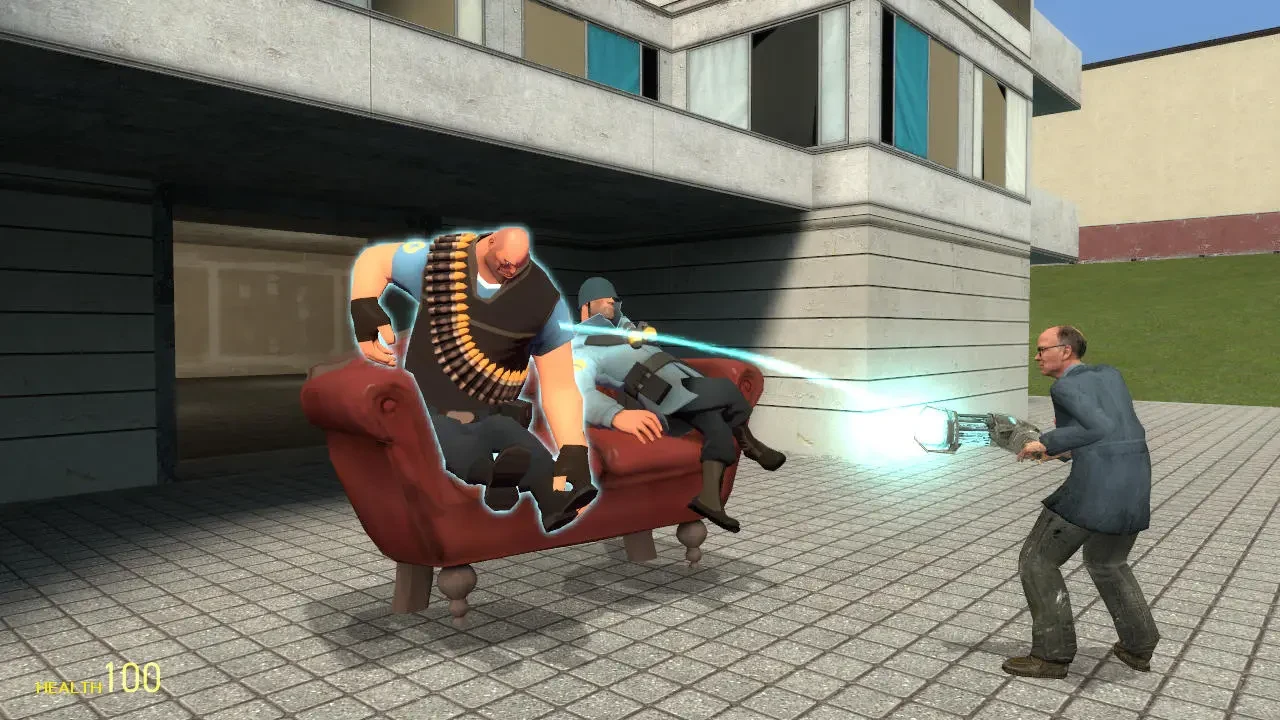
The spawn menu is used to bring objects, NPCs, props, and ragdolls into the scene. The selection described includes vehicles, weapons, and structures as well as characters. Once an item is present, the Physgun can pick it up, freeze it in place, or rotate it. A delete button removes objects you no longer want in the scene.
These tools form the main interaction loop: choose what to spawn, position or adjust it, and continue building or experimenting. The description also identifies mobile touch controls as part of the game and says they are designed to resemble the PC experience. It does not give a full touch-control layout, so the specific gestures or button positions are not detailed here.
What can you customize?
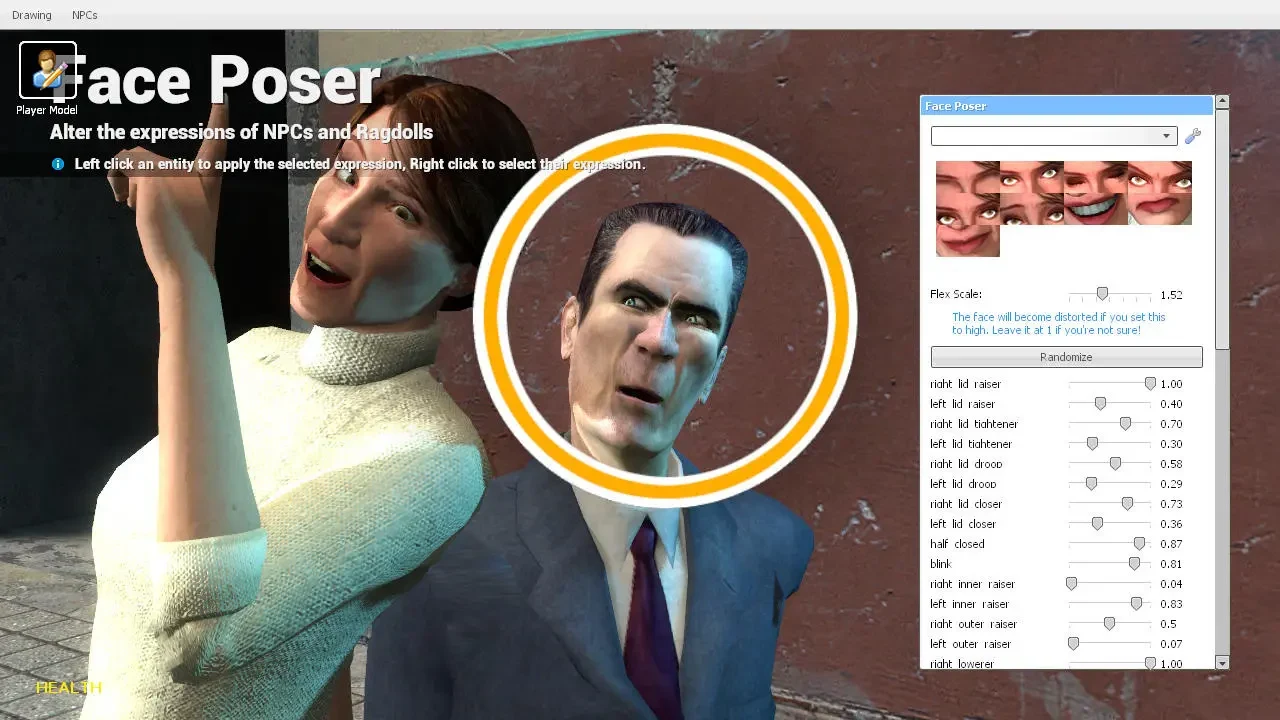
Character and prop adjustments let you change the look of a scene as well as its arrangement. Ragdolls can be altered using sliders in a character creation menu, including adjustments to limb lengths and overall size. NPC facial expressions can also be changed through clicks, while the Paint tool adds color to props.
The game also supports placing enemies and allies and changing NPC behavior, according to the supplied description. These options can be used to stage different interactions or build a scene around characters. Rather than limiting customization to character appearance, the available tools cover objects, people, and the environment they occupy.
Can you build contraptions or edit maps?
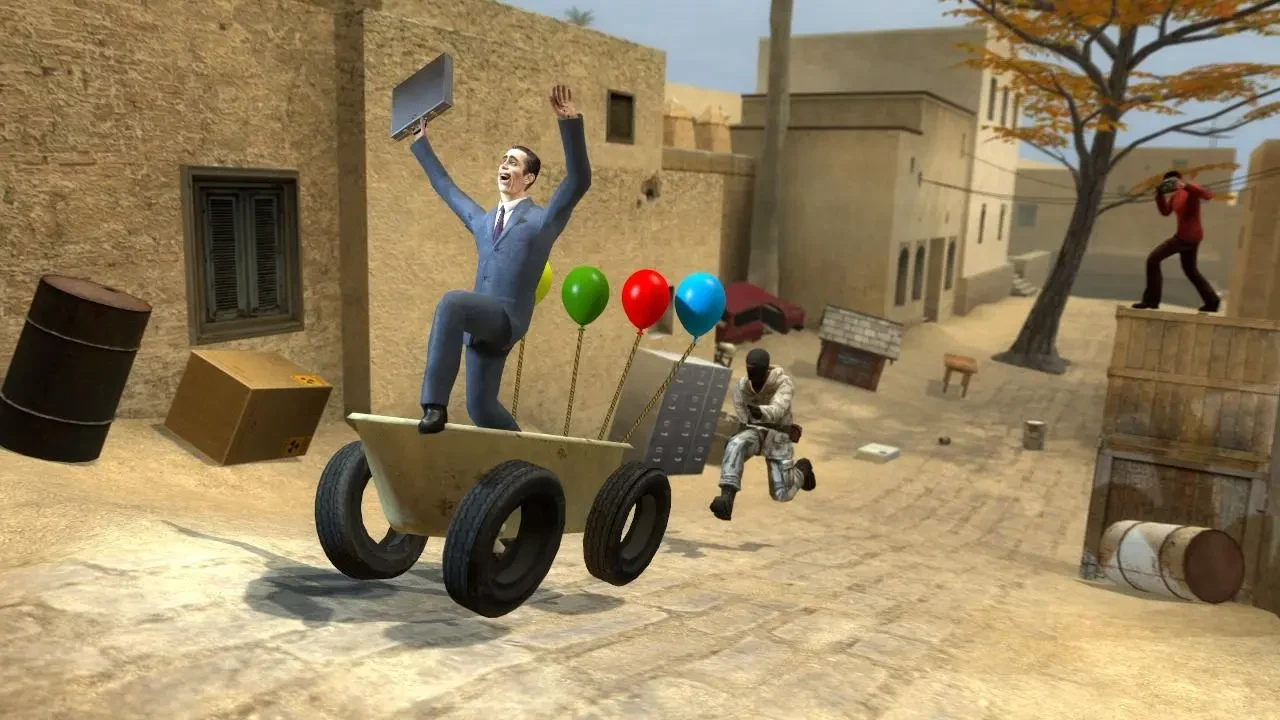
Players can combine in-game objects to make contraptions, with the source describing creations ranging from simple to complex. The sandbox physics tools support experimenting with how objects interact, while the Physgun allows pieces to be repositioned, frozen, or rotated during construction. The description does not specify a required recipe or a fixed set of construction goals.
Map tools provide another way to shape the play space. Players can design, edit, and rebuild environments, creating custom areas directly in the game. The editor is also described as a way to create new gameplay elements. This makes creation extend beyond arranging props in an existing scene: the environment and some of the activities within it can also be customized.
How does community content fit in?
The game description refers to a workshop where players can create maps and gameplay elements and upload them to the community. It also describes downloading community-made mods. These are separate ways to use custom content: you can make and share creations, or use content made by others. The source does not specify how community items are reviewed, what content is available for this version, or how the workshop is accessed on a device.
Community content is presented alongside the built-in sandbox tools, not as a required progression system. The core activities—spawning items, manipulating physics, building, and editing environments—are described independently of downloading mods. The source does not establish specific community modes or guarantee that any particular mod is available.
What kind of play does the game support?
The documented play is centered on free exploration and creation. A player might customize ragdolls, paint props, arrange NPCs, or build a contraption, then change the scene again using the same tools. There is no stated campaign or mission structure to complete. Although the description mentions creating new gameplay elements and using community mods, it does not provide a named list of built-in modes or detail how those elements change play.
Version history
View all11 Mar 2026 · stable