

ZipGrade
ZipGrade uses an Android device’s camera to scan completed multiple-choice answer sheets and return scores. It supports several answer-sheet formats, student identification by ID or written name, and reports that include question-level response percentages.
App information
- Category
- Education
- Package name
- com.zipgradellc.android.zipgrade
- Version
- 3.79.616
- File size
- 125.6 MB
- Requires
- Android Votes:74
Screenshots
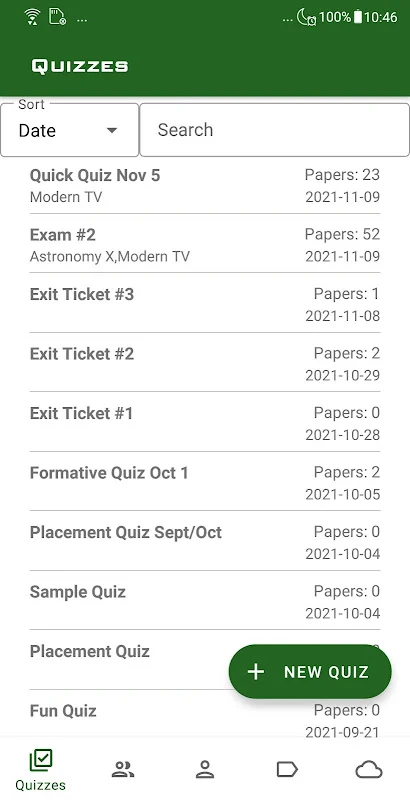
About this app
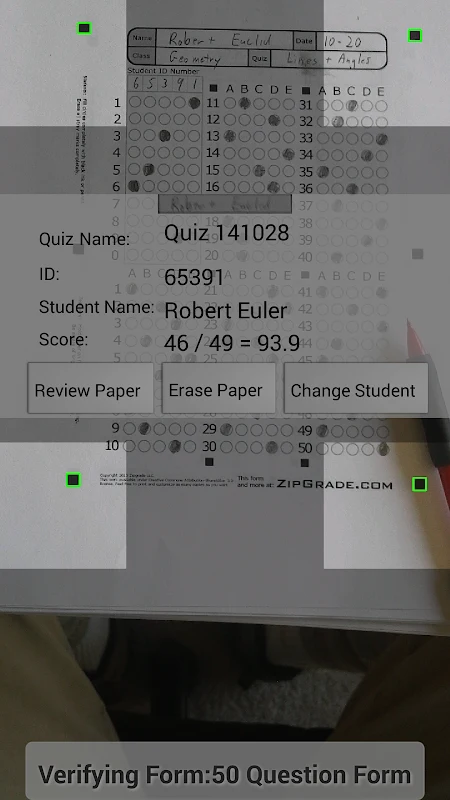
ZipGrade uses an Android device’s camera to scan completed multiple-choice answer sheets and grade them. The app is intended to help teachers score quizzes and other classroom assessments, then review results by student and question. Scanning works without an internet connection; optional data syncing can take place when a connection is available.
Answer sheets and camera scanning
Teachers can use answer sheets available in several formats and sizes, including forms for tests of up to 100 questions. The supplied information also describes choosing a sheet based on paper size and the number of questions and answers. Answers can use combinations of up to three letters, allowing as many as 31 answer choices for a question; the source identifies matching sections as one possible use.
To scan a completed sheet, the app uses the device camera. The described scanning guidance is to place the paper on a flat surface and position it so its four corners fit within the camera view. The app can indicate when a sheet is in view and sufficiently in focus, and the source says grading does not require pressing a button during scanning. Students may mark answers with pen or pencil; the app is described as handling erasures and correction fluid. These controls and supported marking types help explain how the scanning function is intended to accommodate completed classroom forms.
Student identification and score review
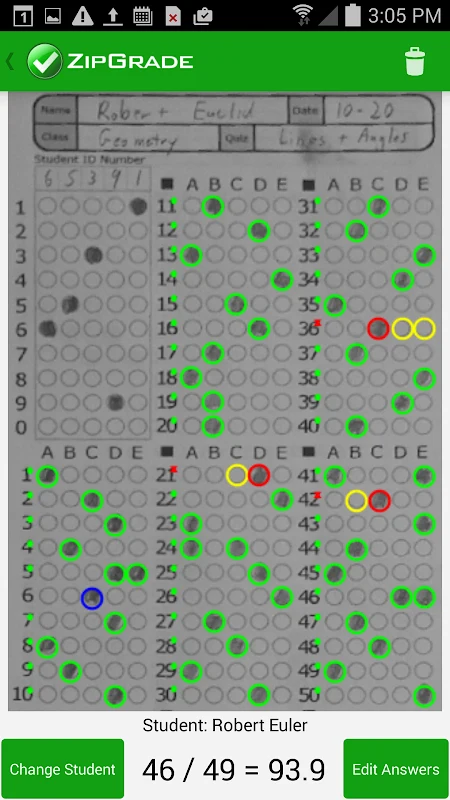
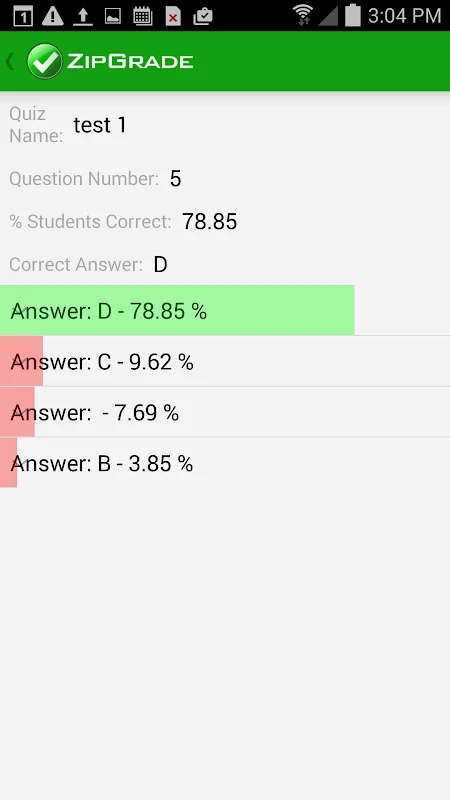
Results can be associated with a student ID number or the student’s written name. The app’s reporting can include a test name, the number of questions, and each student’s correct and incorrect answers. It can also show the percentage of respondents choosing each answer for a question, which gives teachers a question-by-question view alongside individual scores.
The source describes scores as being calculated from the number of correct answers and presented on a selected scale of 10, 20, 50, or 100. This provides a way to review results for individual students and compare responses across a class. These reporting details support the central grading function without requiring teachers to rely only on a total score.
Related assessment records and sharing
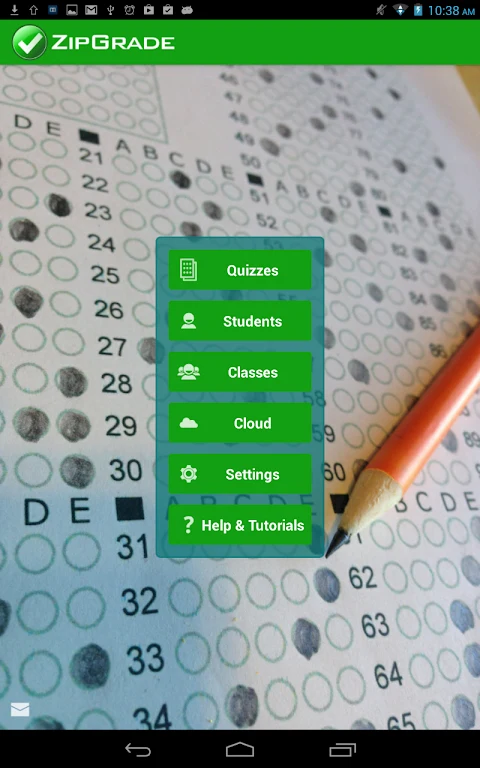
ZipGrade includes records for quizzes, students, and classes, which can be used to organize assessment information. The supplied details state that results can be exported in CSV, PDF, Excel, or Google Sheets formats. They also describe optional syncing when an internet connection is available. These tools relate to keeping and sharing assessment records; the app’s core documented task remains scanning answer sheets and presenting grading results.
Version history
View all05 Jun 2026 · stable