

Zinmanga
Zinmanga is an Android comic reader for browsing manga, Chinese comics, and webcomics, with listed features for downloading chapters to read offline and turning on notifications for favorite titles. The listing also describes ad-blocking and privacy tools, which are presented here as its own claims rather than independently verified features.
App information
- Category
- Other Apps
- Package name
- com.zinmanga
- Version
- 2.1
- File size
- 9.6 MB
- Requires
- Android Votes:342
Screenshots

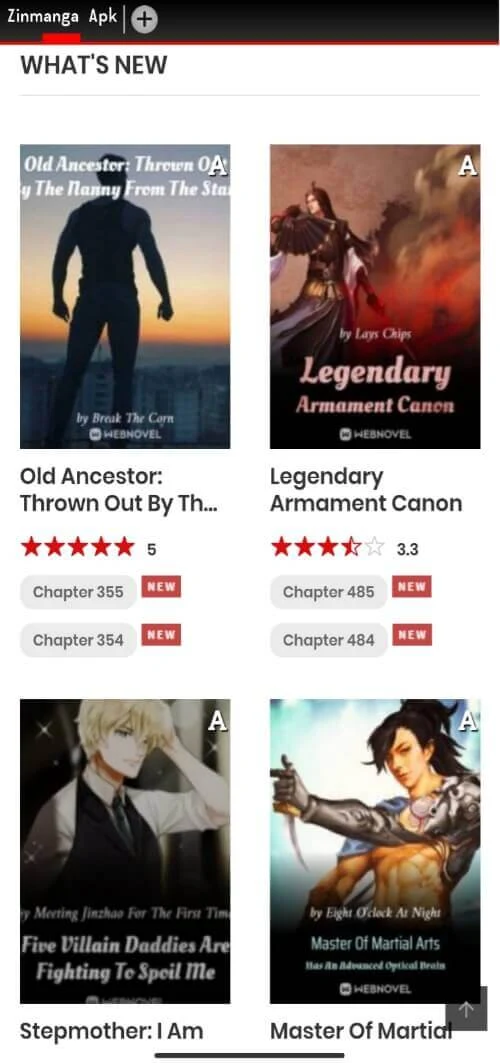
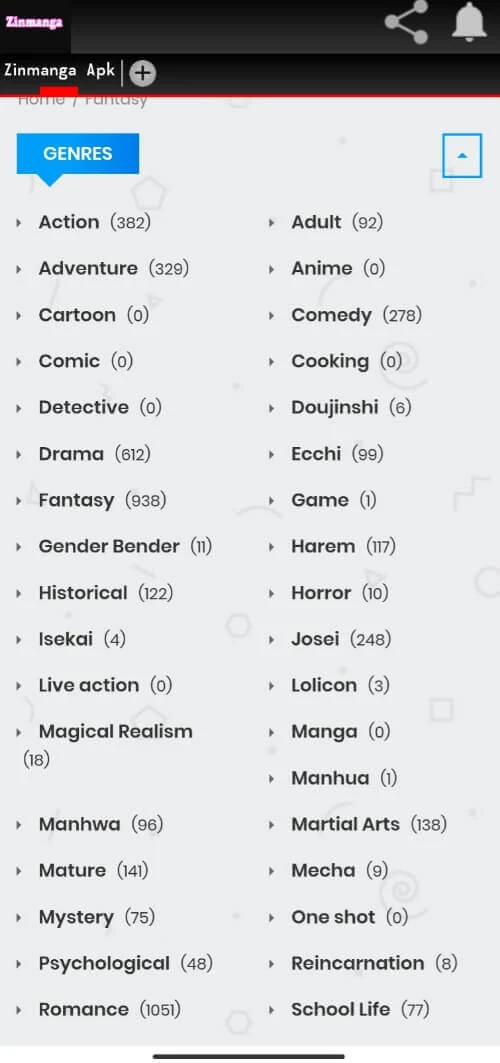
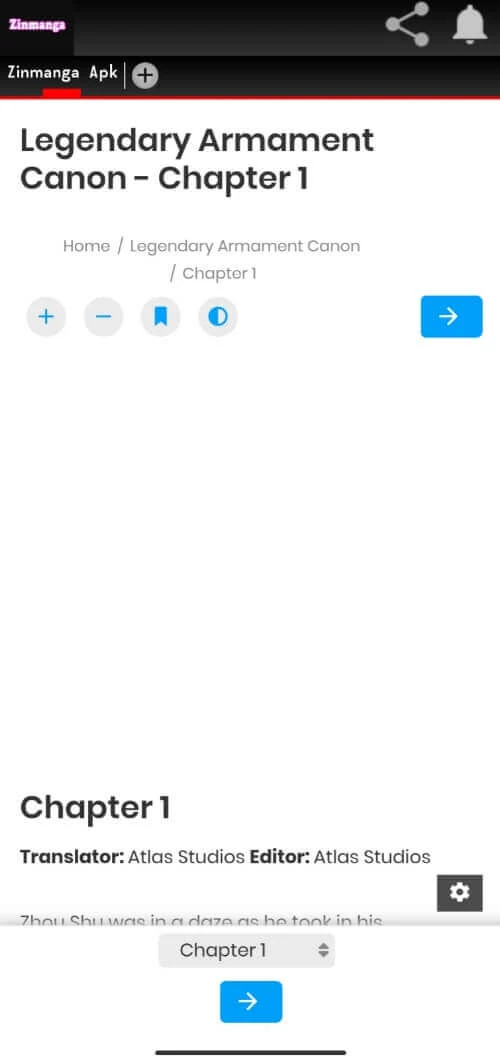
About this app
Browsing manga, manhua, and webtoons on Android
Zinmanga is a comic reading app designed for Android phones. Its listing presents it as a place to browse a large catalog of manga, Chinese comics, and webcomics, from older favorites to newer releases. Berserk, Death Note, and One Piece are named as examples of titles in the catalog. A Trending section is described as a way to find popular series and see what other readers are opening. The listing says the catalog is updated often, but the size of the library and how frequently it changes are not documented in a way that can be checked here.
Offline chapters and notifications for favorite series
According to the listing, readers can download available chapters while connected and open them later without relying on mobile data or Wi-Fi. The listing suggests this is useful for commutes, travel, or reading at a quiet time, and says downloading can help reduce data use. Users can also enable updates for favorite titles, and the listing states that a notification is sent when a new chapter is released. The source does not explain how notification timing or delivery works beyond that description.
Reading modes, languages, and layout
The listing says Zinmanga supports several languages, including English, Spanish, and French, and that other options are available. A comic mode is described as showing pages in continuous picture view, which the listing contrasts with repeated page turning. Light and dark display modes are mentioned, along with a brightness adjustment that the listing highlights for reading in bed. Switching between categories and bookmarking favorite titles are also described as part of a simple, clean layout.
Ad and privacy controls as described by the listing
The listing says Zinmanga blocks several kinds of advertising, including small webpage ads, pop-ups, and installation ads, and that users can manually mark ads they do not want to see. It also describes a privacy mode with incognito browsing, encrypted browsing activity, and the ability to hide private sites. These are the listing’s own statements. The source does not explain how the blocking or encryption works, which permissions the app requests, or whether any of these tools have been independently reviewed. Readers who want to assess privacy should check the permissions and privacy policy shown in the store listing before installing.
Version history
View all06 Jan 2026 · stable
Frequently asked questions
Can the listing’s privacy and security claims be confirmed?
Not from the listing alone. It describes privacy mode, Do Not Track support, and encryption tools, but it does not provide technical detail or independent verification. Checking the requested permissions and the privacy policy is a practical next step.