

XEQ – Equalizer & Bass Booster
XEQ – Equalizer & Bass Booster is an Android sound equalizer for music listening that offers up to 10 frequency bands, built-in presets, a volume amplifier, and per-device preset saving. Advanced mode, which includes the DSP chain controls, is listed as requiring Android 10 or later.
App information
- Category
- Tools
- Package name
- com.frack.xeq
- Version
- 32.4.0
- File size
- 16 MB
- Requires
- Android Votes:236
Screenshots
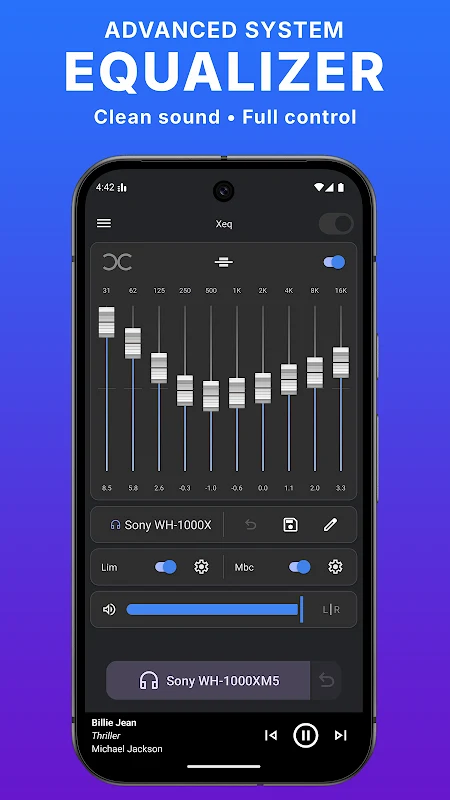
About this app
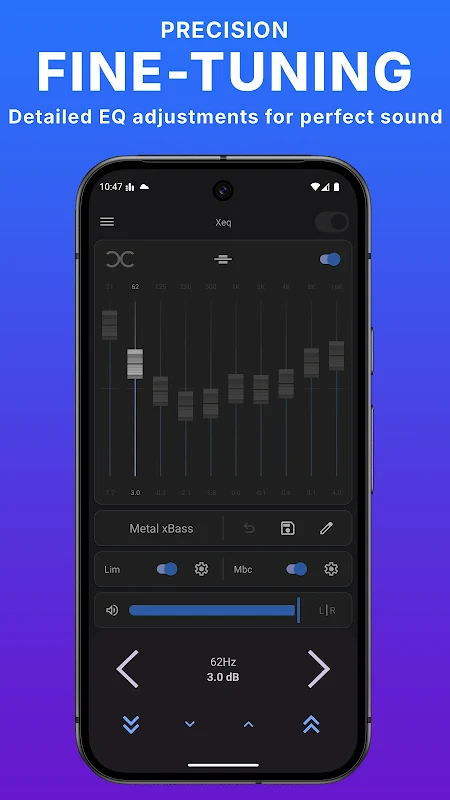
XEQ – Equalizer & Bass Booster is a sound equalizer app for Android that aims to adjust music playback through tone shaping, volume control, and sound effects. The developer's description says it is designed for music listeners and offers subtle adjustments to sound quality. The app lets you choose from preset sound profiles or adjust the sound yourself, and it includes integration with Spotify for track information and playback controls.
Equalizer and Presets
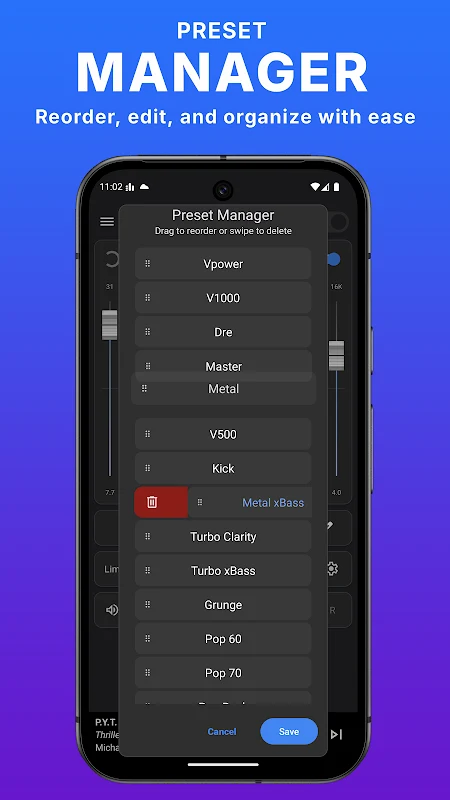
The equalizer section uses up to 10 frequency bands, which you can adjust to match your taste or the genre you are listening to. The app includes built-in presets, and the listing mentions more than 20 professional presets in advanced mode. Presets are described as fine-tuned for genres such as Dance, Pop Rock, Soul, RnB, and Pop. You can save a preset you have created so you can reopen it later, and the listing says presets can be customized and managed across different devices.
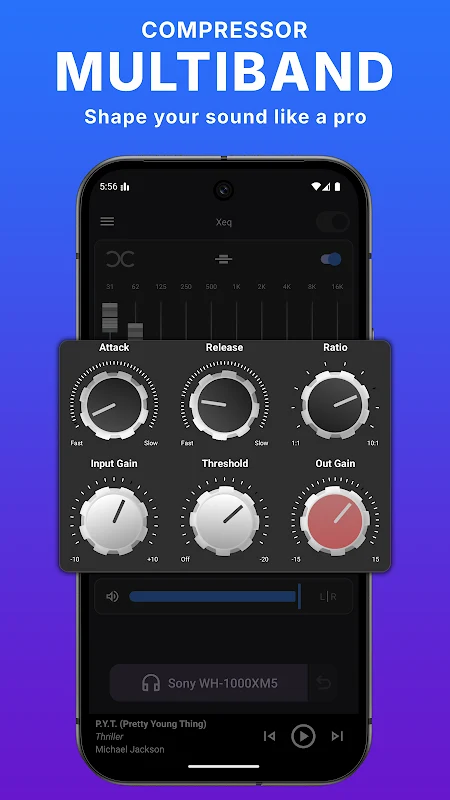
In advanced mode, the source states that presets store the full DSP chain. This includes all equalizer bands, the multiband compressor (MBC), the limiter (LIM), the DRY mix, input gain, and balance. The listing says a preset can be fine-adjusted by tapping the dB label of a band, or by tapping above or below a slider knob to change its level step by step.
Volume Amplifier and Gain Control
Beyond tone adjustment, the app includes a volume amplifier for increasing the level of your music. The listing says Automatic Gain Control (AGC) is used to limit gain loss and distortion when the volume is raised, and that it adjusts the output level so playback is not interrupted. In the equalizer controls, the IN GAIN knob adjusts the level of the incoming signal before it is processed. The source describes this control as important for avoiding distortion or loss of sound quality.
The DRY MIX control sets the balance between the original signal and the equalized signal. According to the listing, 0% means the output is fully processed by the equalizer, 50% blends the original and processed sound, and 100% applies no modifications, which corresponds to an equalizer that is flat or off.
Virtualizer 3D Effect and Professional Tools
The Virtualizer 3D effect is described as a spatial effect that makes music feel as if it is coming from several directions. The source states that this effect requires a headset and lists wired headphones, Bluetooth devices, wireless devices, and USB devices as supported audio options. The listing also mentions professional audio tools, including a multi-frequency compressor and a limiter, along with a recording function within the app. The source does not provide measurements or independent tests that confirm these tools deliver studio-level results.
Device-Based Presets and Playback Integration
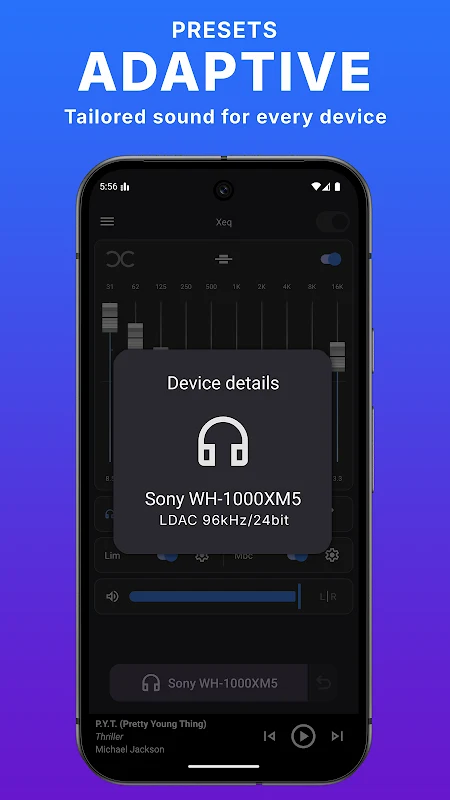
One of the highlighted features is the ability to create a dedicated preset for each audio device you use. According to the listing, the app can reload the matching preset automatically when a connected audio device is detected. Supported output types are described as wired, Bluetooth, and USB devices.
For Spotify, the listing says the app can read the current song name, artist, and album, and can control playback with play, pause, next, and previous buttons. The description also says the app is compatible with other services, including YouTube, YouTube Music, Apple Music, Amazon Music, Deezer, Tidal, Pandora, and Qobuz. The source does not explain how each service is integrated, so the depth of control may vary by service.
Design and Customization
The listing describes a minimal interface with multiple themes and device icon choices. It is presented as a simple, modern control layout, though the source does not include screenshots of individual screens in the text.
Requirements and Setup Notes
The advanced mode, which includes full preset control and the DSP chain settings, is listed as requiring Android 10 or later. The source does not give a full compatibility list for earlier versions, specific device models, or other installation requirements, so readers should check the store listing on their own device before installing.
Version history
View all23 Dec 2025 · stable
Frequently asked questions
Does the listing claim the app reduces battery use?
The FAQ in the listing says the app is designed to optimize performance and minimize battery consumption. It does not provide measurements or independent test results to confirm this.
Is the app described as working on tablets as well as phones?
The listing says the app is optimized for Android phones and tablets. It does not name specific tablet models or compatibility tests.