

XBPlay - Remote Play for X-Box
XBPlay - Remote Play for X-Box streams Xbox One and Xbox Series X/S games to a phone, with support for backwards-compatible Xbox 360 games. It also offers xCloud play, customizable on-screen controls, mouse and keyboard input, and ways to cast media or a console screen.
App information
- Category
- Tools
- Package name
- com.studio08.xbgamestream
- Version
- 4.31
- File size
- 27.6 MB
- Requires
- Android Votes:207
Screenshots
About this app
XBPlay - Remote Play for X-Box streams games from Xbox One and Xbox Series X/S consoles to a phone, providing a way to play without using the console’s display. The app also supports backwards-compatible Xbox 360 games, xCloud gaming, alternative controls, and casting between devices.
When playing from a phone
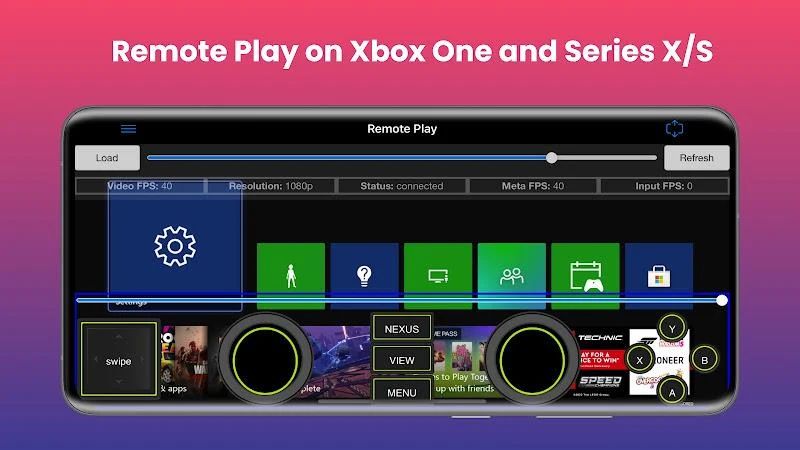
Remote Play streams content from the console to a phone, where a mini on-screen gamepad can be used to control games. The source describes streaming at up to 1080p and includes Xbox One, Series X/S, and backwards-compatible 360 games. A physical controller connected to the phone is another supported control option.
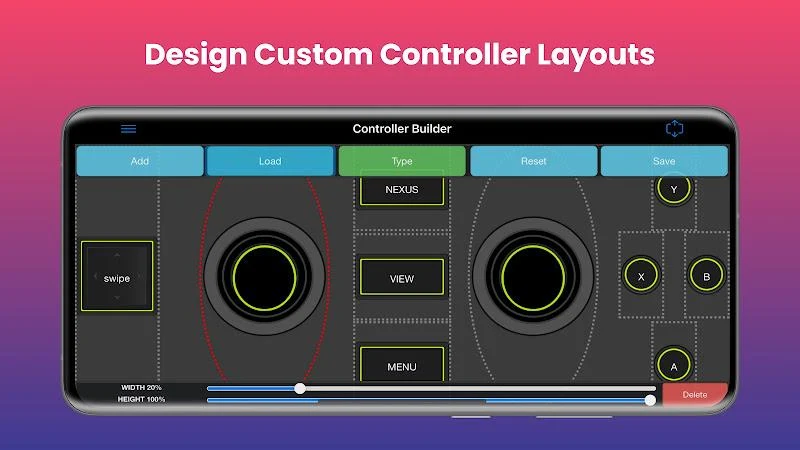
For touch input, Controller Builder can be used to customize full-screen or mini gamepads. The app also provides clarity enhancement algorithms for adjusting visual settings; the source does not specify particular settings or performance outcomes.
When playing away from the console’s Wi-Fi network
The xCloud feature is described as allowing remote Xbox gaming without being on the same Wi-Fi network as the console. This is distinct from the console-streaming Remote Play feature, which sends content from the user’s console to a phone.
When using a keyboard, mouse, or other controls
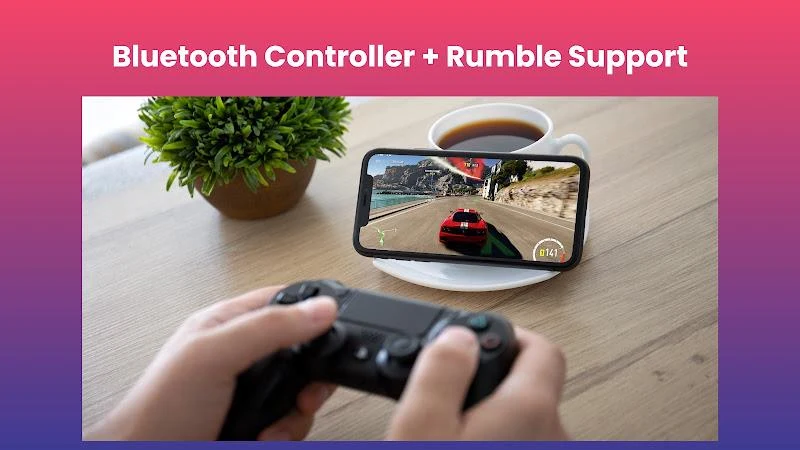
XBPlay supports mouse and keyboard play, with simulation and direct modes. The source says direct mode is for games that officially support mouse and keyboard interaction. Alongside the built-in gamepads, the app can use a physical controller connected to the phone, including testing compatibility with controllers from other consoles.
When sending video or a console display to another screen
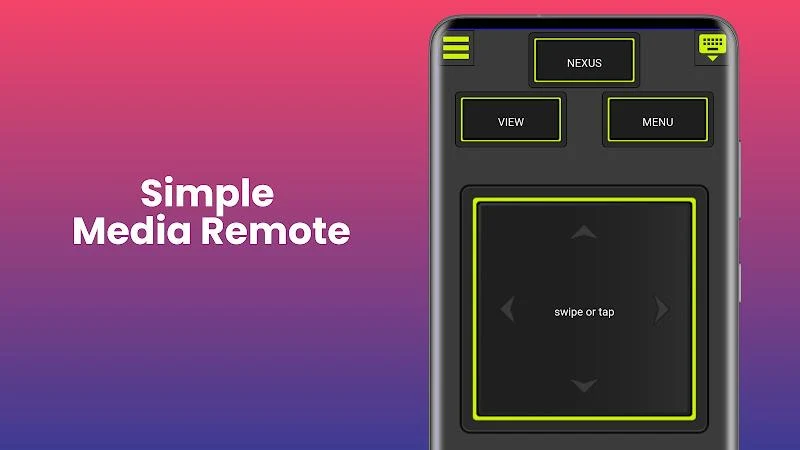
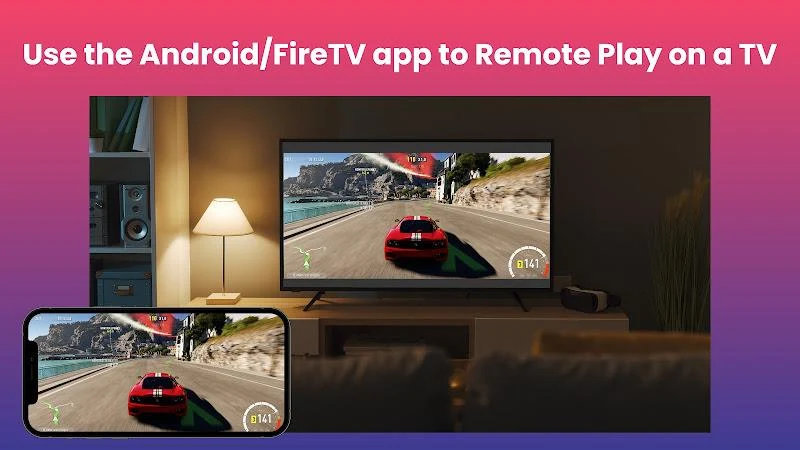
Media Cast sends videos from a phone to an Xbox One or Xbox Series X/S console. TV Cast sends the console’s screen to a Smart TV, enabling play on that TV without an HDMI cable. The description also mentions mirror casting to other devices, plus media and notification-tray remote controls.
Version history
View all13 Sep 2025 · stable