
Word Office
Word Office brings document viewing and editing for formats including DOC, DOCX, PPT, PDF, and XLS into one Android app. It also offers document conversion, presentation and spreadsheet tools, reading and formatting options, and access to supported cloud storage services.
App information
- Category
- Productivity
- Package name
- com.officedocument.word.docx.document.viewer
- Version
- 304300
- File size
- 139.2 MB
- Requires
- Android Votes:153
Screenshots
About this app
View and work with office files
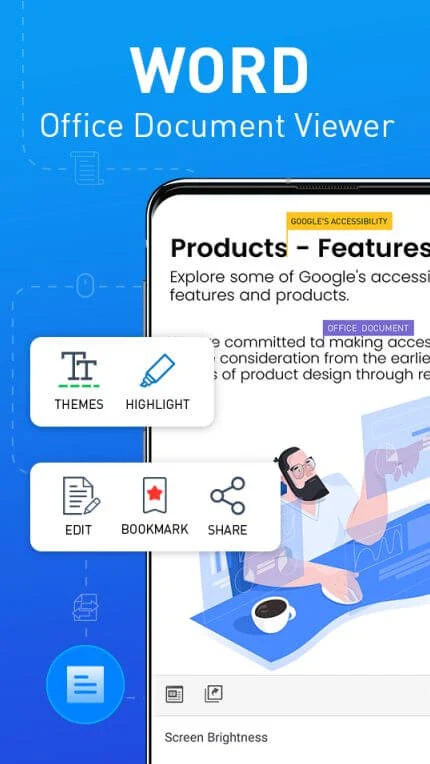
Word Office is an Android document viewer and editor for working with files such as DOC, DOCX, PPT, PDF, and XLS. The app brings these formats together for reading and editing on a phone, and supports creating documents in Word, Excel, and PowerPoint formats. Formatting options include changing font, color, size, and alignment, so users can adjust document text from the editor.
The description also presents the app for situations when a computer is unavailable and says document editing can be used without a network connection. Online document work with others is also described, making a distinction between editing on the device and collaborative work that uses an internet connection. Cloud storage access is listed for Google Drive, Dropbox, and OneDrive.
Convert and organize documents
Conversion tools are intended to help move content between office formats. The app description specifically mentions converting a Word document to Excel or PowerPoint in one click, as well as converting documents to PDF. These options sit alongside viewing and editing, so users can prepare a file in the app and choose a different format when needed.
For navigating documents, Word Office includes a table-of-contents tool and a ruler bar. The description also refers to data classification for uploaded documents to help arrange them, and to searching among documents. Comments can be added directly to a document, providing a way to annotate its content.
Work with spreadsheets and presentations
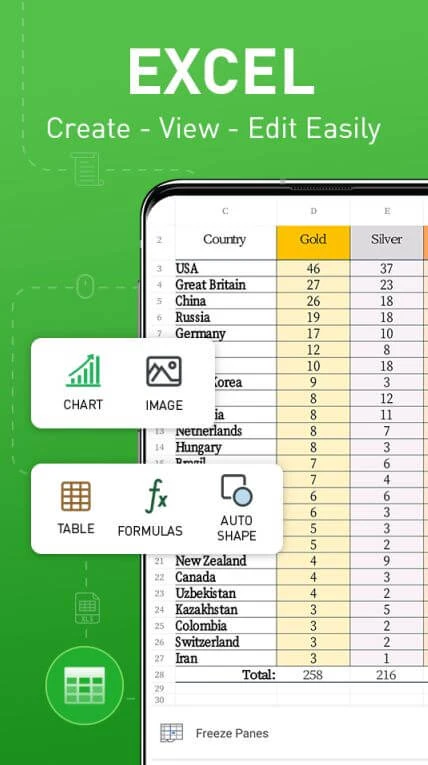
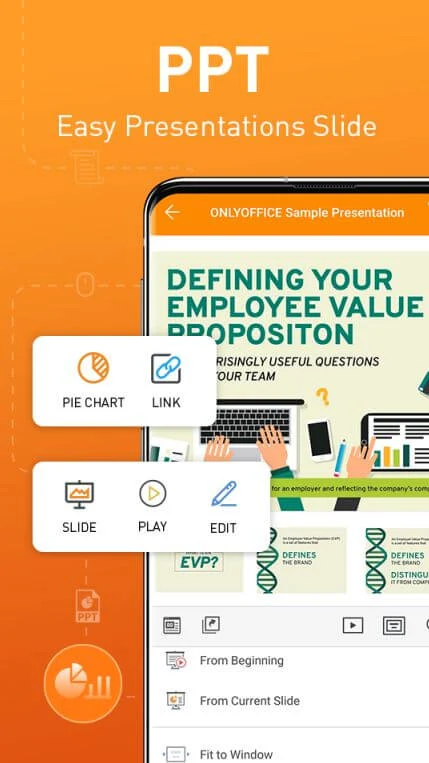
Spreadsheet functions and formulas are included for editing and manipulating workbook data. For presentations, the app supports creating and editing slides on a phone. Its described design assistance suggests images, layouts, and data presentation based on a presentation theme, while the editor provides a way to shape a presentation for a meeting.
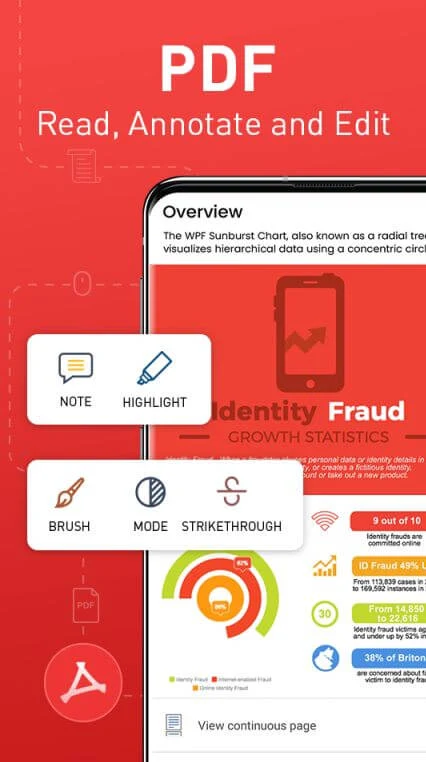
PDF editing is also listed, including adding, deleting, and modifying text and images. Together, these tools cover several common document tasks—editing office files, adjusting spreadsheet content, preparing slides, and working with PDFs—within the same application.
Reading and display options
Word Office offers light, dark, and colorful screen modes. The description mentions a spoken-reading feature with multiple settings, as well as dictation-related text recognition intended to help with punctuation and spoken language. It also lists an option to turn a document page into an animated web page. These reading and display controls complement the editing tools for people reviewing or preparing documents on a phone.
Version history
View all22 Jul 2025 · stable