

WinZip
WinZip is a practical utility application that helps you compress, decompress, and manage various file formats while ensuring file integrity and security. It offers robust file organization, cloud storage integration, password protection, and support for major document, image, and archive types.
App information
- Category
- Productivity
- Package name
- com.winzip.android
- Version
- 7.1.1
- File size
- 36.9 MB
- Requires
- Android Votes:511
Screenshots
About this app
Core File Compression and Extraction Functions
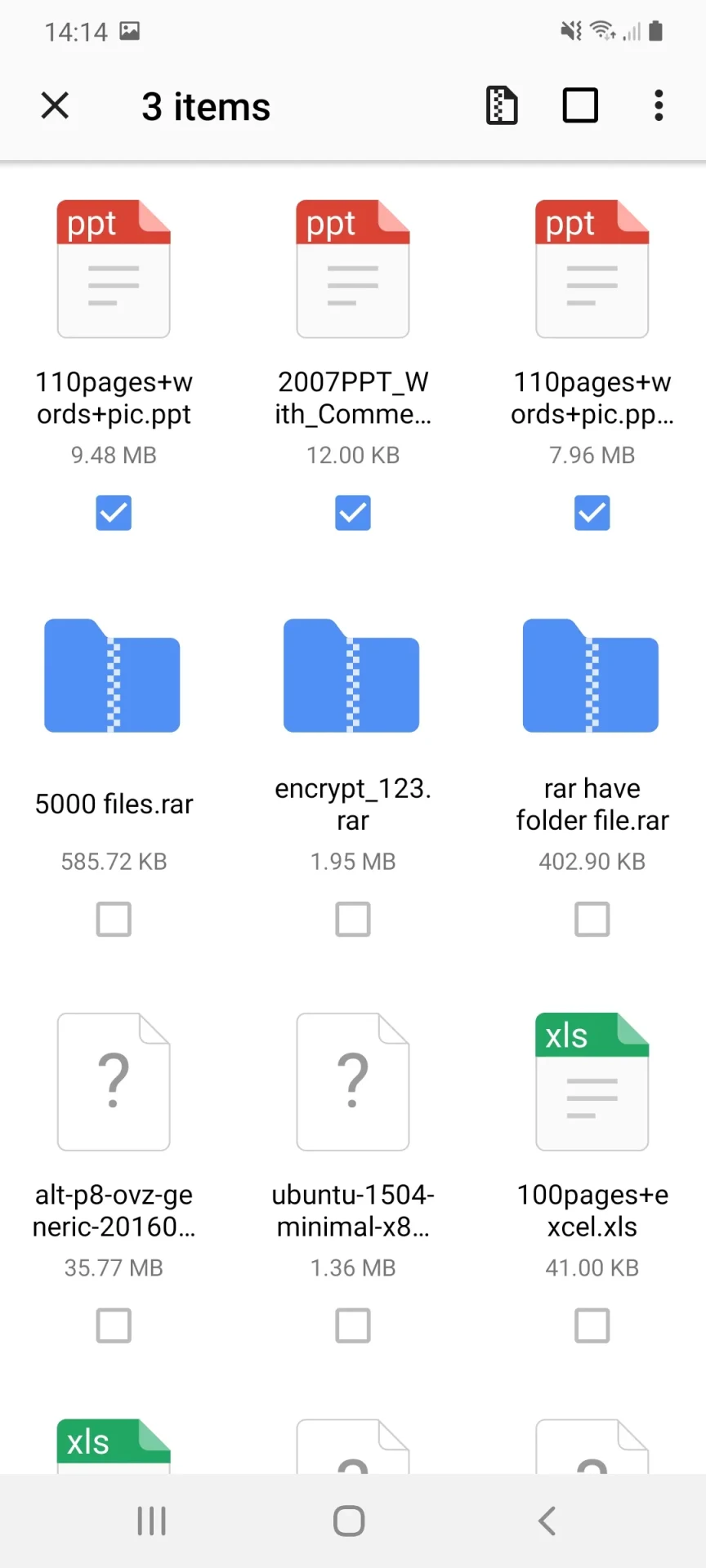
WinZip functions as a versatile utility designed to handle file compression and extraction tasks smoothly. Users can pack multiple files or folders into compressed formats like .zip and .zipx to reduce storage space usage and simplify sharing. This capability helps prepare email attachments by preventing excessively large files from slowing down delivery. The built-in extraction tool allows users to unpack major compressed archive formats, including ZIP, RAR, and 7z, with just a tap, making it straightforward to retrieve content and choose storage locations for unpacked files.
Cloud Storage Integration and Management
The application connects directly to external cloud accounts to let users zip, unzip, and share files directly within their storage spaces. Users can save newly created .zip or .zipx archives straight to connected cloud services, open and save email attachments directly to the cloud, copy files between cloud accounts and their local device, or send and copy links for cloud-stored items. Furthermore, users can access music files stored locally on their device and back them up directly to their cloud accounts.
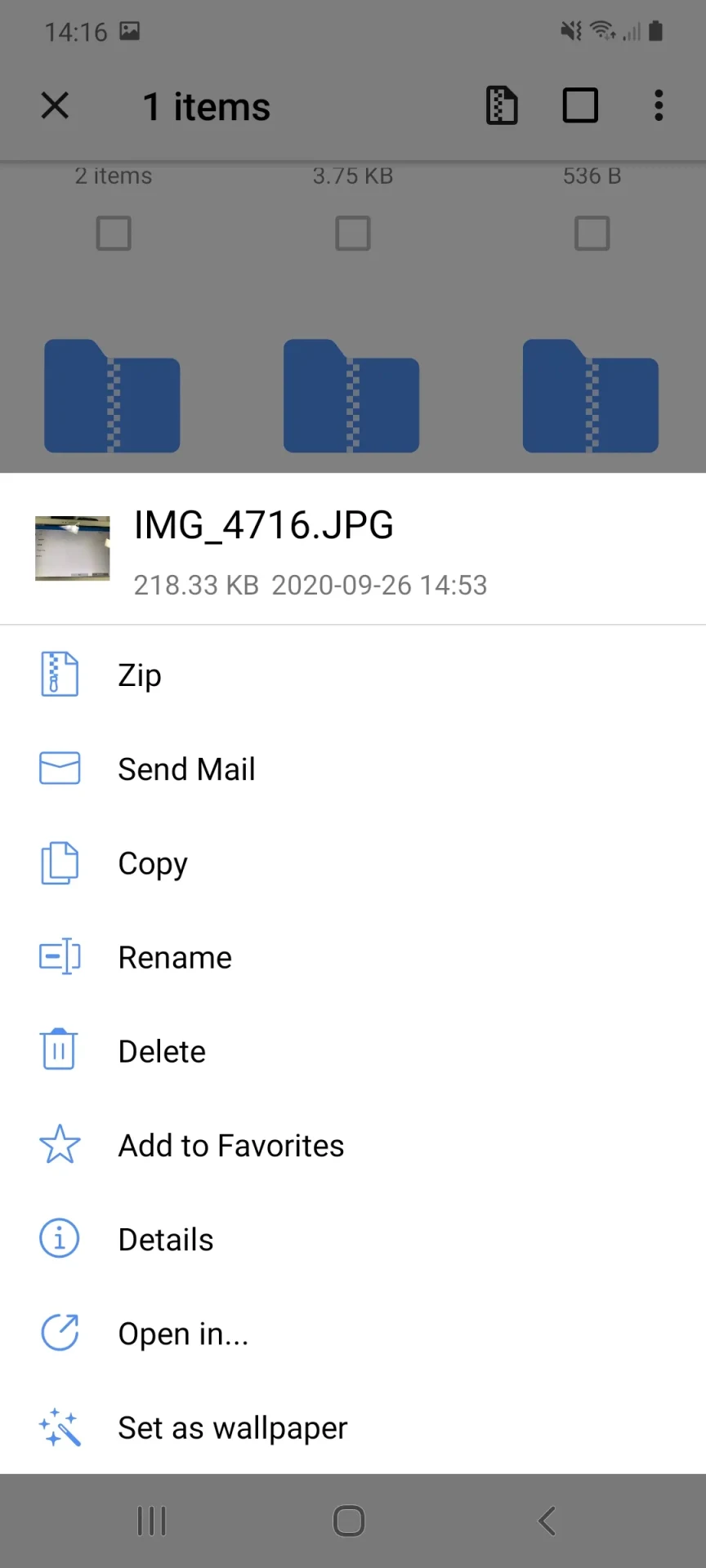
A convenient file manager automatically organizes files into categories and provides a built-in search engine with filters to help locate specific content quickly. Users can also browse their photo album to multi-select, zip, and share photo collections, or view all images inside a zip file using an enhanced image viewer.
Security and Customization Controls
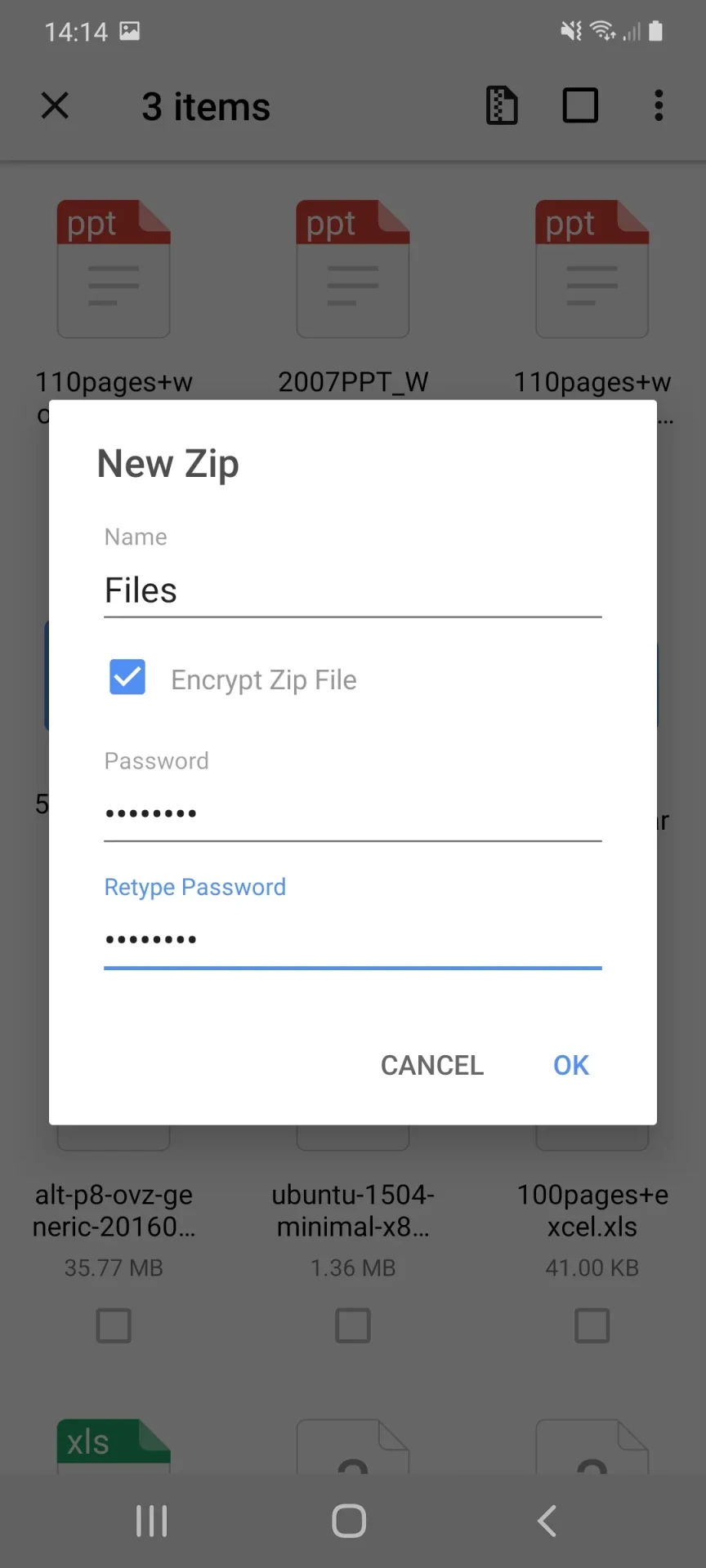
To keep sensitive data protected against unauthorized access, WinZip provides 128-bit or 256-bit AES password protection. Users can encrypt their files before saving or sharing them, and add helpful hints when sharing files that require passwords. The application also provides system customization options, allowing users to modify compression or decompression settings and adjust file structures before performing actions for greater operational flexibility.
Extensive File Type Support
The application supports a wide range of common formats to facilitate remote work and information handling. Supported Microsoft Office formats include Word documents (.doc, .docx), Excel spreadsheets (.xls, .xlsx), and PowerPoint presentations (.ppt, .pptx), alongside PDF files. It also opens common image formats (.jpg, .jpeg, .png, .gif, .bmp, .tif), text files (.csv, .txt, .xml, .css, .java), web files (.htm, .html, .jsp, .asp), application packages (.apk), and comic files (.cbz).
Version history
View all10 Dec 2025 · stable
Frequently asked questions
What archive formats can be extracted using WinZip?
The application supports the decompression of major archives including ZIP, RAR, and 7z.
Can I protect my compressed files with a password?
Yes, WinZip features 128-bit or 256-bit AES encryption to password-protect your files before saving or sharing them, and allows you to include hints.
What file viewing options are available for images inside archives?
WinZip includes an enhanced image viewer designed to let you easily view all images contained within a Zip file.
Does the app support Microsoft Office documents?
Yes, it supports opening and viewing various Microsoft Office file types including Word documents, Excel spreadsheets, and PowerPoint presentations.