
WhatsApp Blue
WhatsApp Blue provides enhanced privacy options, theme customization, and expanded media sharing for Android users seeking more control over their chats.
App information
- Category
- Social
- Package name
- com.WhatsApp4Plus
- Version
- 2.25.36.73
- File size
- 119.5 MB
- Requires
- Android Votes:63
Screenshots
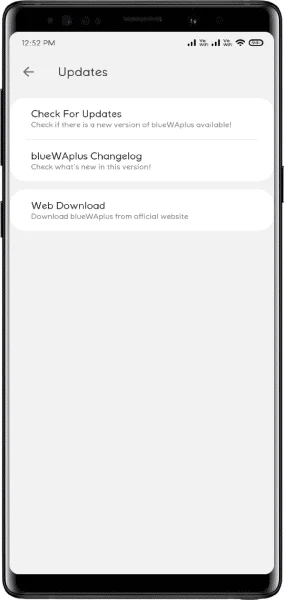
About this app
Overview
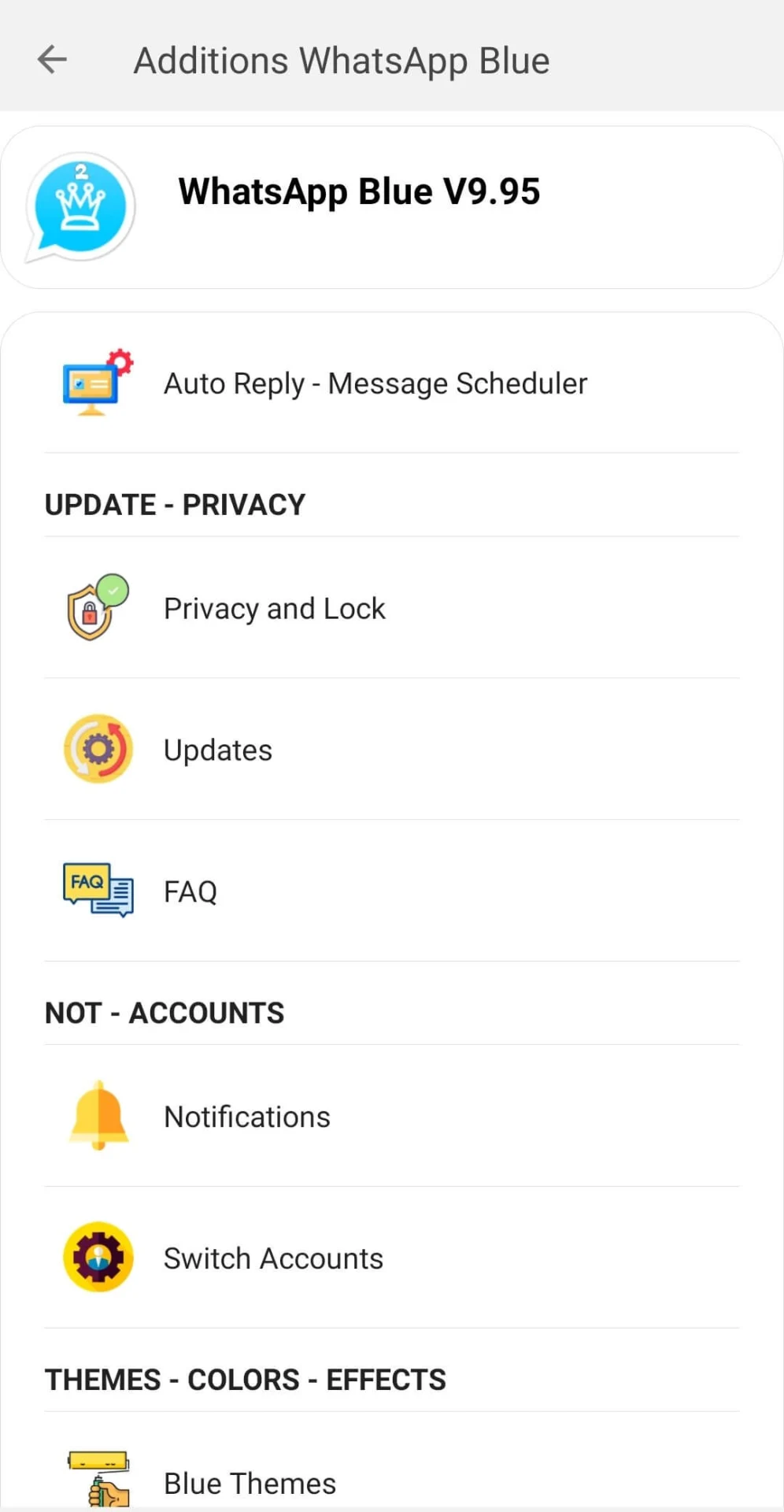
WhatsApp Blue is a full-featured social networking application for Android that centers on chat customization and privacy management. The app lets users connect with friends while adjusting fonts, backgrounds, windows, and the app icon to suit personal preferences. It includes a file-sharing cabinet for sending large videos or numerous photos without standard size limits. Additional tools cover finger lock protection, theme changes, call controls, and options to hide blue ticks or download statuses. These elements combine to support a more controlled and visually tailored messaging experience than the standard version offers.
What You Can Do
⭐ Users can apply finger lock to restrict access to private conversations and media so only the device owner can view them.
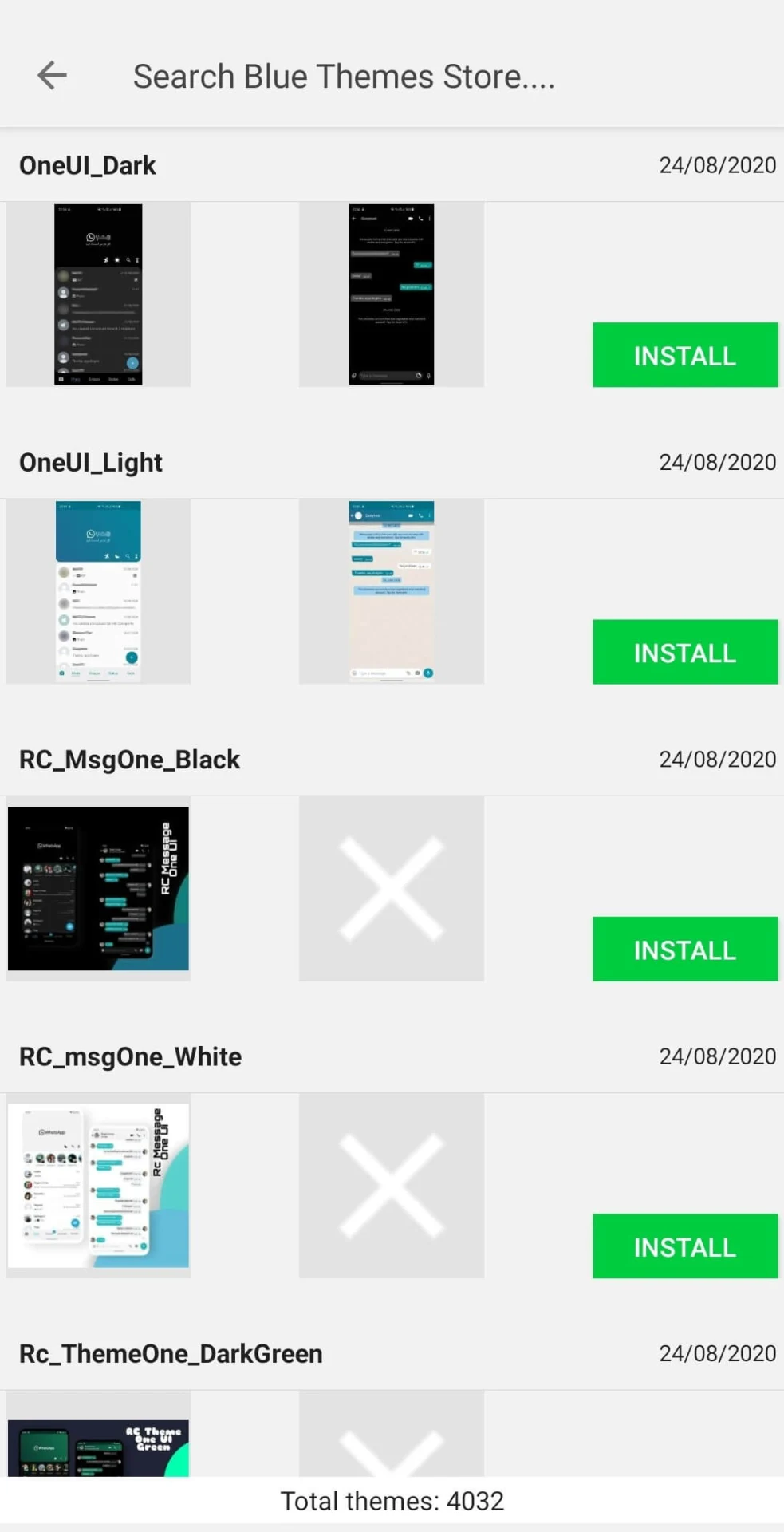
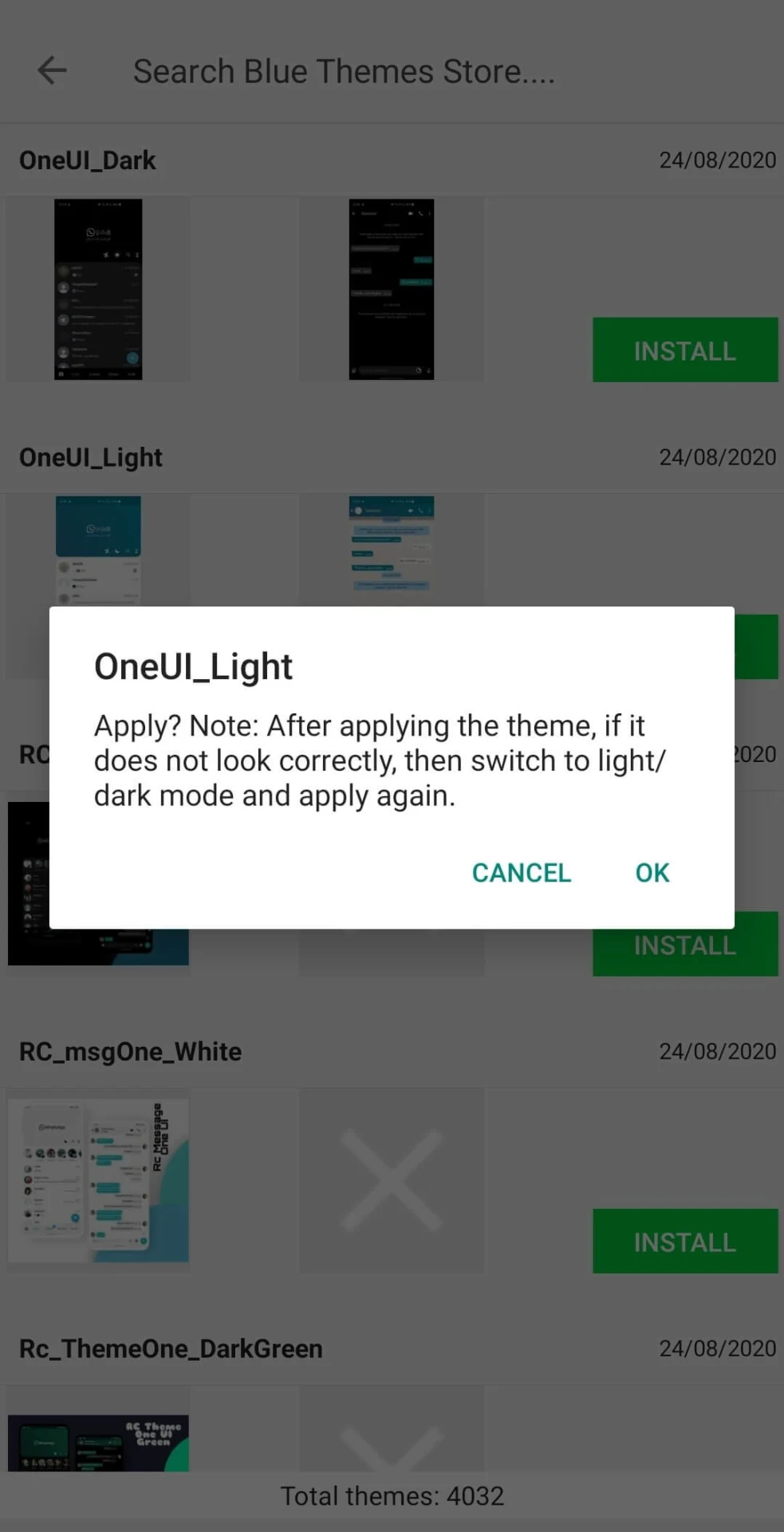
⭐ The interface supports changes to chat screens and themes, allowing selection from various colors and styles including blue themes with an iOS-like design.
⭐ Call permissions can be set to decide exactly who is allowed to initiate calls within the app.
⭐ Statuses from contacts can be downloaded directly to the device with a tap, and longer statuses exceeding 255 characters can be posted along with extra emojis.
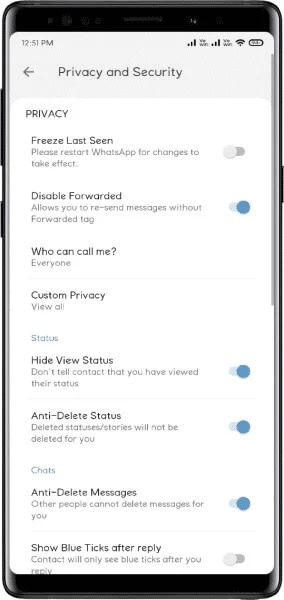
⭐ Online status, last seen, delivery receipts, read receipts, typing indicators, recording status, and audio listening confirmation can each be hidden independently for contacts or groups.
⭐ Status views can be concealed so the viewer’s name does not appear on the contact’s list.
Using the App
Everyday operation centers on the chat screen where privacy toggles are accessed through settings menus. Users select which receipts or indicators to suppress, apply color schemes across the entire app, and manage media uploads via the dedicated sharing cabinet. The workflow supports viewing a contact’s online status directly below their name without opening a separate profile. These controls remain available during normal use, letting users switch between standard messaging and customized modes as needed.
Why It May Appeal
✅ The collection of privacy tools and visual adjustments creates a personalized experience not available in the base messaging platform.
✅ Higher media limits allow seamless sharing of large files and multiple photos in one session.
✅ Anti-ban protection and scheduling or auto-reply options add practical convenience for regular users.
Things to Consider
❎ Account bans remain possible because the app operates outside official channels and lacks automatic updates or official support.
❎ Legal considerations differ by region, and third-party downloads require caution to avoid compatibility or security issues on some devices.
Version history
View all10 Jun 2026 · stable