
Volleyball Schedule Planner
SeedsJPVolleyball Schedule Planner is an Android app for organizing volleyball training sessions, match records, and notes in one place. It can be used without signing in, or with a Google account for data backup and transfer when changing phones.
App information
- Developer
- SeedsJP
- Category
- Other Apps
- Package name
- com.naoyaono.volleyball_planner
- Version
- 1.3.0
- File size
- 54.7 MB
- Requires
- Android Language:
Screenshots
About this app
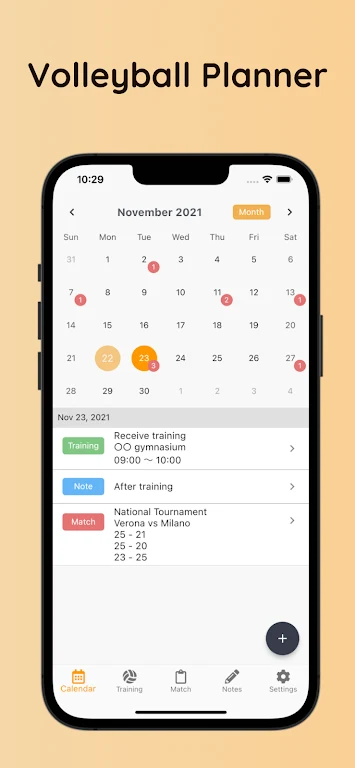
Volleyball Schedule Planner is an Android app for players who want their training sessions, match results, and related notes kept together instead of scattered across other places. It focuses on three areas: planning training, recording matches, and writing notes.
Planning training sessions
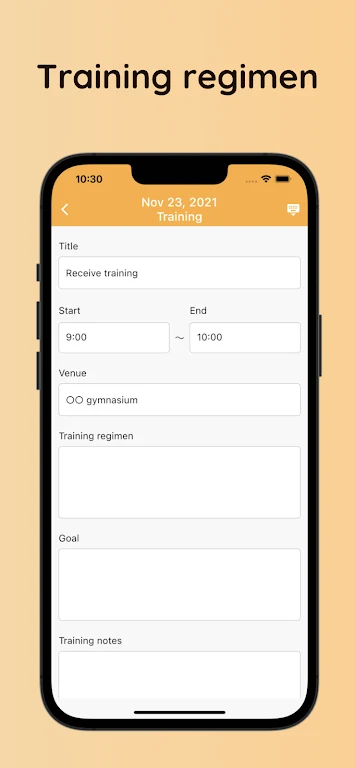
The app lets you register each training session with its date, time, location, and goals. Entering these details in advance gives you a record of when and where practice is planned and what each session is meant to achieve. The source describes this as a way to plan sessions ahead so that practice time is used with purpose.
Setting a specific goal for each session is one suggested use. Defining what you want to achieve in a given session can help you direct practice toward particular weaknesses or skills.
Recording matches and opponents
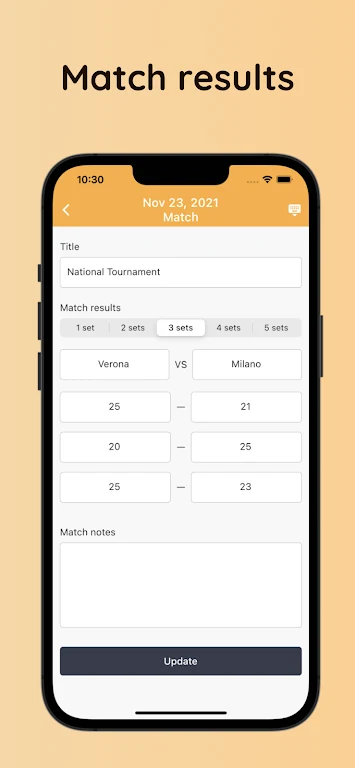
After a game, you can register the opponent and the match outcome. This keeps a log of your results over time, which the source presents as useful for tracking improvement.
Reviewing these records can help you spot patterns and areas that need work. The app's note section can be used alongside match records to remember details such as an opponent's strengths and weaknesses or tactics that worked well, which can inform preparation for future games.
Keeping notes
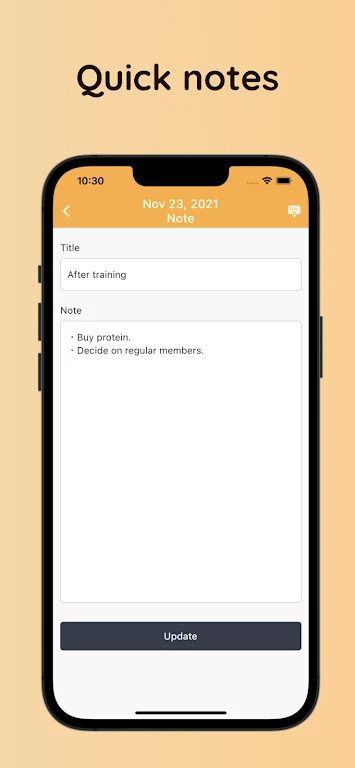
A note section lets you write down anything you want to remember. According to the description, this can include specific techniques, team strategies, or motivational quotes. Notes can be attached to your training and match entries, so observations stay connected to the context in which they were made.
Using the app with or without a Google account
You can use Volleyball Schedule Planner without signing in. If you prefer, you can sign in with a Google account. The description says this adds data backup in case of accidental deletion and lets you transfer your data when you change phone models. A guest user can link a Google account later to keep data continuous.
Version history
View all13 Aug 2024 · stable