
Thumbnail Maker
Thumbnail Maker is an Android app for creating thumbnails and other social media graphics from templates or images from your camera or gallery. It offers controls for image dimensions, text, effects, stickers, and graphic elements.
App information
- Category
- Tools
- Package name
- com.ryzenrise.thumbnailmaker
- Version
- 2.2.7
- File size
- 22 MB
- Requires
- Android Votes:158
Screenshots
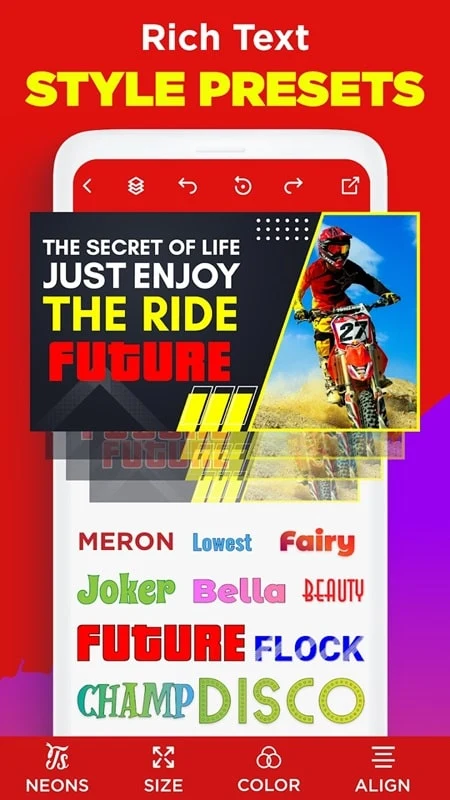
About this app
Thumbnail Maker is an Android app for making video thumbnails and social media graphics. Users can start with a template or an image from their camera or gallery, then adjust the design with text, visual effects, and decorative elements. The app also provides beginner tutorials for creating thumbnails from scratch.
Templates and image sizing
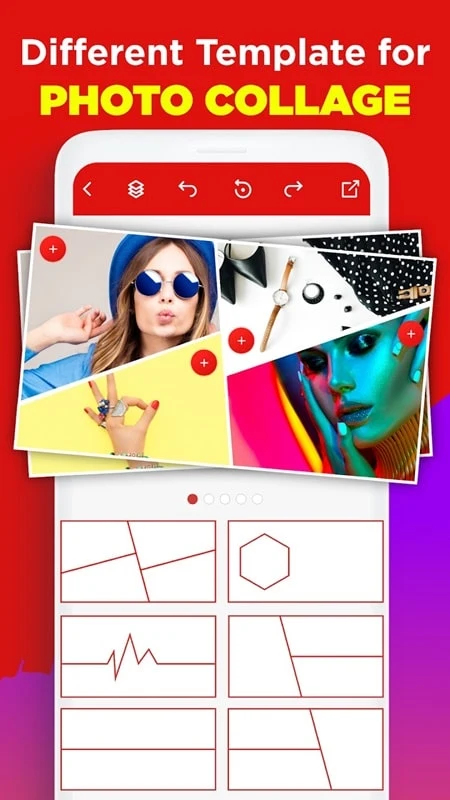
Templates can be selected by theme, mood, color, or trend and opened in the editor for customization. For a design that needs to fit a particular channel or format, users can choose a preset size or set the width and height themselves. The app also offers different aspect ratios and image formats, along with frames for uses such as covers, thumbnails, posts, avatars, and square graphics. An auto-resize option can adapt a template design to another social media size.
Backgrounds are available in different themes, and users can select an image from the camera or gallery as the basis for a design. These options let the starting image and its dimensions be chosen to suit the intended graphic.
Text and visual customization
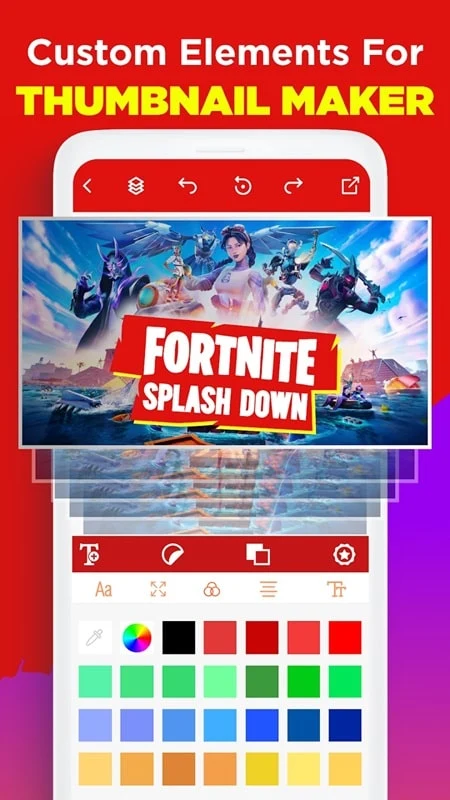
Text can be placed anywhere on the image and styled with different fonts and calligraphic designs. Editing options described for text include color, bold styling, borders, outlines, and effects such as 3D shadows. Overlay options provide another way to personalize the composition. The app also describes the ability to apply a brand logo, font, and color automatically to a thumbnail.
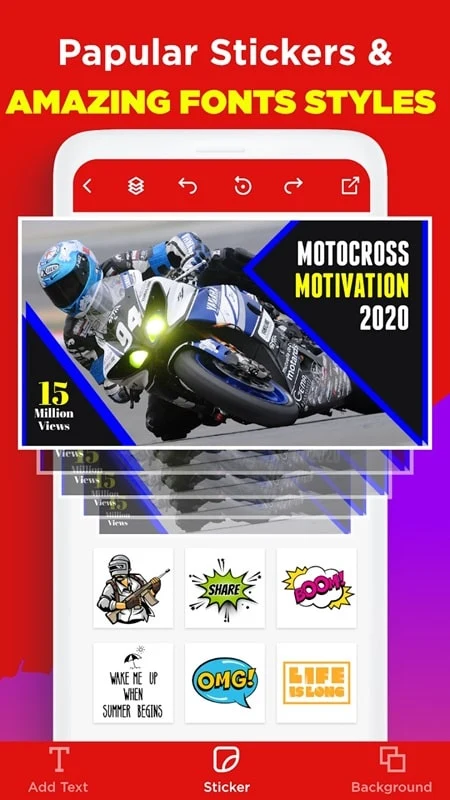
For additional decoration, users can add stickers, shapes, symbols, and graphic images. These materials can be used to customize the artwork or create a logo-like graphic for a design. Photo effects and filters provide further ways to change the image’s appearance.
Creating graphics for social channels
The sizing and template options are intended for graphics used on social media, including formats for YouTube, Facebook, and Instagram. Users can begin with a suitable template or frame, adjust its size, and then add their chosen image and design elements. The available tools cover both thumbnail-focused layouts and other formats such as posts, covers, and avatars.
Version history
View all11 Feb 2026 · stable
Frequently asked questions
Can most features be used without an internet connection?
The source description states that most features can be accessed offline.
Can designs be saved in high resolution?
The source description says designs can be saved in high resolution.