

Temp Mail
Temp Mail creates temporary email addresses without requiring registration, giving you an inbox for website sign-ups and other short-term online activities. You can receive messages and attachments, copy addresses or email content, and replace or remove an address when it is no longer needed.
App information
- Category
- Social
- Package name
- com.tempmail
- Version
- 4.01
- File size
- 35.2 MB
- Requires
- Android Votes:456
Screenshots
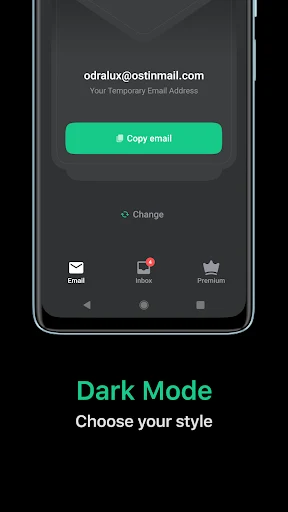
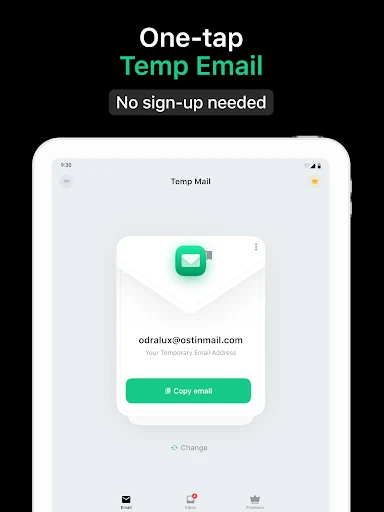
About this app
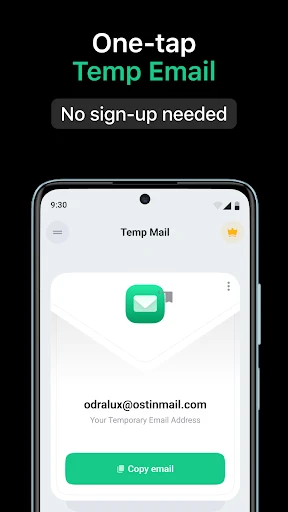
Temp Mail creates temporary email addresses for short-term sign-ups, online forms, and other situations where you would rather not provide your primary inbox. The app is designed around quick access: launch it, and a randomly generated address appears for immediate use. No registration is required to create an address, and the description says you do not need to provide details such as your name, age, or password.
Generate an address when you need one
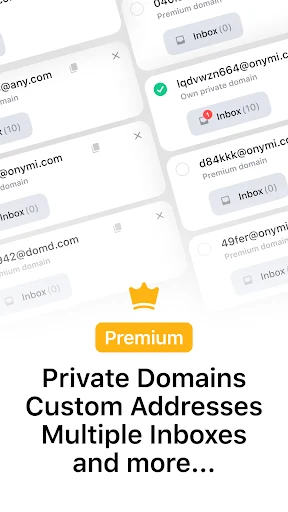
The central task is creating a disposable inbox in a few simple operations. A free account provides a random email address, while the source describes the paid version as allowing users to modify the address. Because generated addresses are made from a random combination of letters, they may not be easy to remember. Temp Mail includes a copy button so the address can be placed on the clipboard, and it also supports using a QR code for access or sharing.
This makes the app suitable for registering on websites, joining forums, or creating accounts for online services that ask for an email address. The source specifically mentions social media account creation as one possible use. The temporary address can be used instead of a personal inbox when the main aim is to avoid filling that inbox with newsletters, updates, marketing messages, or other unwanted mail.
Use a temporary inbox for incoming messages
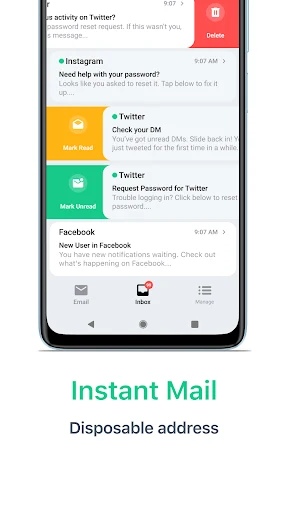
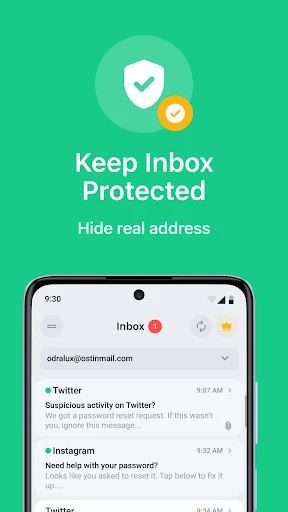
Temp Mail provides an inbox for messages sent to the generated address. It supports receiving different types of email content, including images, videos, and text files. When an attachment arrives, you can preview it and then decide whether to download it to the device. Messages can also be copied and pasted directly to the clipboard when you need to reuse their contents elsewhere.
Conversations can be archived if you want to return to them later, or erased when they are no longer useful. The app therefore combines the disposable address with a small set of basic inbox tools rather than attempting to replace a full email client. These controls are intended for handling the messages connected with the temporary address and its short-term purpose.
Replace or remove an old address
After finishing with an address, the app lets you change it through the available Change control. The previous address is deleted during this process, along with the messages and attachments associated with it. You can then create or receive mail through a new temporary address without repeating a lengthy setup process.
The source describes temporary addresses as being deactivated and disappearing after a specified period, with received messages removed at the same time. It also describes the addresses as anonymous to senders. These details make the service oriented toward limited-use inboxes rather than long-term email storage; important information should be handled before an address is replaced or expires.
Interface and language options
Temp Mail presents its main functions through a simplified interface intended to make the address and inbox available from the first use. The description also states that the app supports multiple languages, allowing users to change the interface language for email browsing and general navigation.
The service is presented as a way to separate temporary online activity from a regular inbox. It does not require registration for address creation, can receive common email attachments, and provides controls for copying, archiving, deleting, changing, and reviewing content connected with a disposable address.
Version history
View all17 Jul 2025 · stable