
TapScanner Mod
TapScanner Mod is an Android productivity app for turning paper documents, receipts, invoices and handwritten notes into digital files with your phone camera. The listing also describes built-in editing tools, sharing options, cloud backup and QR code scanning.
App information
- Category
- Productivity
- Package name
- pdf.tap.scanner
- Version
- 3.0.76
- File size
- 71.9 MB
- Requires
- Android Votes:588
Screenshots
About this app
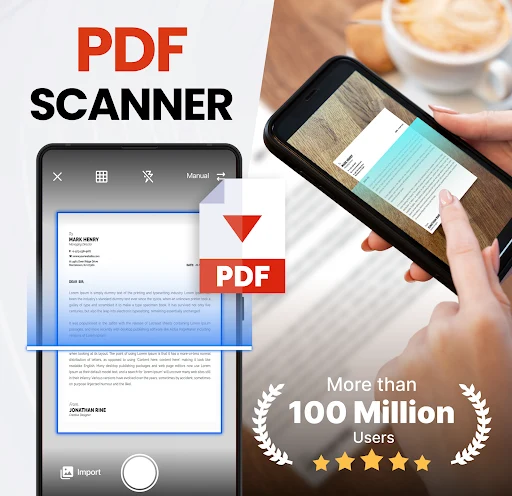
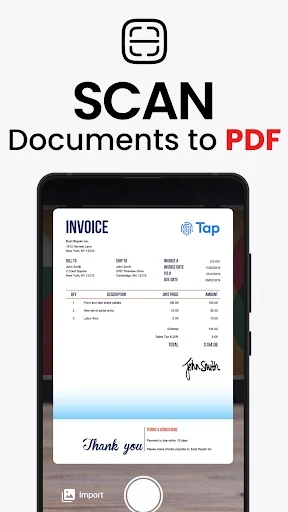
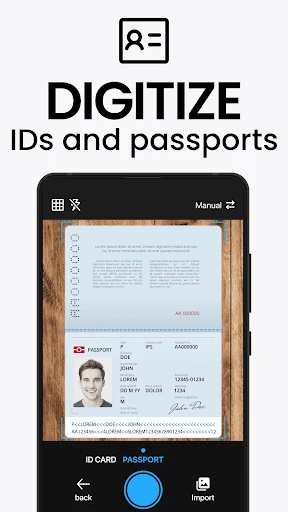
TapScanner Mod is an Android productivity app for turning paper documents into digital files with your phone camera. According to its listing, the app can scan receipts, invoices, documents and handwritten notes, then save the result as a PDF or PNG file. The listing identifies the current version as 3.0.76 and places the app in the Productivity category.
Two ways to start a scan
The listing describes two ways to begin. You can capture a page with your phone's camera first and then open the app to import that image for scanning. Alternatively, you can open the app and tap the camera icon to scan a document directly. In both cases, the listing advises keeping the main content of the document in a convenient position so the scan result is as accurate as possible. It says a scan takes about one minute, and notes that processing speed also depends on the configuration of your device.
Output formats and print settings
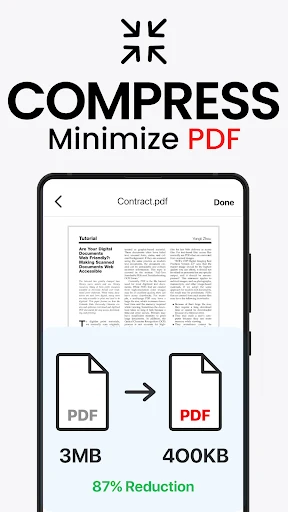
Scanned pages can be exported as PDF or PNG. The description says both options can reach HD quality, and that you can change the resolution to suit your needs. The app also lets you choose a paper format for printing, which the listing presents as a way to make printing more convenient. The description does not give specific resolution values or paper sizes, so those details should be checked within the app.
Editing tools
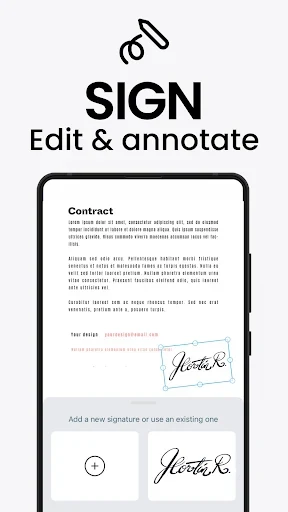
The built-in toolset covers common adjustments to a scanned page. The listing mentions removing excess borders, increasing brightness, changing text size and applying color filters. It also says PDF files can be edited after they are created, which means a document can be revised on the phone without being transferred back to a computer.
Sharing scans
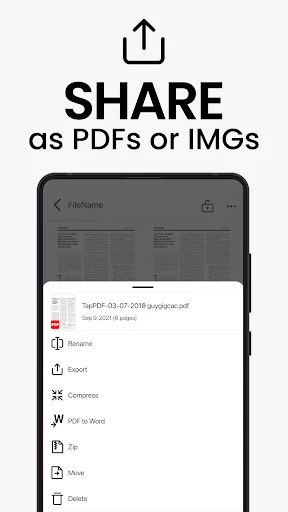
After editing, scans can be shared with a single tap. The listing names Facebook and WhatsApp as examples of social networking destinations and notes that other sharing options are also available.
Cloud backup and sync
TapScanner can back up scanned content and sync it to cloud storage. The description names Google Drive and Dropbox as examples. Once files are in the cloud, you can sign in to the same account to access them and continue editing. The listing does not describe the account setup process or explain how syncing behaves without an internet connection.
QR code scanning
The listing's closing section says the app includes QR code scanning. It presents this as useful because many phones cannot read QR codes without a separate application. The description does not explain how QR scanning is started or what kind of output it produces, so it should be understood only as a feature the listing mentions.
Document handling for office work
The listing describes the app as useful for office workers who regularly deal with paper, and says scanned documents can be managed within the app. It also describes the interface as simple. These are general statements from the listing rather than measured results or independent testing.
About the Mod name
The listing uses the name TapScanner Mod but does not explain what the modification changes or how this version differs from other versions of the app. Readers who need those details should check the app listing and its permissions before installing.
Version history
View all09 Jul 2025 · stable
Frequently asked questions
Does the listing state the price or whether the app works offline?
No. The source data does not mention pricing, subscriptions or offline use, so these points cannot be confirmed from the listing.
Does the listing give a minimum Android version?
No usable minimum Android version is provided in the source data, so compatibility should be checked on the app listing before installation.