

SUS Gallery: AI Photo Enhancer
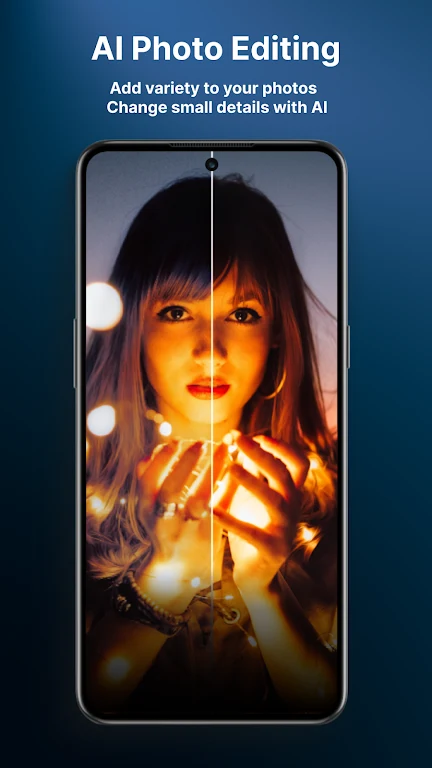
SUS TechnologySUS Gallery: AI Photo Enhancer combines photo adjustments, including color and exposure correction and AI hair-color editing, with gallery tools such as search, albums, sorting, hiding, and color themes.
App information
- Developer
- SUS Technology
- Category
- Photography
- Package name
- sus.test.myapp
- Version
- 1.4.2
- File size
- 288.1 MB
- Requires
- Android Language:
Screenshots

About this app
SUS Gallery: AI Photo Enhancer is a photo gallery app for enhancing images and managing a photo collection. Its listed editing tools cover color, exposure, and hair color, while its gallery controls include search, albums, sorting, blocking, hiding, and customizable color themes.
What image adjustments does the app support?
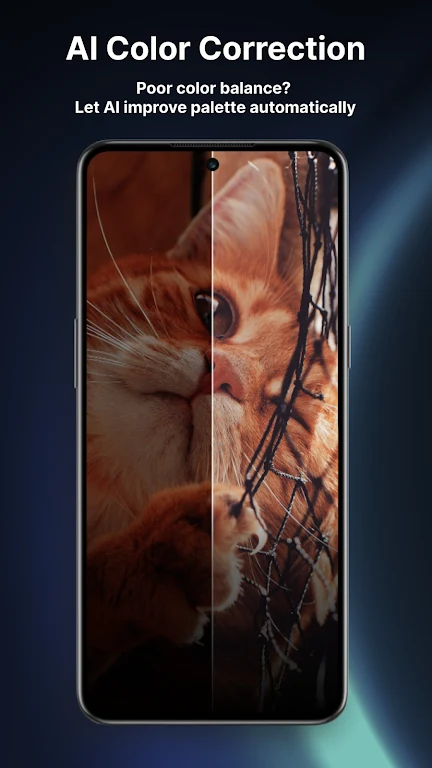
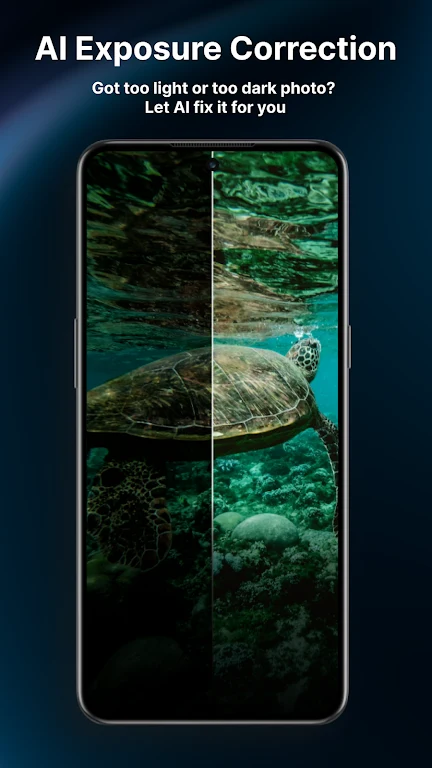
The app describes AI photo enhancement alongside color correction for dull images and exposure correction for low-light photos. These tools address different editing needs: color correction is intended to improve an image's color, while exposure correction is described as a way to brighten a dark photo and reveal more detail. The description does not specify manual adjustment ranges or other editing controls.
Can it change hair color in a photo?
Yes. SUS Gallery includes an AI hair-color editor for experimenting with different hair colors. This is a distinct editing option from the general enhancement, color-correction, and exposure-correction features; the source does not list particular shades or explain how the editing process works.
What tools are available for managing photos?
Gallery management features include search and albums, plus options for blocking, hiding, and sorting photos. Customizable color themes let users change the gallery's appearance. The description lists these controls but does not explain the specific behavior of blocking or hiding, or provide details about search filters.
Is it intended only for experienced photographers?
The app description presents SUS Gallery for both professional photographers and people who take pictures casually. Its stated scope brings photo adjustments and gallery organization together, so it may be relevant to users looking for both kinds of tools. No specialist photography knowledge is listed as a requirement, and the source does not provide technical requirements beyond identifying it as an Android app.
Version history
View all30 Jul 2024 · stable