
Subwoofer Bass
Subwoofer Bass is a user-friendly audio editing and sound enhancement application designed to improve music listening and movie watching experiences on Android devices. It lets you import various audio formats, customize sound frequencies using a built-in equalizer, apply 3D surround sound effects, and significantly boost low-frequency output with a single tap. The application integrates seamlessly with popular music streaming platforms and media apps, running in the background so you can multitask without losing your enhanced audio profile.
App information
- Category
- Video Players & Editors
- Package name
- com.matoking.subwoofer31
- Version
- 1
- File size
- 35.2 MB
- Requires
- Android Votes:476
Screenshots
About this app
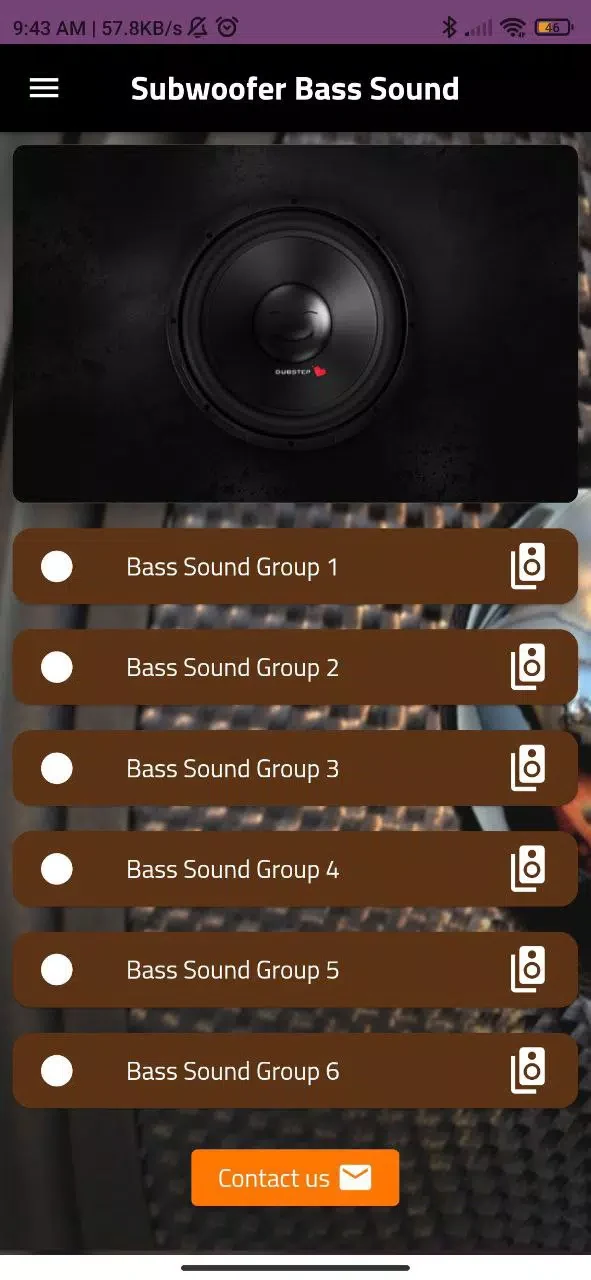
Subwoofer Bass is an audio editing software that allows users to freely adjust audio quality and effects to enhance music listening and movie watching experiences. The application is designed with a clean and simple interface featuring large, easy-to-find controls, ensuring that users can modify sound profiles without needing audio engineering expertise.
Tailoring Sound Frequencies and Spatial Audio
The built-in customizable equalizer gives you direct control over various sound frequencies, enabling the creation of a tailored sound profile that complements specific music genres such as hip-hop, rock, electronic, or classical. In addition to frequency adjustments, users can incorporate 3D sound surrounding options. This feature generates spatial audio effects through headphones or speakers, enhancing spatial awareness and creating a more immersive listening environment.
Instant Low-Frequency Enhancement
For tracks that require a stronger low-end presence, the application provides a dedicated bass booster. With just a single tap, the instant bass enhancement amps up lower frequencies to deliver a fuller, more resonant sound ideal for beats-heavy songs, podcasts, and videos. Users can twist and tweak the bass configuration to match personal preferences.
The software supports a wide range of audio formats, allowing users to import and play various file types like MP3 and WAV directly within the software. Background performance capabilities ensure that the bass effect continues to kick even when switching between apps or multitasking.
Compatibility with Streaming Platforms and Audio Gear
Subwoofer Bass integrates smoothly with popular audio and music streaming platforms, working alongside services like Spotify, Apple Music, SoundCloud, Deezer, and Google Play Music. The audio enhancements apply effectively across wired headphones, Bluetooth headphones, external speakers, and car stereos.
Certain conditions and operational limits apply to the application's performance. Audio enhancement does not function when casting media through Chromecast. Additionally, background bass boost effects may occasionally stop after some time, requiring the app to be reopened. High boost levels can also reduce overall volume, potentially strain smaller speakers, or conflict with other equalizer and sound effect applications running simultaneously on the device.
Version history
View all03 Jun 2026 · stable
Frequently asked questions
Does Subwoofer Bass support streaming applications like Spotify and Apple Music?
Yes, the application integrates seamlessly with major music services including Spotify, Apple Music, SoundCloud, Deezer, and Google Play Music.
Can I use Subwoofer Bass with different types of headphones and speakers?
Yes, it functions well with wired headphones, Bluetooth headphones, external speakers, and car stereos.
What file formats are supported by the software?
The application supports a wide range of audio file formats, including MP3 and WAV files handled by your media player.
Are there any playback limitations when casting audio?
Yes, the application does not enhance audio when casting through Chromecast.
What should I do if the bass effect stops while multitasking?
If the bass boost stops running in the background after some time, you will need to reopen the application to restore the effect.