

Stronghold Finder apk
Stronghold Finder is a Minecraft tool that calculates the coordinates of a stronghold from the position and direction of eyes of ender you throw, once the world's seed is known. The description also covers loading the seed from a save file, map controls for mouse, keyboard, and touchscreen, and the browsers it recommends.
App information
- Category
- Tools
- Package name
- com.hamburgj.strongholdfinder
- Version
- 1.1
- File size
- 1.4 MB
- Requires
- Android Votes:517
Screenshots
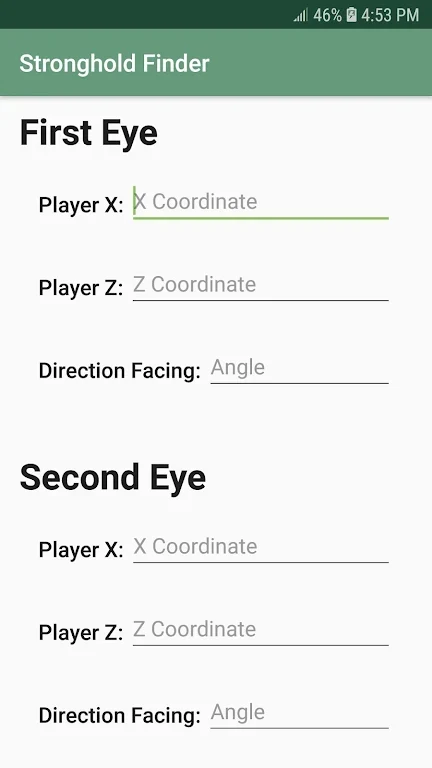
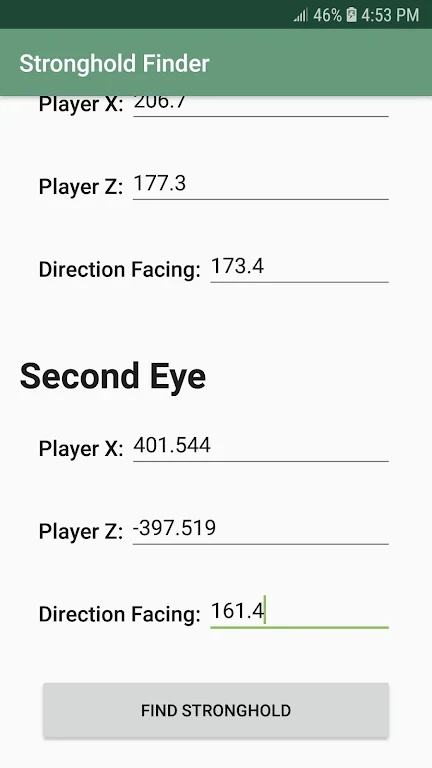
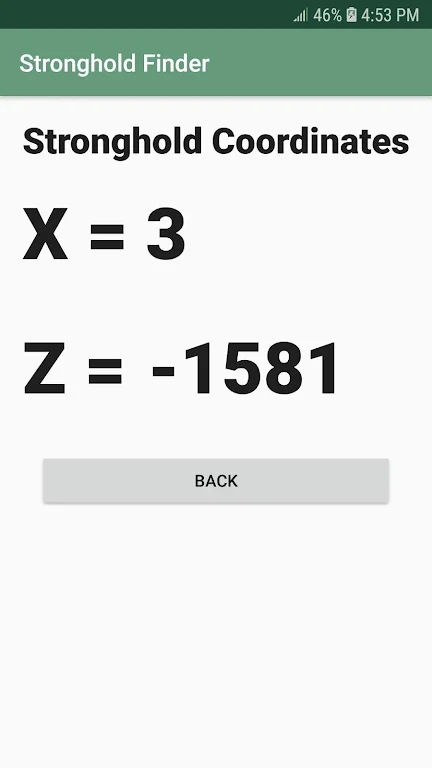
About this app
Stronghold Finder apk is a Minecraft tool designed to help players locate their strongholds without wandering aimlessly. Its description says it needs only a few eyes of ender to point to a stronghold, which makes it relevant when you want to spend less time searching a large world and more time on other parts of the game.
Getting the seed for your world
Before the app can work, it needs the seed for your current world, unless you are looking for a seed for a new world. The description says single-player (SSP) saves can supply the seed from the save file. In-game, the /seed command can also be used. In multiplayer (SMP) worlds, the same command works if you have sufficient permissions. Otherwise, the server owner, who has access to the save and configuration files, is the person to ask.
The seed can be entered manually, or loaded from a save by clicking Load from save and choosing your level.dat file. You can also drag and drop the level.dat file into a browser window. The description explains that level.dat is a small file in the folder of each Minecraft save, and that on Windows the saves folder is reached through %appdata%.minecraft saves. Seeds are described as numbers of up to about 20 digits. If you enter other characters, such as letters, they are converted to a number in the same way Minecraft handles them.
Moving and reading the map
Map controls depend on the input you use. With a mouse, you drag to move the map, use the mouse wheel to adjust zoom, and right-click to set the red pin, which fills in the coordinates below the map. Double-clicking toggles expanded map view. On a keyboard, the arrow keys move the map while the cursor is over it, the R key generates a random seed under the same condition, and the Esc key turns off expanded map view. On a touchscreen, dragging moves the map, a click shows the coordinates below it, pinching adjusts zoom, click and hold sets the red pin, and a double click toggles expanded view.
Throwing eyes of ender and following the coordinates
The app's calculation depends on recording the position and direction of each eye of ender you throw. The tips advise having at least two eyes ready before you begin. The description says these can be crafted using blaze powder and an ender pearl. Throw one eye at a time and watch its trajectory to judge the general direction of the stronghold. Record the position and direction of each throw, and then enter that information so the app can calculate the location.
Once the app provides coordinates, follow them to reach the stronghold. The description warns that mobs, ravines, or other hazards may lie along the route, so you should be ready to handle them on the way.
Browser compatibility and listing details
The description states that the app uses relatively recent web technologies, so some features may not work in older browsers. It recommends the latest versions of major browsers, including Chrome, Firefox, Edge, or Safari. The listing shows version 1.1 and places the app in the Tools category. The claims about accuracy and time savings come from the developer's description and have not been independently verified here.
Version history
View all09 Oct 2025 · stable
Frequently asked questions
What version and category is this listing?
The listing shows version 1.1 and the Tools category.