

STEEZY
STEEZY is an education app that offers dance video lessons and step-by-step tutorials in styles such as modern, jazz, and hip-hop, taught by a range of professional dancers. Its video player includes looping, mirroring, speed adjustment, and multi-angle demonstrations for practicing at your own pace.
App information
- Category
- Education
- Package name
- co.steezy.app
- Version
- 5.18.0
- File size
- 55 MB
- Requires
- Android Votes:543
Screenshots
About this app
STEEZY is a dance learning app for people who want structured video lessons instead of piecing together clips from general video platforms. According to the app's description, it combines a large lesson library, demonstrations from many professional dancers, and a video player designed for repeated practice, so users can build dance skills at their own pace.
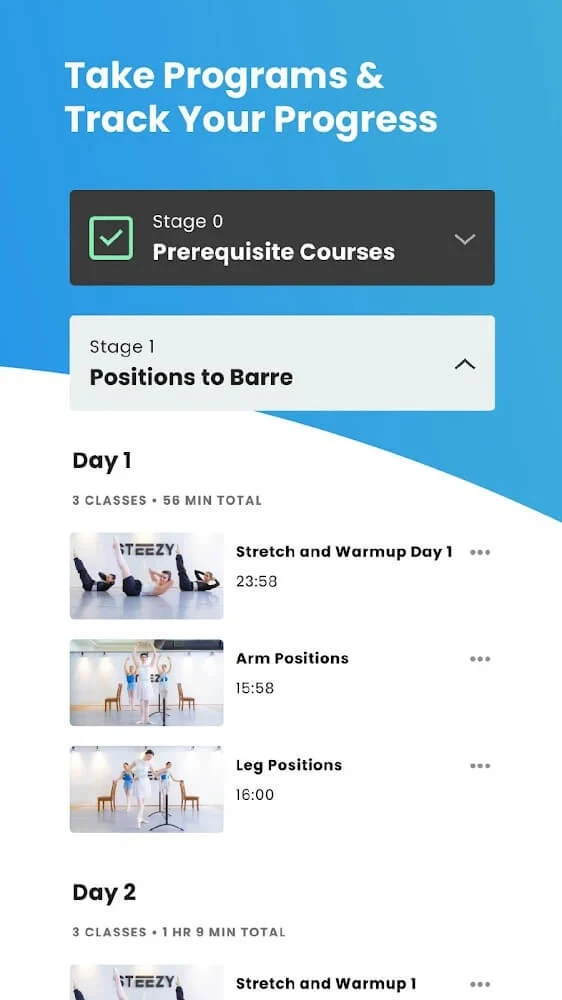
Starting from the basics and progressing to advanced steps
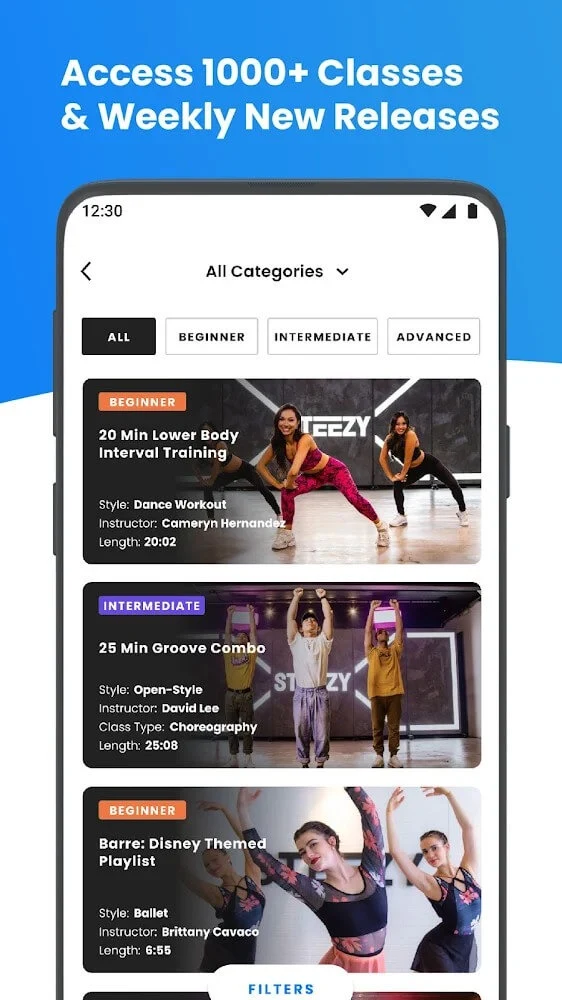
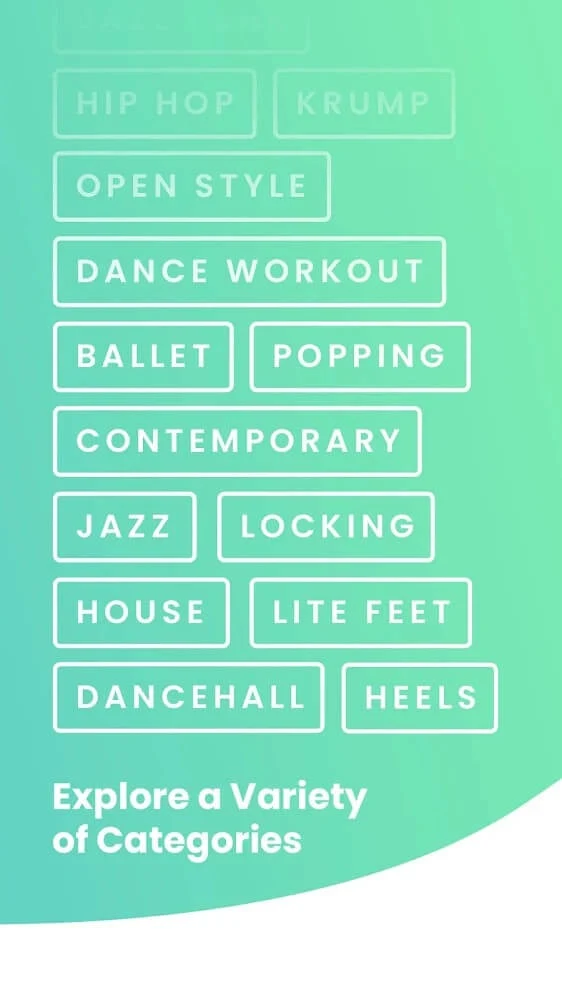
The app's description says its lessons cover a range of levels, from fundamental techniques to more difficult choreography. Lessons are described as being based on your current level and daily progress, which means the sequence can move forward as your skills develop. The app's own description cites a library of more than 800 lessons across different genres and styles, including modern, jazz, hip-hop, and more sensual dance styles. Beginners can work through foundational steps first, while more experienced dancers can move into advanced routines within the same app.
Lessons are presented as step-by-step instruction. Instructors break down each movement in detail, which the app describes as a way to practice and remember new steps more easily. Lesson length varies by choreography and style, and the app's FAQ says lessons typically range from 5 to 30 minutes.
Watching demonstrations from several angles
A central part of the learning process is seeing the movement clearly. STEEZY states that its dance videos and animated demonstrations are provided at the highest quality available, and that demonstrations are shown from different angles. Viewing the same move from more than one perspective can help you understand the body positioning and transitions that are harder to see from a single camera view.
The app also highlights its instructors. Its description mentions up to 100 or more professional dancers with different backgrounds and specialties, so users can choose teachers whose style they prefer and return to favorite instructors across their lessons.
Practicing with the video player controls
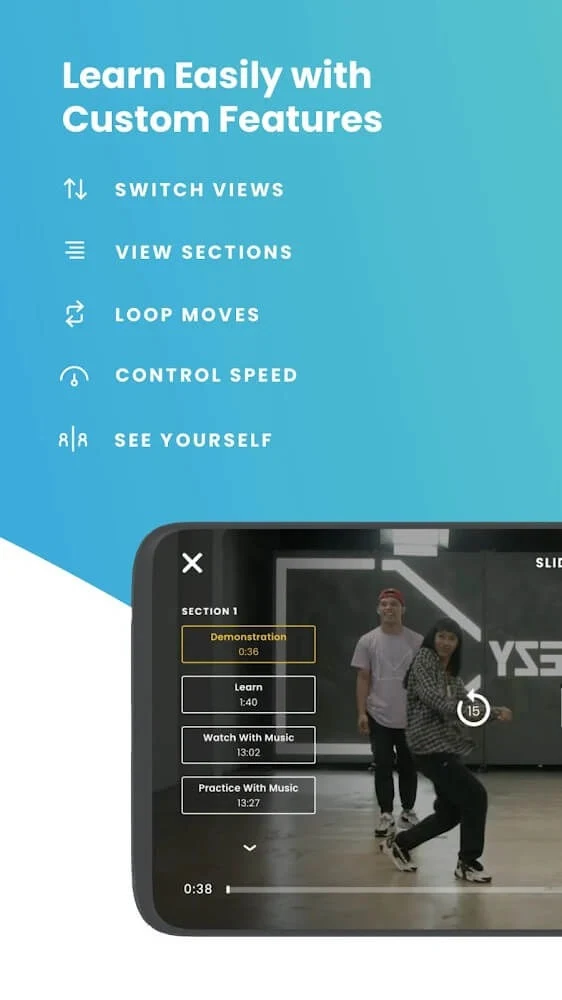
Once you start a lesson, the built-in video player offers several controls intended to support practice. The description lists smooth playback, touch and gesture controls for interacting with the app, and a mirror option that flips the video so a move can be visualized from the opposite side. This can be useful when a choreography uses left and right sides differently.
The Loop option replays a video for as long as you need, which is helpful for repeating a difficult section. Speed settings let you adjust the tempo of a dance, so you can slow a routine down while learning it and return to the original pace later. A camera view mode lets you see your own movement while the video plays, allowing you to compare your body position with the demonstration in the same screen.
Pacing your learning around your own schedule
STEEZY describes a flexible approach to learning speed. Rather than following a fixed schedule, users can choose how quickly they move through lessons. The app's description gives the example of completing two or three lessons in a row when you want to increase your pace, and returning to a slower rhythm when you need more time to consolidate a routine.
This flexibility matters for people who practice in short sessions or who want to focus on one style for a period. Because lessons are tied to level and daily progress, the structure can adjust as you improve rather than repeating the same material.
Viewing lessons on a larger screen and noting reported limitations
The app's conclusion mentions using STEEZY on an Android phone or a smart TV, and some users prefer a larger display for following movement. Keep in mind that the source includes user reviews that report practical limitations. One reviewer described a delay between audio and video when casting from a phone to a television, which made it difficult to follow counts in certain classes. Another reviewer mentioned that the mobile app's search could feel clunky at times and reported a sign-in issue on the desktop website. These are individual experiences rather than verified test results, but they are worth considering if you plan to use a TV setup.
User reviews in the source also describe intense, faster-paced workouts built around choreography. These comments are personal impressions and do not establish a specific intensity level for every lesson.
Subscriptions and live sessions
The source's FAQ states that STEEZY uses a subscription model with monthly and yearly pricing options, and that a free trial is sometimes offered to new users. Specific prices and trial terms can change, so check the app for current details before subscribing. The FAQ also says the service occasionally offers live classes and workshops, which are not described as a regular, fixed part of the library.
Version history
View all24 Dec 2025 · stable
Frequently asked questions
Is STEEZY available on computers as well as mobile devices?
The app's FAQ states that STEEZY can be accessed on both mobile devices and computers through its app and website.
Can I cancel a STEEZY subscription at any time?
The source's FAQ says subscriptions can be cancelled at any time without penalties. Confirm the current terms in the app before subscribing.