

Steam Link
Valve CorporationSteam Link connects an Android device to a computer running Steam so you can play existing Steam games on the device. It supports Bluetooth controllers and the Steam Controller, with network guidance for Android TV, tablets, and phones.
App information
- Developer
- Valve Corporation
- Category
- Lifestyle
- Package name
- com.valvesoftware.steamlink
- Version
- 1.3.9
- File size
- 117.8 MB
- Requires
- Android Language:
Screenshots

About this app
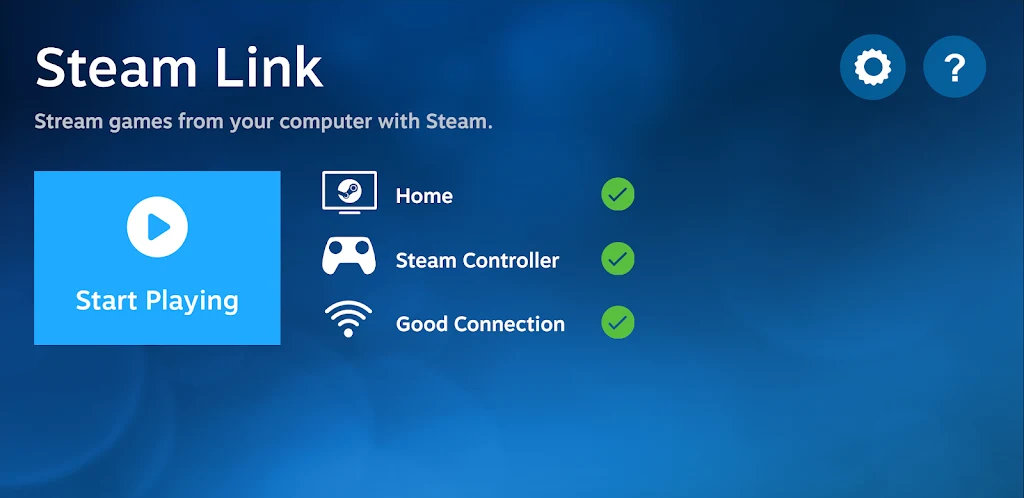
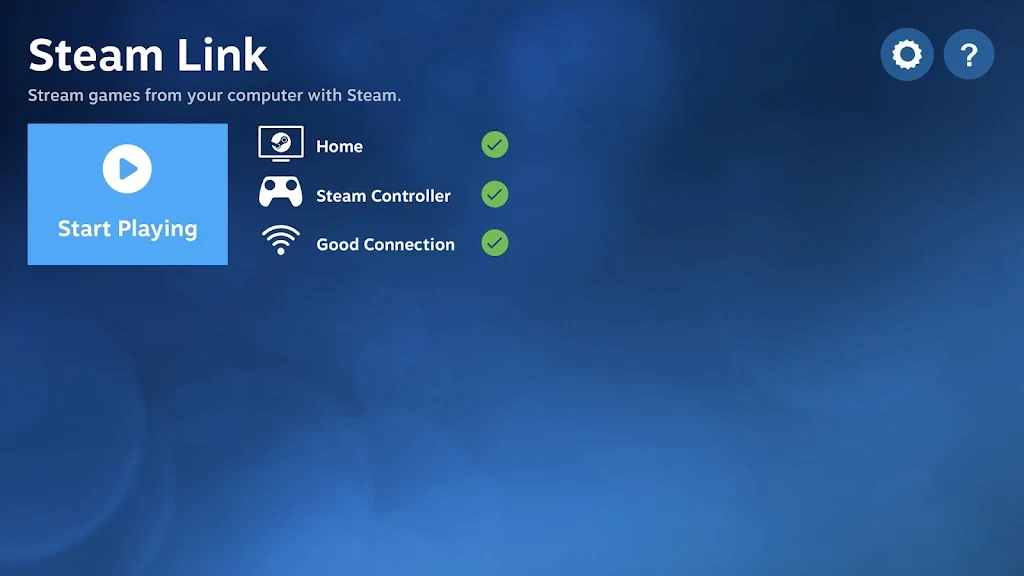
Steam Link connects an Android device to a computer running Steam when you want to play your existing Steam games away from the computer screen. The app also supports pairing a Bluetooth controller or Steam Controller for game control and interface navigation.
Playing Steam games on an Android device
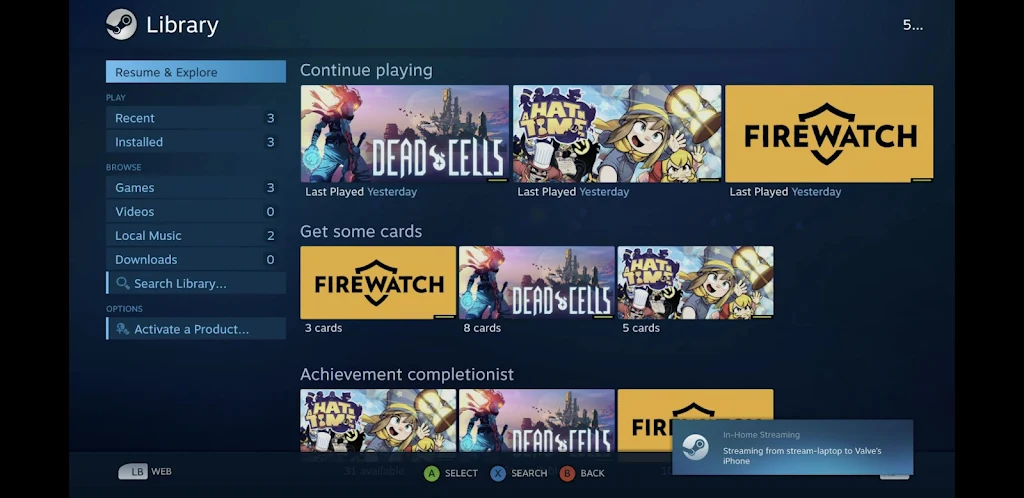
After connecting the Android device to a computer running Steam, Steam Link provides access to the computer's existing Steam games on the Android screen. This is the app's central use: bringing desktop gaming to a compatible Android phone, tablet, or Android TV device instead of requiring play directly at the computer.
Using a paired controller
For control during play, the app can pair with a Bluetooth controller or a Steam Controller. The paired device is used to control games and move through the Steam Link interface, giving the Android setup a dedicated game-control option rather than relying only on touch interaction.
Setting up Android TV for the connection
For Android TV, the source recommends connecting both the computer and the Android TV to the router through Ethernet. This setup is described as the preferred approach for performance and a reliable connection while streaming games to the television.
Configuring tablets and phones
For tablets and phones, connect the computer to the 5GHz Wi-Fi router using Ethernet, then connect the Android device to the 5GHz band of the same Wi-Fi network. These connection recommendations are intended to support a stable, high-speed link between the computer and the mobile device.
Maintaining a strong wireless signal
When using a tablet or phone, keeping the Android device within a reasonable range of the router can help maintain a strong signal. This guidance is relevant to avoiding interruptions during a Steam Link gaming session, alongside the recommended 5GHz connection.
Version history
View all09 Aug 2024 · stable