

SODA
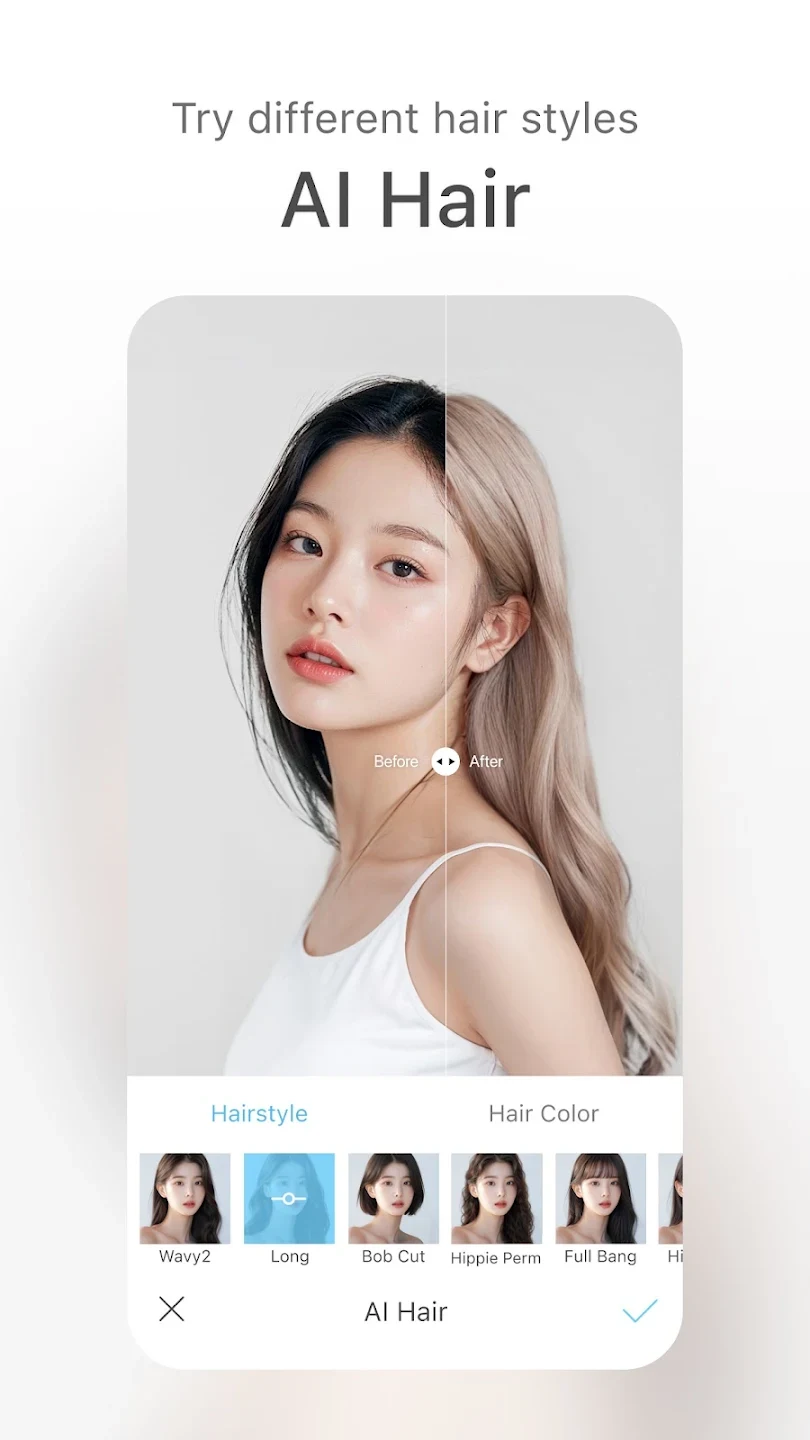
SODA is a photography app for capturing and editing selfies with makeup styles, filters, beauty adjustments, effects, and text. It supports real-time camera effects, post-capture touch-ups, face-detail controls, portrait focus adjustments, and high-resolution photo output.
App information
- Category
- Photography
- Package name
- com.snowcorp.soda.android
- Version
- 9.6.0
- File size
- 133.1 MB
- Requires
- Android Votes:255
Screenshots
About this app
SODA is a beauty camera and photo-editing app for creating styled selfies and portrait photos. It combines shooting modes with makeup, filters, effects, text, and adjustable beauty controls, allowing users to apply changes while taking a photo or refine an existing image afterward. The source also describes support for video capture and editing, although it provides fewer details about those tools than it does for still photography.
Can SODA apply makeup and filters while taking a photo?
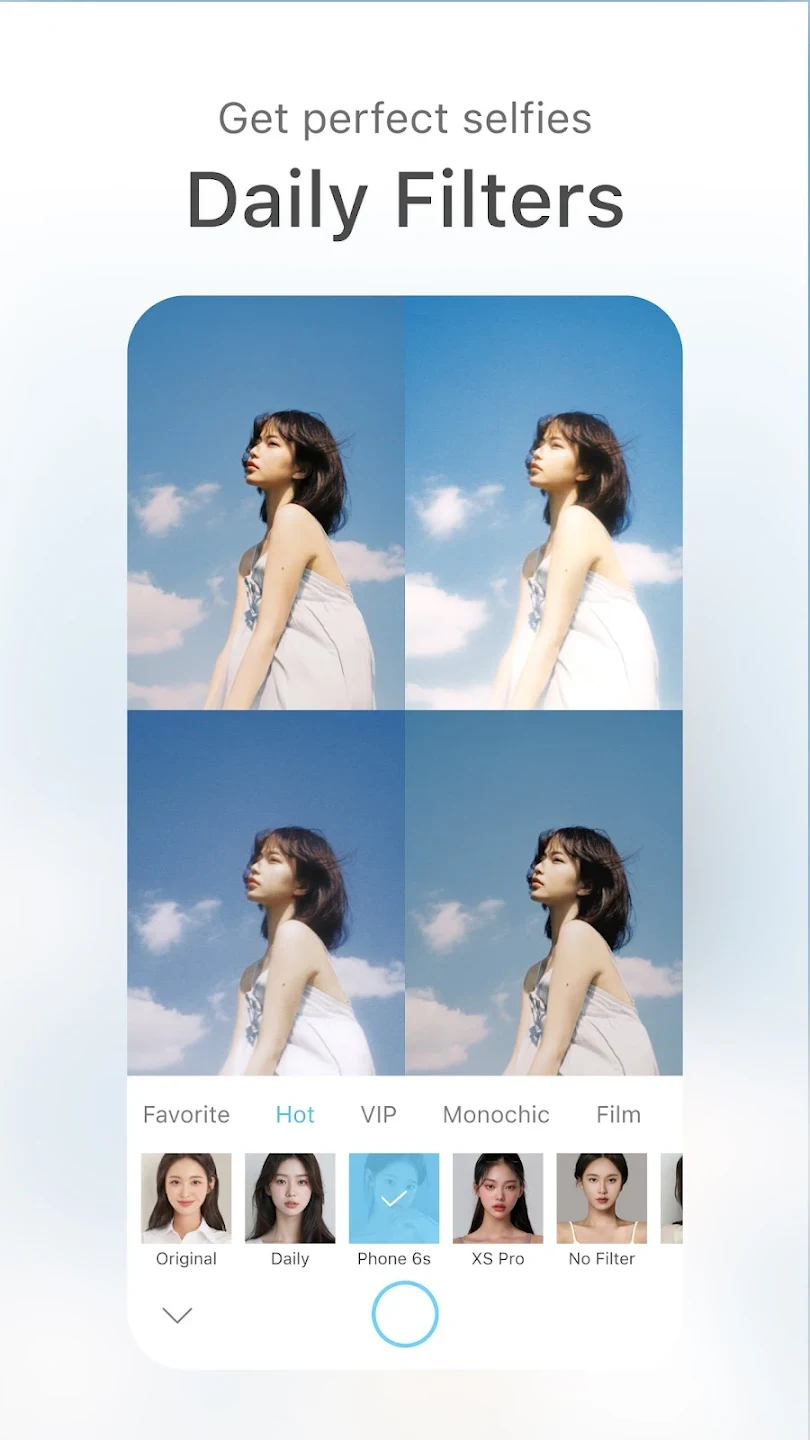
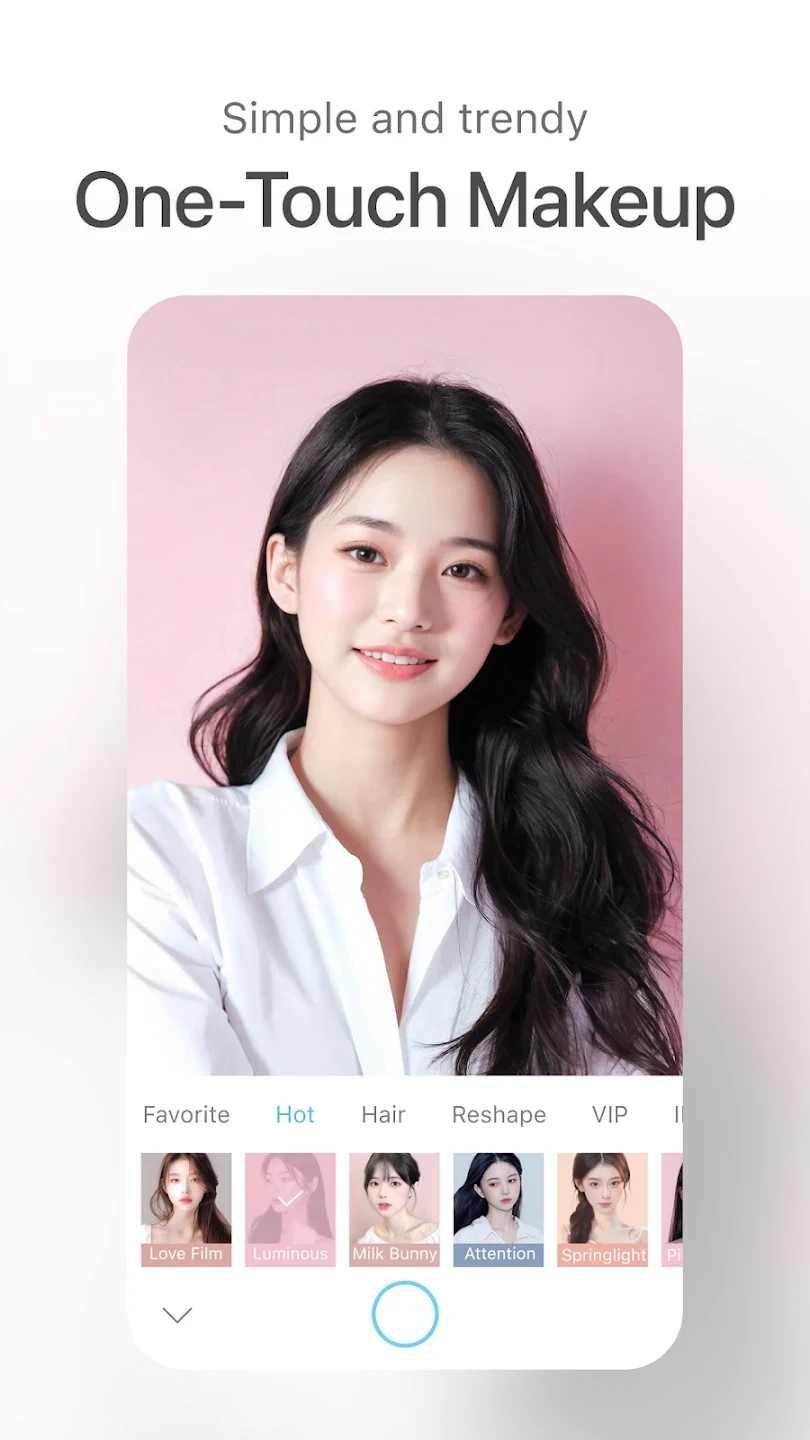
Yes. SODA provides a camera experience in which selected makeup styles and filters can be placed over the face in real time. Users can swipe through available looks and choose a combination that fits the intended portrait before capturing the image. This makes the app relevant to people who want to preview a beauty treatment rather than take an unedited photo and make every change later.
The available choices include makeup sets, color filters, beauty effects, and other visual styles. The source describes these options as suitable for creating different moods and appearances. It also identifies a One-Touch Makeup function that combines makeup and filter effects through a single action, giving users a quicker way to try a complete look without selecting every element separately.
What beauty adjustments can be controlled?
SODA includes controls for changing the strength of its beauty treatment. Users can adjust filter intensity and apply skin touch-ups, so the result does not have to use the same level of enhancement in every image. The app is described as providing customized makeup layers and detail-focused processing for portrait photos.
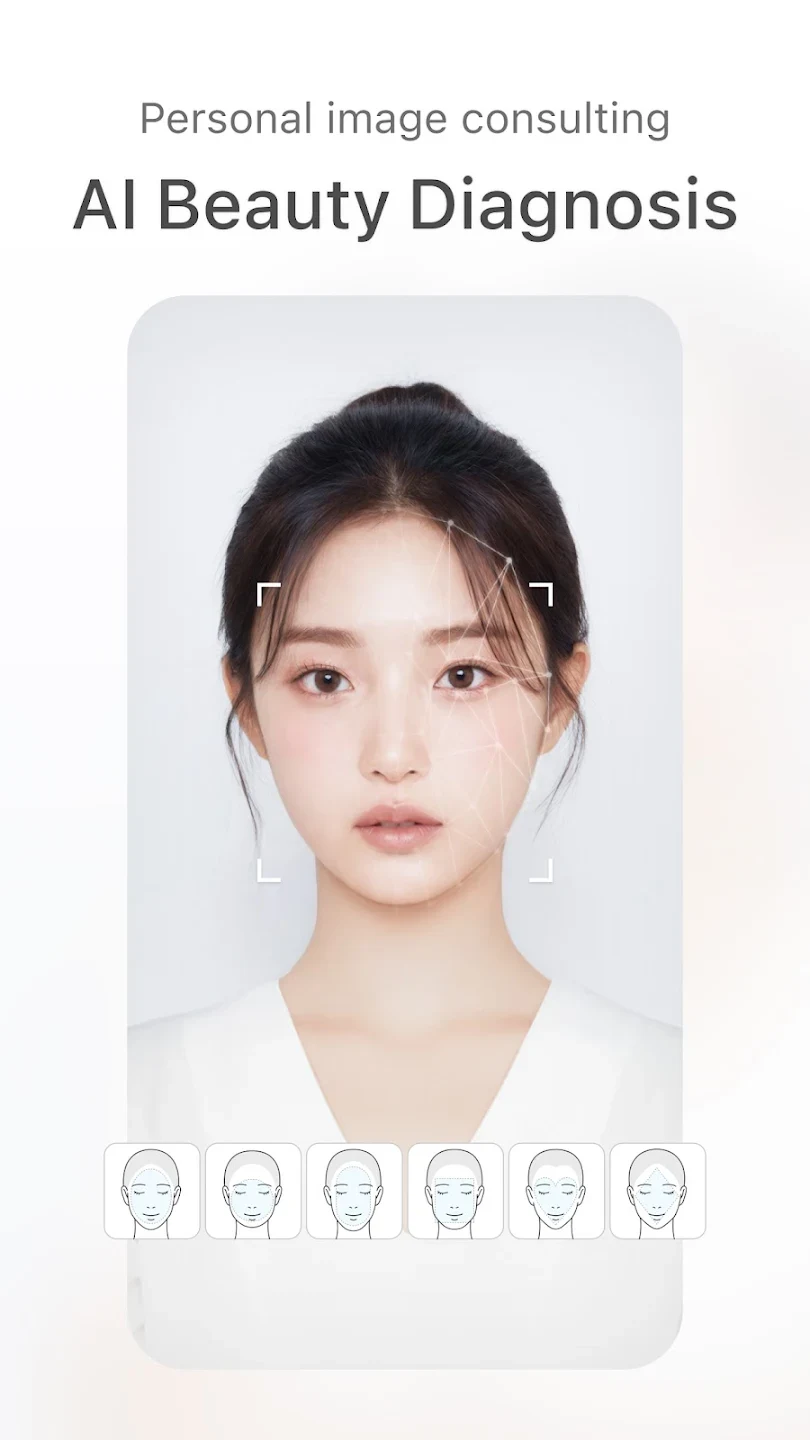
Its face-optimization controls cover several individual areas, including the eyes, nose, chin, eyelids, and the overall face shape. The source also mentions face-lift adjustments and broader beauty-effect changes. These controls are intended for users who want to decide which facial details to modify instead of applying only one general filter to the entire image.
Can SODA edit an existing photo?
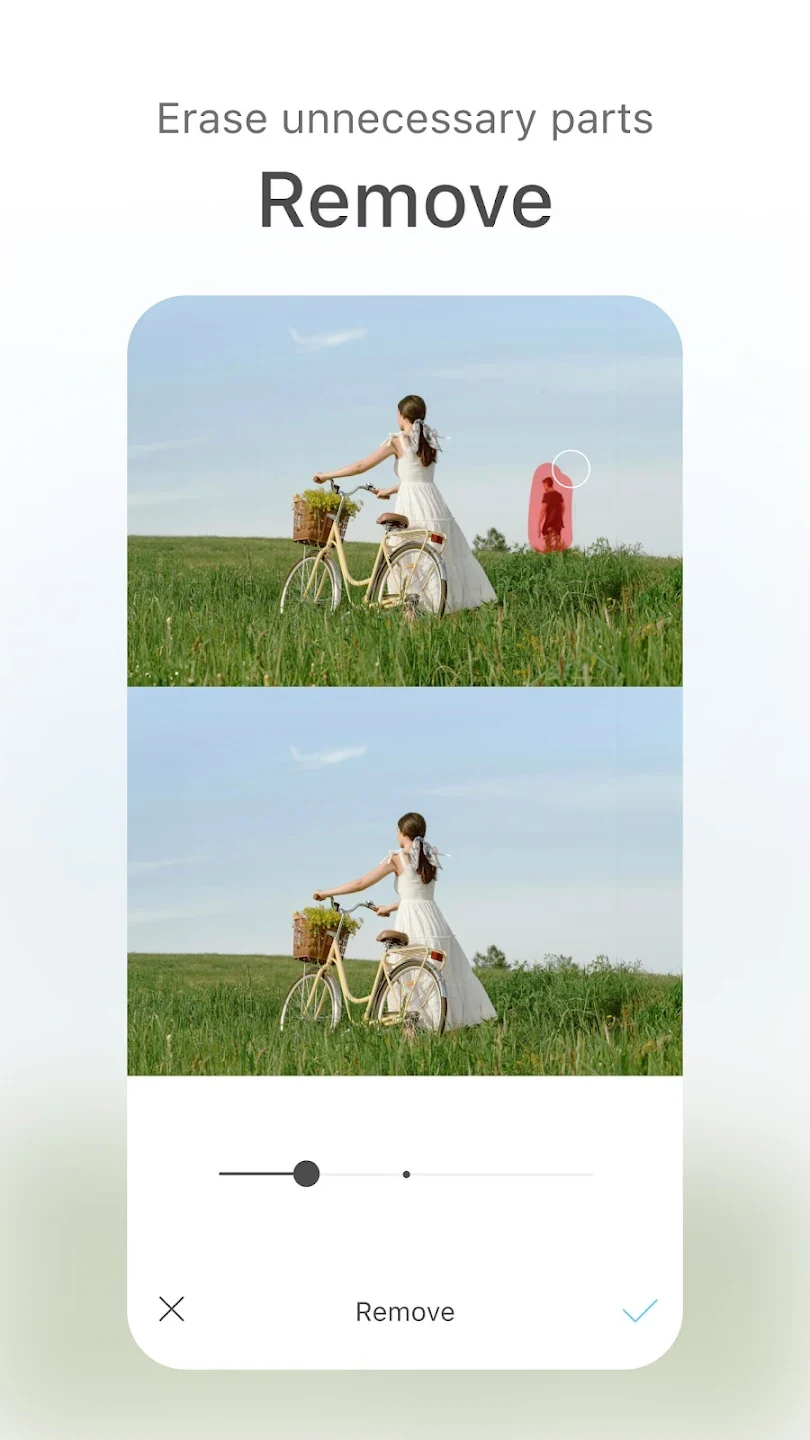
In addition to its live camera, SODA supports editing after an image has been captured. Existing portraits can receive makeup, filters, skin adjustments, face-shape changes, and other effects. This is useful when a user prefers to take a photo with a regular camera first and then use SODA for the beauty treatment, rather than composing and capturing the image inside the app.
The source also says that users can make further changes after an initial automatic adjustment. This gives the editing process two stages: a quick beauty treatment for a fast result and additional controls for changing the intensity or individual facial details. The app includes text among its listed creative tools, although the source does not specify the available fonts, placement options, or text effects.
Does it include portrait focus controls?
SODA includes a Portrait effect that lets users adjust focus by tapping an area of the photo. This is presented as a way to create a portrait-style result with a clearer subject and a changed focus area. The available description does not specify the exact blur controls or whether the effect works in every camera mode, so the supported detail is limited to tap-based focus adjustment for portrait images.
What image quality does SODA provide?
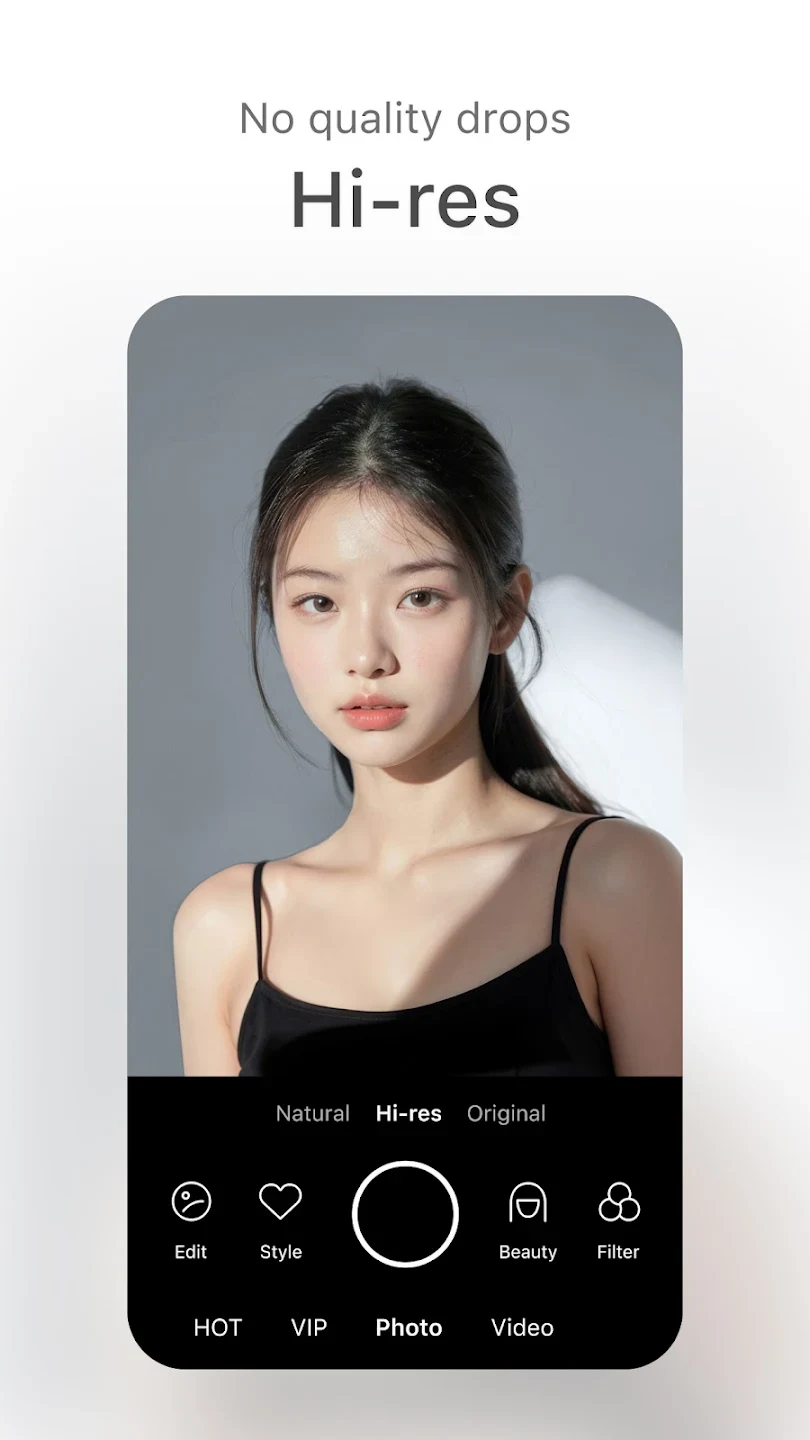
The app is described as supporting a high-resolution mode for selfies and high-resolution photo output. According to the supplied information, this is intended to preserve clearer facial lines and fine details when a beauty treatment is applied. The source also states that users can save a high-resolution photo for sharing with friends or on social media platforms.
These quality descriptions are part of the app's supplied feature information rather than an independent performance test. The practical result may depend on the original image, camera hardware, lighting, and the selected adjustments. SODA does provide controls for filter strength, however, so users can choose a lighter or stronger treatment instead of relying on one fixed appearance.
Can SODA be used for video?
The supplied material identifies both photo and video editing as part of SODA's broader camera offering. A user review specifically describes applying beauty filters during video recording and editing faces individually afterward. Because the source gives no detailed list of video controls, supported export settings, or recording requirements, the clearest description is that SODA is presented as supporting beauty effects for video as well as still images.
What kinds of creative results is it designed for?
SODA is aimed at selfies, portraits, and other beauty-focused social images. Users can combine makeup styles, color filters, face adjustments, effects, and text to create a particular visual treatment. The app's shooting modes are described as clear and easy to use, while its editing tools are intended to help users refine facial details and the overall appearance of a photo.
The source also mentions that additional editing tools and visual materials are added over time, but it does not provide a complete catalog of those materials. For that reason, the most reliable description is based on the documented functions: real-time makeup and filters, adjustable skin and face effects, portrait focus, text, high-resolution output, and post-capture photo editing. SODA therefore fits users looking for a dedicated beauty camera with both live preview controls and later adjustments.
Version history
View all17 May 2026 · stable
Frequently asked questions
What is the current version listed for SODA?
The supplied app information lists version 9.6.0.
What category is SODA listed under?
SODA is listed in the Photography category.