

SnapTik APK
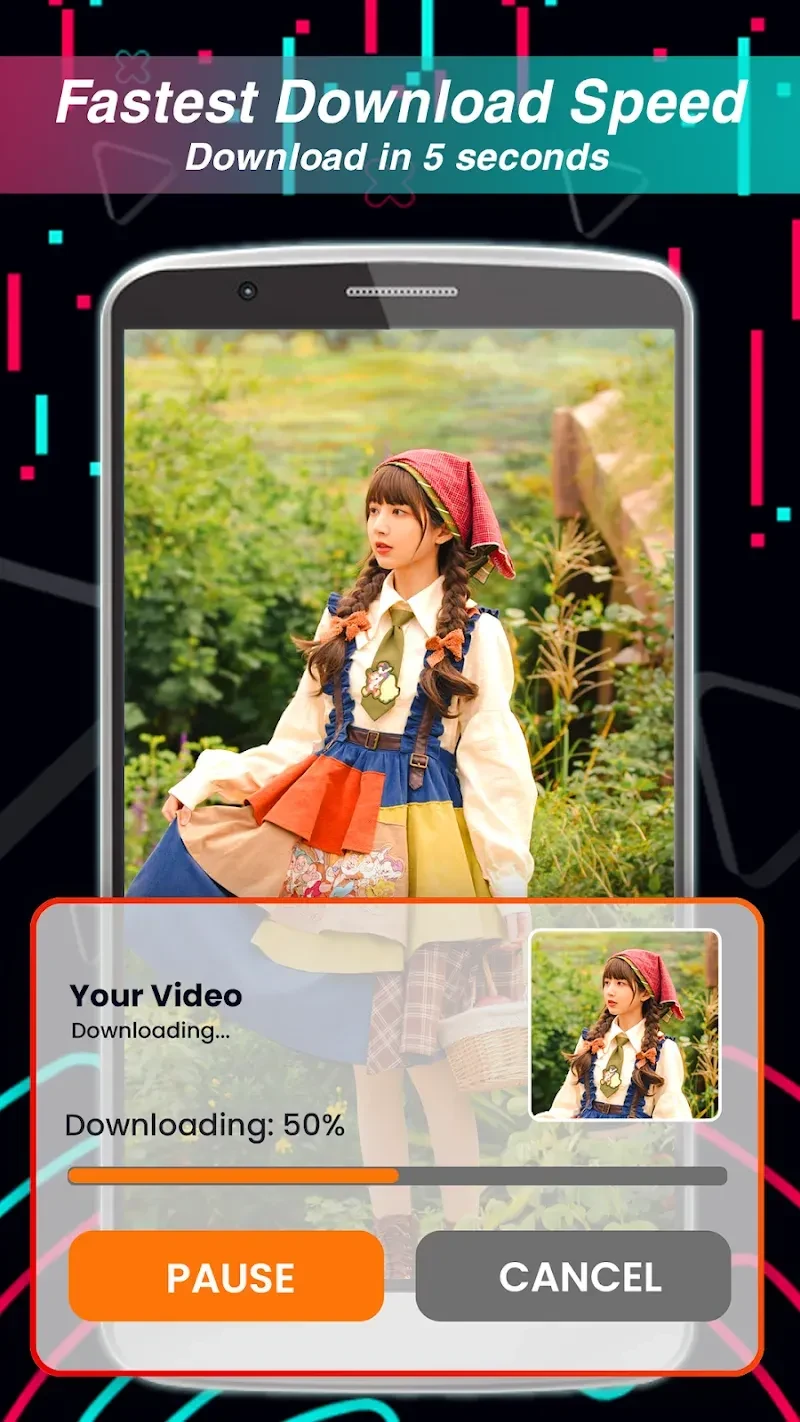
SnapTik APK is a TikTok-focused video downloader for saving videos without a watermark. It supports link-based downloads, selectable resolutions, background downloading, a built-in album and player, and browsing without a login.
App information
- Category
- Video Players & Editors
- Package name
- com.videodownloader.download.video.nolgo.nowatermark.downloader
- Version
- 1.7.3
- File size
- 62 MB
- Requires
- Android Votes:379
Screenshots


About this app
SnapTik APK is a TikTok video downloader for people who want to save selected short videos to an Android device for later viewing. It supports link-based downloads, watermark-free video files, resolution choices, and a built-in way to review saved clips.
When you want to save a TikTok clip quickly
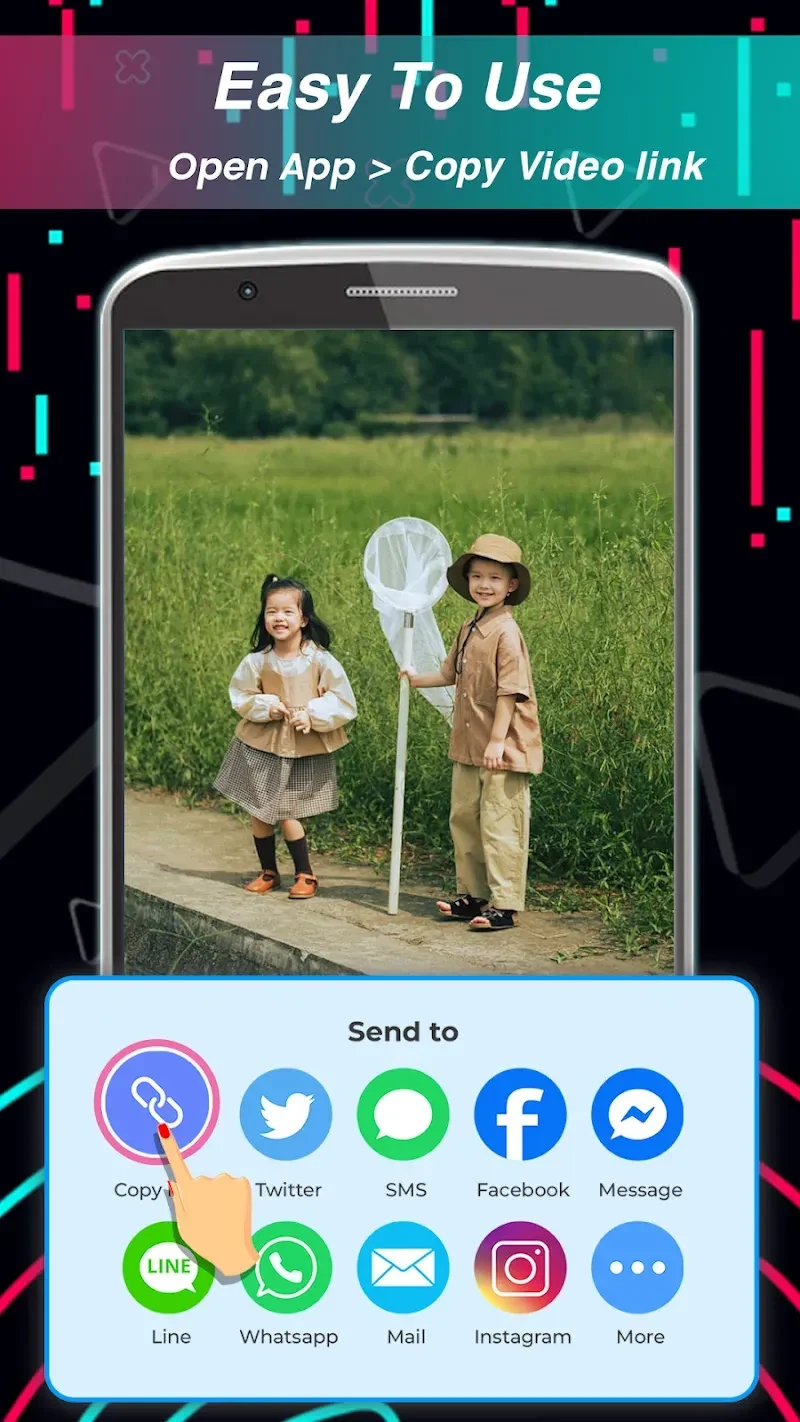
The basic download process is centered on a TikTok video link. After copying the link, you can paste it into SnapTik and start the download without needing another third-party downloader. The app also describes a one-tap route from the video menu: choose the option to save the video to the gallery. This gives users two documented ways to begin saving content, depending on how they reach the video.
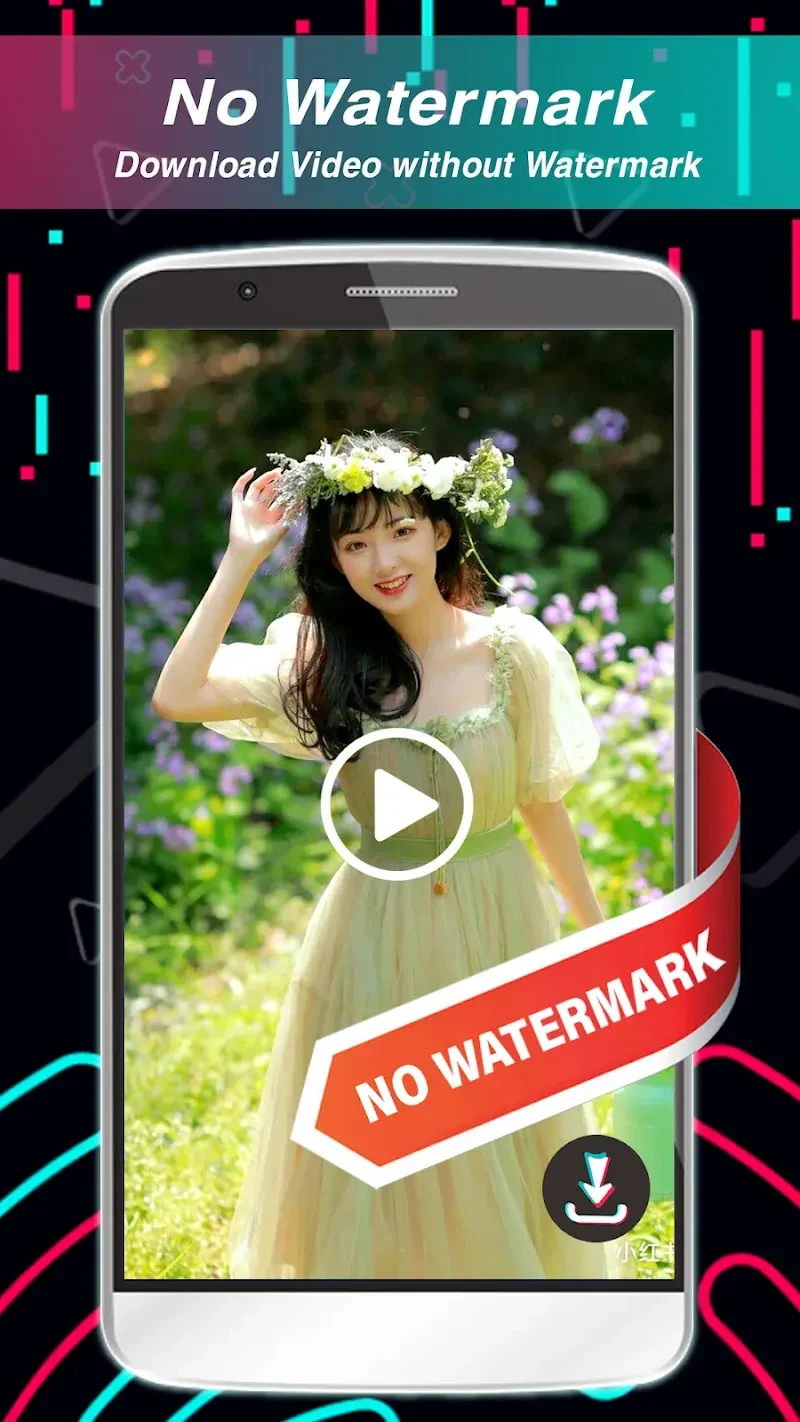
SnapTik is designed to remove the TikTok watermark from downloaded videos. It also provides different resolution choices, so the available quality can be selected for a particular viewing purpose. The source states that when a Full HD or higher version is available, a corresponding high-quality download link is shown. The resulting file is intended for viewing or managing on the device, subject to the rights associated with the original content.
When you want downloads to continue while you leave the app
The app supports background downloading, allowing a video download to continue after the app is closed. Once the file is ready, it can be reviewed in the built-in album. This is useful for separating the download step from the review step: you can return to the saved collection later instead of keeping the downloader open while the file is being obtained.
The built-in media player provides another way to check saved videos. It can play downloaded clips, including when they are being viewed offline, and lets you preview a file to confirm that it downloaded correctly. SnapTik also allows saved videos to be managed, moved, or deleted according to the user's preferences.
When you want to browse without creating an account
SnapTik is described as usable without signing up or logging in. The source specifically says that users do not need to provide details such as a name, birthday, password, or email to use the app. It also presents the app as a way to browse content uploaded for specific countries, making country-focused material available through a simple selection rather than limiting browsing to one regional collection.
The interface is described as uncluttered and intended to keep browsing and downloading straightforward. The app also states that it blocks advertisements automatically, so its viewing experience is presented without advertising interruptions. These are source-described functions rather than independent performance findings.
When you want to create or prepare your own content
In addition to downloading, SnapTik includes an option to upload personalized content directly through the app. The documented workflow allows you to choose background music or a track and then start recording. This makes the upload and recording functions part of the same application, although the source does not describe a broader video-editing toolkit.
SnapTik is not presented as a video editor, so downloaded clips cannot be edited inside the app according to the supplied information. It also does not provide a TikTok MP3 download solution. The source identifies SnapTik as a video downloader and distinguishes that purpose from extracting music tracks.
When a small utility is important
The supplied details describe SnapTik as lightweight, with a stated size of 8.7 MB. Its main workflow remains focused on copying a TikTok link, pasting it into the app, selecting an available download option, and reviewing the saved result. Together with the album and player, these functions keep downloading and basic file review within the same tool.
Version history
View all30 Dec 2025 · stable