

Skyline Emulator
Skyline Emulator is an Android app for running Nintendo Switch game files on compatible mobile devices. It supports several file formats, touch and gamepad controls, library browsing, graphics tuning, optional Docked mode, and custom GPU driver settings on some devices.
App information
- Category
- Tools
- Package name
- skyline.eee
- Version
- 5.2.0
- File size
- 170 MB
- Requires
- Android Votes:94
Screenshots
About this app
Skyline Emulator is an Android app for running Nintendo Switch game files when you want to play supported titles on a phone or tablet. It combines a folder-based game library with touch controls, external gamepad support, and graphics settings that let you adjust the experience to the capabilities of your device.
When a mixed game collection needs one library
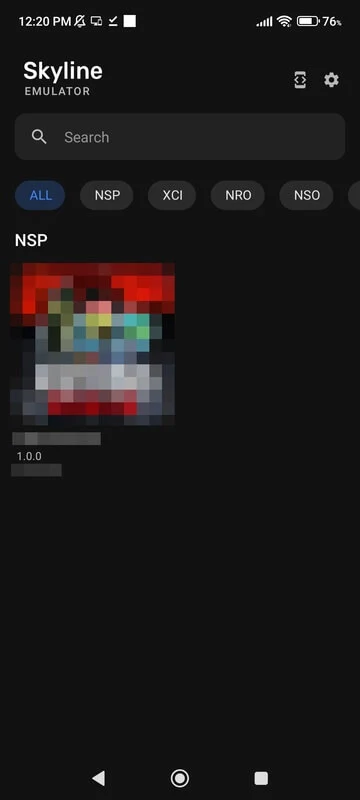
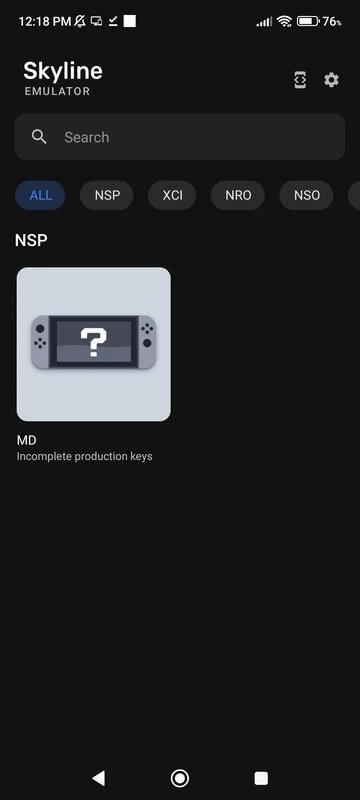
Skyline Emulator recognizes NSP, XCI, NRO, NSO, and NCA files, so supported titles in different formats can be handled in the same app. After you point the emulator to a Switch games folder, the recognized files are listed in the “All” tab. This gives you a single place to browse the imported collection instead of opening files individually through a separate file manager.
The library is organized around the folder you select, which is useful when game files are stored on internal storage or an SD card. Selecting a title starts it, and you can return to the library to choose another supported file. The app therefore focuses on managing and launching files that you provide rather than describing a bundled game catalog.
When handheld play calls for direct controls
The built-in touch interface is intended for playing directly on an Android device without additional accessories. On-screen buttons are arranged for use in both portrait and landscape orientations, allowing the same app to accommodate different ways of holding the device. The controls provide the inputs needed to move through menus and play supported games while keeping the game view visible.
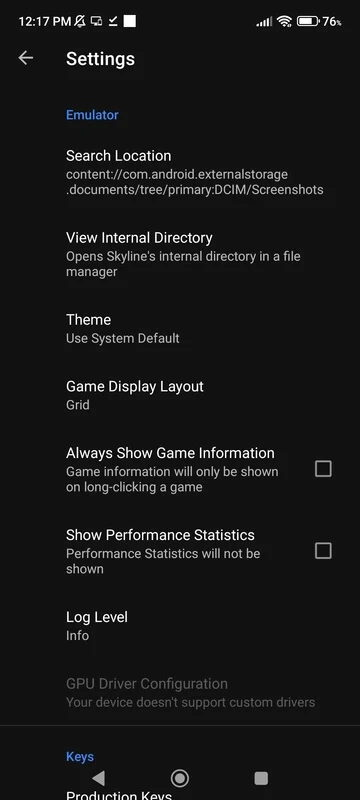
If touch input is not your preferred method, Skyline Emulator supports compatible gamepad controller devices. A controller can be configured through the app settings, giving players a way to use physical inputs instead of the on-screen layout. This makes the control setup adaptable for shorter handheld sessions as well as play with a connected peripheral.
When graphics settings need to match the phone
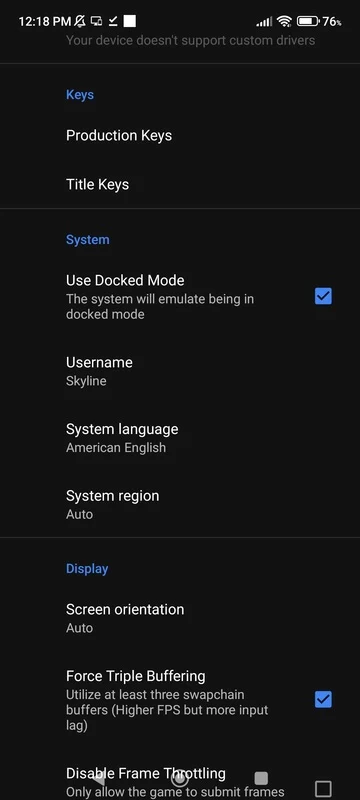
The emulator includes graphics options for balancing image quality and smoothness. A less powerful phone can use lighter settings intended to keep gameplay playable, while a newer device may be able to use higher resolution. These controls are useful because emulation performance can differ between titles and Android hardware.
An optional Docked mode provides a stronger performance profile for demanding games. Some devices also expose custom GPU drivers in the settings, which may help stabilize frame rates on hardware that supports them. The source notes that results vary by game and phone, so changing individual graphics options is the practical way to tune the experience rather than relying on one setting for every title.
When a simple mobile setup is preferred
Skyline Emulator is designed around mobile hardware and can be used with its touch controls without an extra controller. Players who do use accessories can switch to a supported gamepad and customize its inputs. This combination lets the same installation serve a lightweight touchscreen setup or a more conventional controller-based arrangement.
The app requires Android 8.0 or higher. Its project is described as open source, with the code available online for users and developers to inspect, modify, or contribute to. The source also characterizes the project as a community-driven legacy, with community support focused on existing performance and compatibility work.
When existing game files need to be imported
To use the emulator, you need compatible game files and must direct the app to their location. Once the selected folder has been scanned, supported files appear in the library for browsing and launching. This file-based setup keeps game selection separate from the emulator itself and supports the formats listed above, while actual performance remains dependent on the title and Android device.
Version history
View all15 May 2026 · stable
Frequently asked questions
What Android version does Skyline Emulator require?
Skyline Emulator requires Android 8.0 or higher.
What does shader cache optimization mean in Skyline Emulator?
Shader cache optimization means pre-compiling and storing graphical shaders to reduce stuttering and improve frame rates during gameplay.