
Singapore VPN - Free VPN Proxy & Wifi Security
Secure VPN Proxy Service ProviderSingapore VPN - Free VPN Proxy & Wifi Security is an Android VPN app for connecting through Singapore servers or randomly selected country servers. Its description highlights website access, encrypted connections, no required registration, and a simple server-selection interface.
App information
- Developer
- Secure VPN Proxy Service Provider
- Category
- Tools
- Package name
- com.securevpnserviceprovider.singaporevpnfreevpnproxy
- Version
- 3.0
- File size
- 10.9 MB
- Requires
- Android Language:
Screenshots
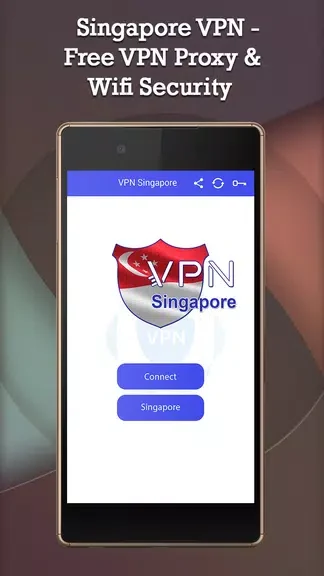
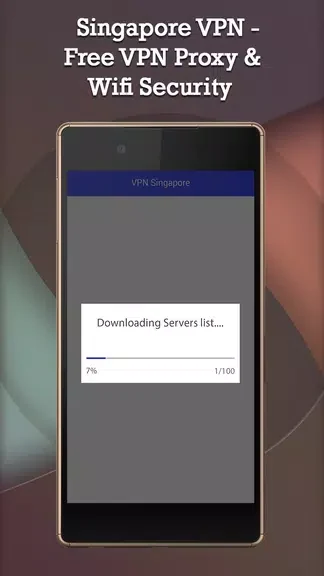
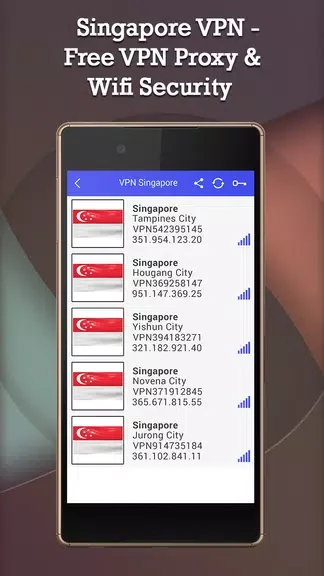
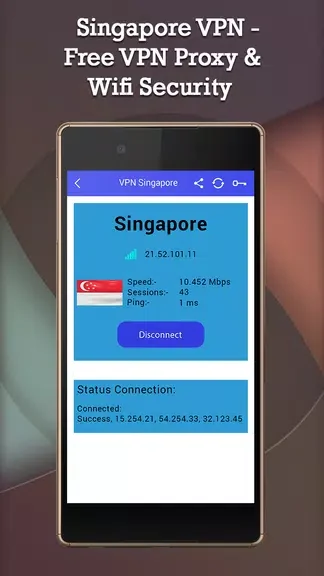
About this app
Singapore VPN - Free VPN Proxy & Wifi Security is an Android app for creating VPN connections through Singapore servers or randomly selected servers in other countries. The supplied description presents it as a way to browse with added privacy and reach websites that may be restricted by location or network censorship.
Which server locations can it use?
The app provides a range of VPN servers in Singapore and also allows connections to random country servers. This gives users a choice between a Singapore-based connection and a different proxy location selected for each session. The source does not identify the individual countries available in the random server option.
What online access functions are described?
Singapore VPN - Free VPN Proxy & Wifi Security is described as supporting access to restricted websites, including websites affected by geo-restrictions or internet censorship. The source mentions general websites, streaming content, and social media platforms as examples, but it does not document support for any specific service.
What privacy controls and connection claims are provided?
The description says the app encrypts the internet connection and is intended to reduce exposure to third-party tracking. It also presents the service as offering unlimited bandwidth and torrent-friendly browsing. These are claims in the supplied app material rather than independent verification of the connection's privacy or performance.
Is the app designed for simple setup?
The documented interface is intended to be easy to use, with no registration or complicated settings required according to the source. The described control is selecting a server location and connecting, so the app is aimed at users who want a straightforward VPN connection rather than extensive configuration options.
Version history
View all07 Sep 2024 · stable
Frequently asked questions
Can it be used on more than one device?
The supplied description says it can be installed and used simultaneously on multiple devices, including smartphones, tablets, and computers.