

Safeco Mobile
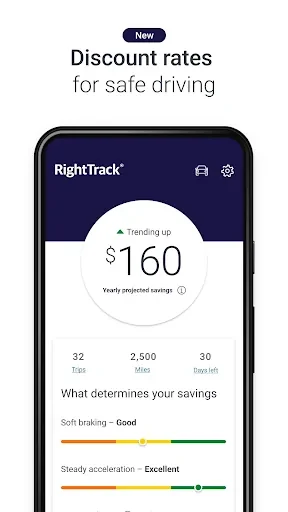
Safeco Insurance Company of AmericaSafeco Mobile gives Safeco customers access to insurance services from a phone or tablet. Users can report auto accidents, follow claim status, manage policy details, view ID cards, pay bills, and contact the Claims Center, an independent agent, or Roadside Assistance.
App information
- Developer
- Safeco Insurance Company of America
- Category
- Finance
- Package name
- com.safecoinsurance.consumer
- Version
- 4.16.1
- File size
- 186.9 MB
- Requires
- Android Language:
Screenshots
About this app
Safeco Mobile gives Safeco customers a way to handle insurance tasks from a mobile device when they need to review coverage, report an accident, make a payment, or contact support. The app provides access to functions available through a Safeco online account and also supports selected tasks without requiring a login.
Reporting an auto accident
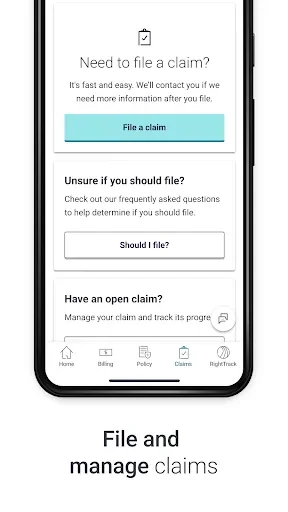
When an auto accident needs to be reported, users can submit relevant accident details through the app. They can also provide photos and witness information as part of the report. This brings the main information requested for a claim into one mobile process and gives the insurance adjuster details to use when handling the report.
Following a claim and contacting an adjuster
After a claim has been submitted, Safeco Mobile lets customers check its status. The app also provides a way to email the adjuster directly, so claim-related communication can be handled from the same place as status checking. For home and non-auto claims, the Claims Center can be reached through the app's Click to Call option.
Reviewing and updating policy information
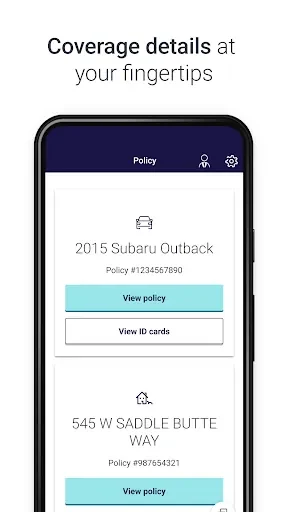
Customers can review their policy documents and make selected changes in the app. Supported updates include adding or deleting drivers and updating an auto or home loan provider. The app also displays insurance ID cards for convenient access when policy information is needed.
Handling insurance payments
Safeco Mobile supports common billing tasks, including checking a balance and making a payment. Customers can also register for automatic payments through the app. This gives users a way to arrange recurring payments rather than making each payment manually.
Getting assistance without searching for contact details
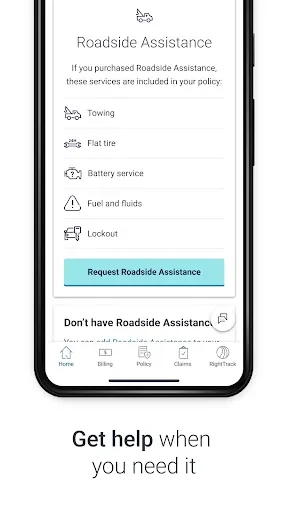
The Click to Call feature connects users with the Claims Center, their independent agent, or Roadside Assistance. The app also supports requesting a tow without logging in, which is useful when roadside help is needed and accessing an account is not practical.
Using digital and printed ID cards
The app's digital ID cards may not be valid proof of insurance in every state. Customers should therefore keep a printed ID card in their vehicle for traffic stops or accidents, even when they also use Safeco Mobile to view the digital version. Customers with an existing Safeco.com account can use it, while those without one can create an account.
Version history
View all27 Aug 2024 · stable
Frequently asked questions
Can I request a tow without logging in?
Yes. Safeco Mobile supports tow requests without requiring a login.
Are the digital insurance ID cards valid in every state?
No. The digital ID cards may not be valid proof of insurance in all states, so Safeco recommends keeping a printed ID card in the vehicle.