
Russia VPN: Get Moscow IP
Russia VPN: Get Moscow IP is a plug-in that works alongside the OpenVPN For Android client, so it cannot run on its own. It refreshes a list of VPN server IP addresses and helps users import an OpenVPN profile to connect to a free server.
App information
- Category
- Tools
- Package name
- ru.vpn.ip
- Version
- 2.6
- File size
- 19.8 MB
- Requires
- Android Votes:88
Screenshots
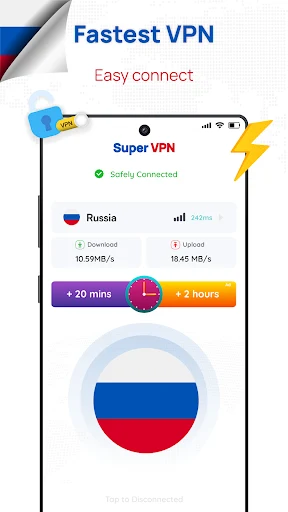
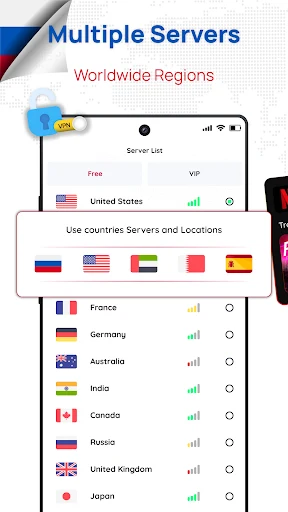

About this app
How the app fits with OpenVPN
Russia VPN: Get Moscow IP is described by its publisher as a plug-in app. It is designed to work in conjunction with an OpenVPN client, and the listing states that it cannot function independently. To use it, a person needs to install both this app and the OpenVPN For Android app. The listing describes this setup as straightforward.
Finding and connecting to a server
The main workflow described in the listing centres on the Refresh button. Pressing it shows a list of VPN server IP addresses. The user can then import the OpenVPN profile for a chosen server and start the connection through the OpenVPN client. The app's role is therefore to supply server information and profiles, while the connection itself is handled by OpenVPN.
The listing also says that connections depend on server availability. If the free VPN server is not busy, the user can connect the device to it. The publisher presents this as a way to reach a secure and private internet connection, but it is not a guarantee of any particular connection result.
Troubleshooting and service limits
The listing says the app includes solutions for common setup problems. These include being unable to tick the “Trust this program” option and encountering SSL certificate verification errors. According to the description, users can find tutorials and information to work through these issues within the app.
The publisher also includes a service quality disclaimer. It states that the app cannot guarantee service quality because it relies on free servers, which may not always be stable. Anyone considering the app should keep this limitation in mind, especially if a stable connection matters for their use.
Common uses described by the publisher
The listing suggests several everyday scenarios. One is protecting browsing and streaming activity while connected to public Wi-Fi networks, such as those in hotels, shopping malls, or coffee shops. Another is accessing websites or content that the user describes as geo-restricted or blocked in their region. A third is using the connection for online shopping or general private browsing.
These scenarios describe the publisher's intended use. The listing does not provide independent testing of which websites or streaming services will work, so users should treat them as possible uses rather than confirmed outcomes.
Privacy claims in the listing
The listing states that the service follows a no-logs policy and that it uses 256-bit encryption. These are claims made by the publisher. The description does not include an independent audit or other verification, so they are best read as the publisher's stated policy and technical description.
The app is listed in the Tools category with version 2.6. Other details in the listing are largely promotional descriptions of speed and anonymity, which the source does not document in a measurable way.
Version history
View all20 Jan 2025 · stable
Frequently asked questions
Can Russia VPN: Get Moscow IP be used without OpenVPN For Android?
No. The listing describes the app as a plug-in that works with the OpenVPN For Android client and states that it cannot function independently. Both apps need to be installed.
Does the app guarantee a stable connection?
No. The publisher includes a service quality disclaimer, stating that the app cannot guarantee service quality because it relies on free servers that may not always be stable.
What help is available if the app shows a certificate error?
The listing says the app provides solutions for issues such as being unable to tick the “Trust this program” option and SSL certificate verification errors, and that users can find related tutorials and information in the app.