

QR Code Generator
QR Code Generator creates QR codes from content such as website URLs, text, contact details, Wi-Fi information, SMS, and social media accounts. It also offers design controls, templates, scanning, and tools for managing QR code records.
App information
- Category
- Productivity
- Package name
- qrcodegenerator.qrcreator.qrmaker.createqrcode
- Version
- 1.02.47.0121
- File size
- 50.1 MB
- Requires
- Android Votes:256
Screenshots
About this app
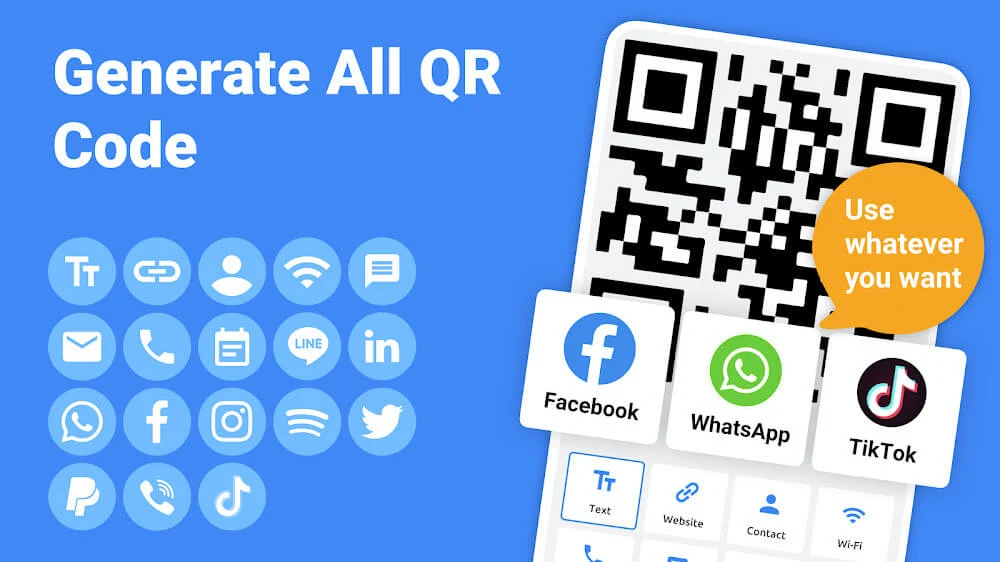
QR Code Generator creates QR codes from content you choose, including website URLs, text, contact details, Wi-Fi information, SMS, and social media accounts. Select a content type and enter the information to encode; the resulting QR code is displayed on screen. The app also supports business card and geolocation content types.
Choose the information and style
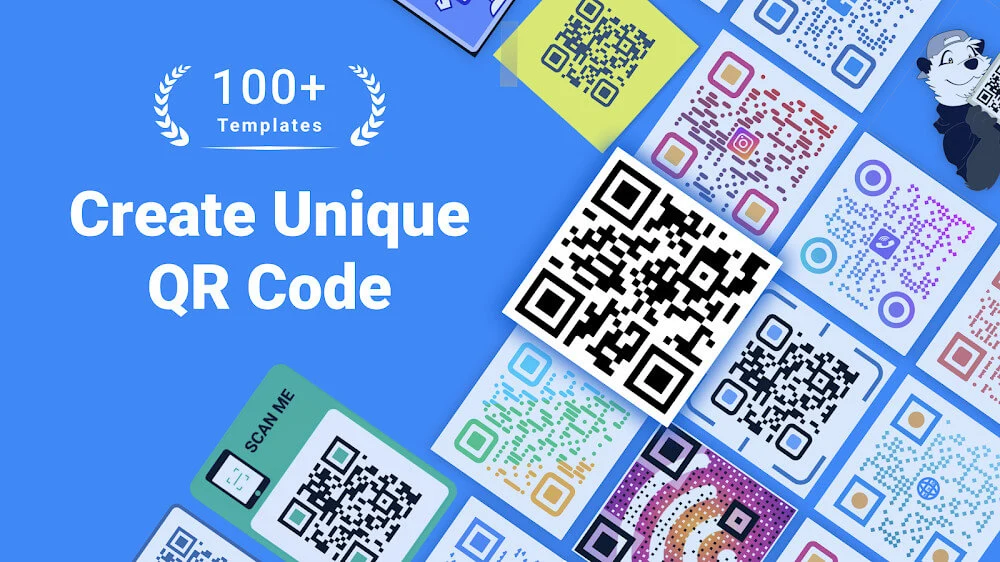
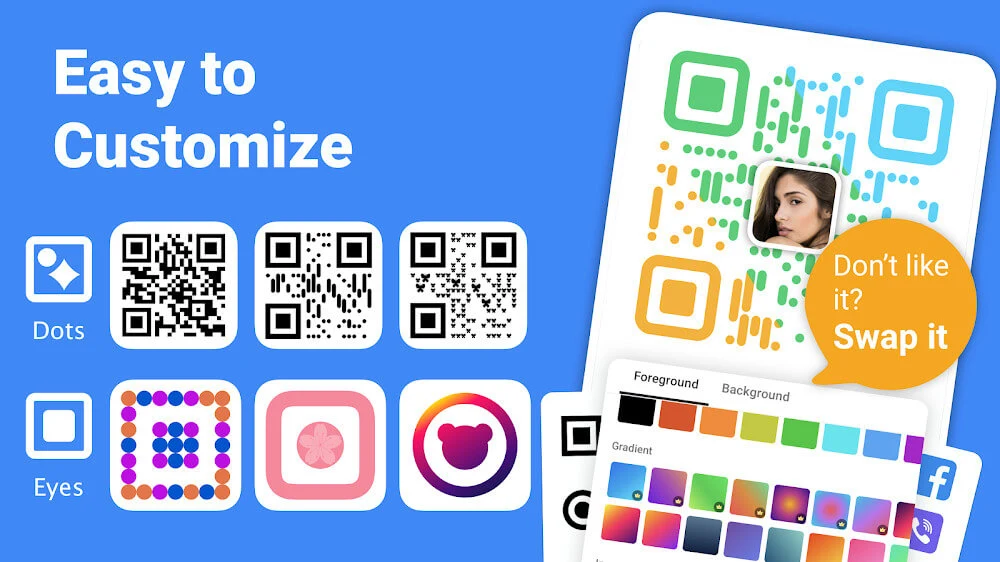
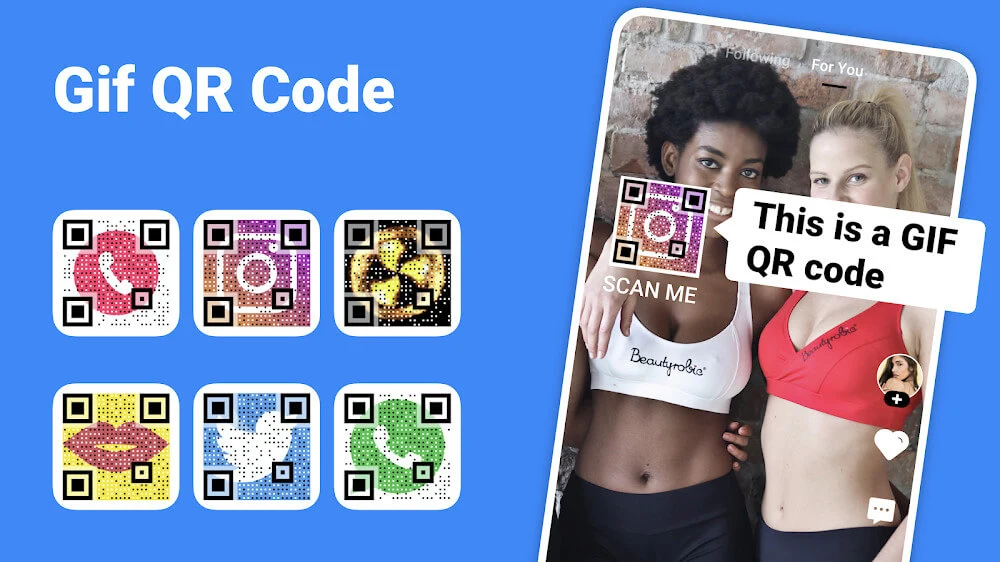
After selecting what to encode, you can change the QR code’s appearance using colors, eye styles, patterns, and frames. The app also supports using pictures as QR code colors or backgrounds, and it describes controls for adjusting the QR code’s position when working with a background image. Logos and text can be added to a design, and templates provide ready-made styles to choose from or use as a starting point.
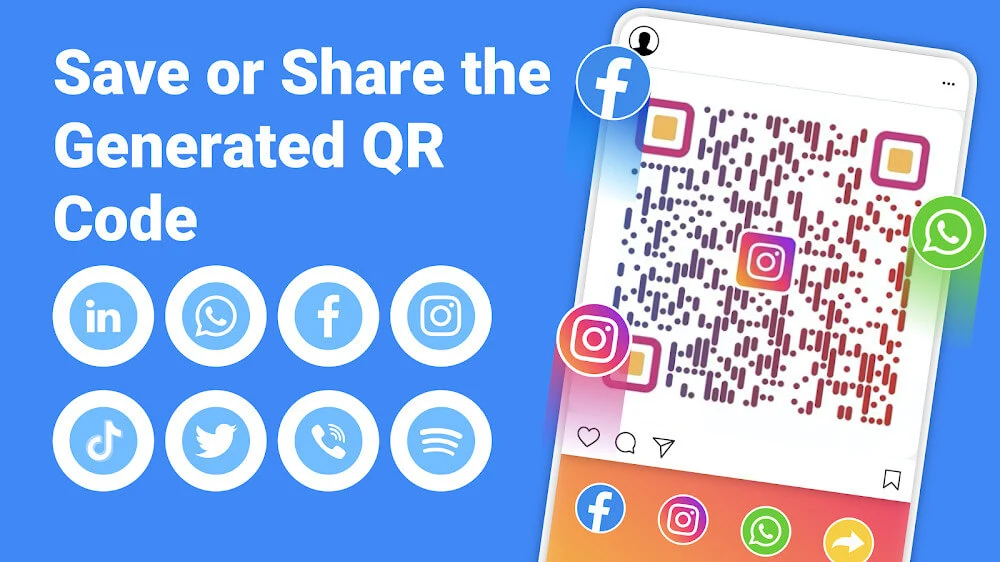
These controls let you tailor the visual treatment while keeping the QR code associated with the content you entered. For further composition, the app can add a generated QR code to a picture or poster. The source also lists options for sharing customized codes from the device, saving generated codes as templates, and saving QR codes to external storage.
Scan and keep track of codes
QR Code Generator also includes a scanner for existing QR codes. Scanned codes can be decorated, and the app provides records for both generated QR codes and scans. These tools extend the app beyond making new codes: users can create designs, scan existing codes, and manage the corresponding records within the app.
The available creation options cover several kinds of information, from a simple text entry or website link to contact, Wi-Fi, SMS, and social account details. The source describes choosing a content type, entering its content, selecting styling options, and generating the code. It does not specify particular websites or social platforms that the app connects to; rather, social media accounts are among the content that can be encoded.
Version history
View all15 Aug 2025 · stable