

Premium Credit - eJourney
Know Your CustomerPremium Credit - eJourney helps customers complete key parts of a loan application from an Android device. Users can access their application with an SMS or email access code, confirm personal information, review loan details, upload identity documents, accept terms, and eSign where required.
App information
- Developer
- Know Your Customer
- Category
- Finance
- Package name
- com.premiumcredit.idcheck
- Version
- 5.9.3.3
- File size
- 28.1 MB
- Requires
- Android Language:
Screenshots
About this app
Premium Credit - eJourney helps customers complete a loan application by providing a mobile process for identity verification, document submission, and electronic signing. Access begins with a unique code sent by SMS and/or email, after which the user can enter the application and work through the available information.
Access and personal information
After logging in, users can view their personal details and confirm whether the information is accurate. This confirmation supports the application process by giving customers an opportunity to check the details associated with their customer file before continuing.
Reviewing the loan application
The app provides access to the details of the loan application for review. This includes information such as the loan amount, repayment terms, interest rates, and other relevant application details identified in the process. Reviewing these items allows users to examine the information before accepting the associated terms.
Terms and electronic signing
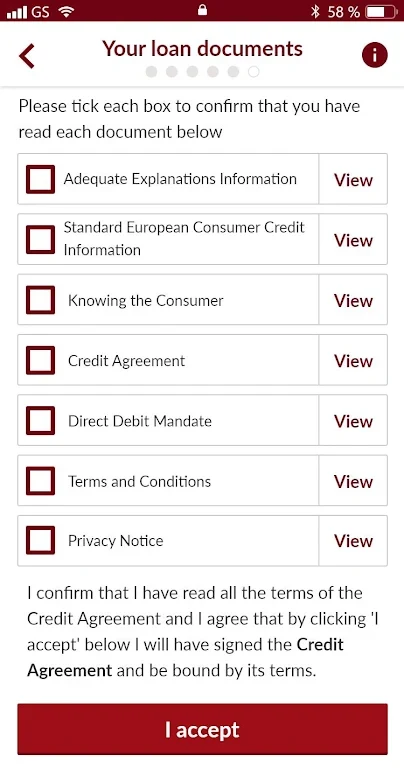
Users can read and accept the terms and conditions connected with the loan application. When they decide to proceed, the app also supports eSigning for the required documents. This keeps the acceptance and signing stages within the mobile application instead of requiring the same documents to be handled through a physical process.
Photos and identity documents
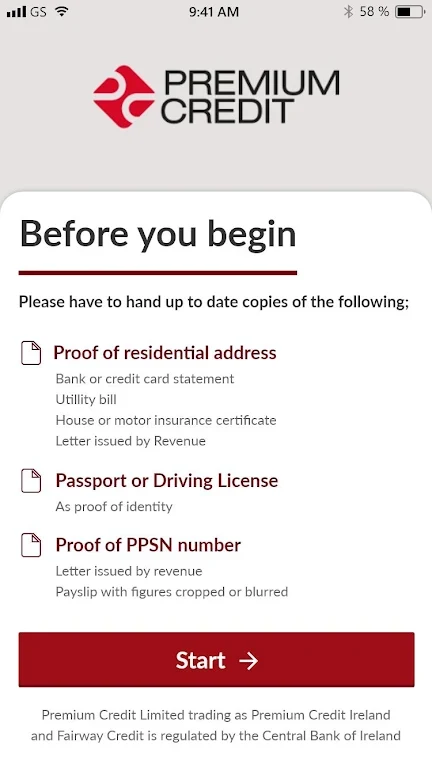
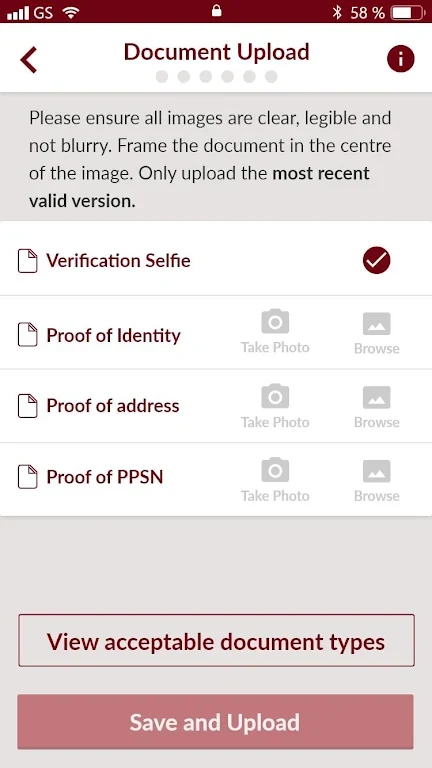
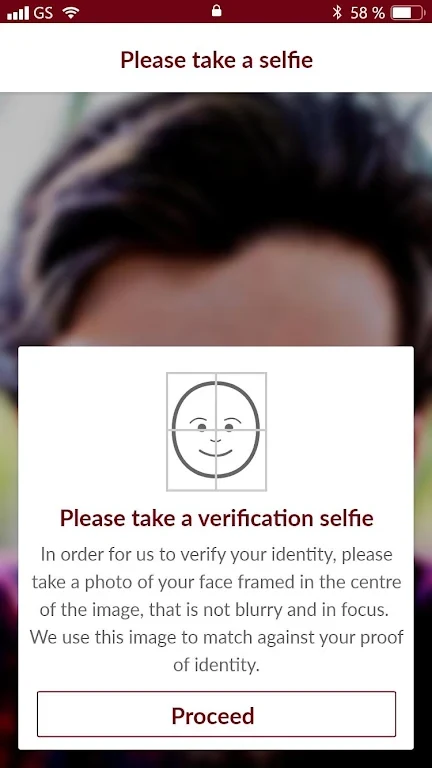
Premium Credit - eJourney allows users to capture photos of themselves and upload the identification documentation required for the application. The documents are submitted to the service's server through the app. Clear, well-lit images with visible and legible information are recommended so the submitted material can be processed correctly.
Preparing an application
A stable internet connection is recommended when reviewing application information or uploading photos and documents, as interruptions may affect those activities. Before proceeding, users should check the displayed loan amount, repayment terms, interest rates, and other information, and follow any photo instructions provided in the application.
Version history
View all20 Sep 2024 · stable
Frequently asked questions
How do I access Premium Credit - eJourney?
Access the application using the unique code sent to you by SMS and/or email.
What kind of images can I upload?
You can upload a photo of yourself and photos of the identification documents required for the loan application.