

Play Store Update
Play Store Update directs users to built-in Android and store settings for updating the Play Store or restoring its original version without external files.
App information
- Category
- Tools
- Package name
- com.jamitools.play.store.update.gp
- Version
- 1.1.9
- File size
- 3.7 MB
- Requires
- Android Votes:81
Screenshots
About this app
Play Store Update assists users who need to bring the Play Store on their Android device to its newest release or return it to the factory-installed state. The app supplies directions that point to existing system screens rather than performing the changes itself, which keeps operations within official channels and avoids any requirement for additional packages. This approach proves useful when an update stalls or when a newer version introduces problems that make reverting preferable. By focusing on steps already present in the device settings and store menus, the tool reduces the chance of introducing unrelated complications while still addressing the core task of version management.
Following Built-in Update Paths
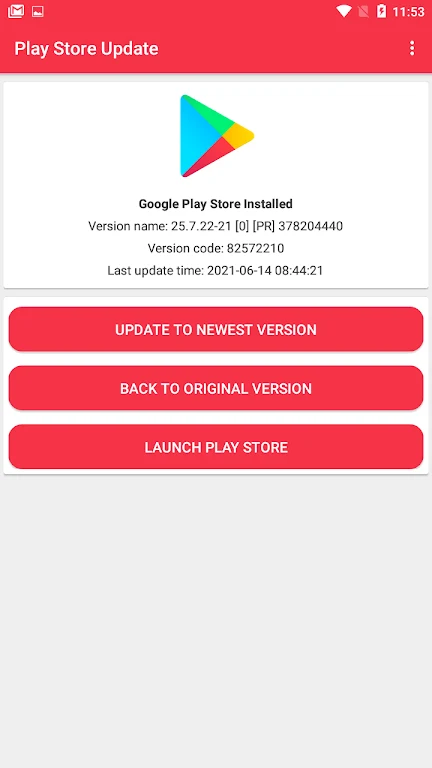
The primary workflow begins on the app's home screen, where an overview outlines the sequence. Users open the device store, locate its settings area, and check the About section for an available update control. Once that option is selected, returning to Play Store Update allows confirmation that the process started. A separate route involves opening the manage-apps section inside the store and choosing the bulk-update command, after which progress can be watched until completion. Enabling automatic updates with a chosen network preference, such as Wi-Fi only, further reduces the need for repeated manual checks.
Restoring the Original Version Safely
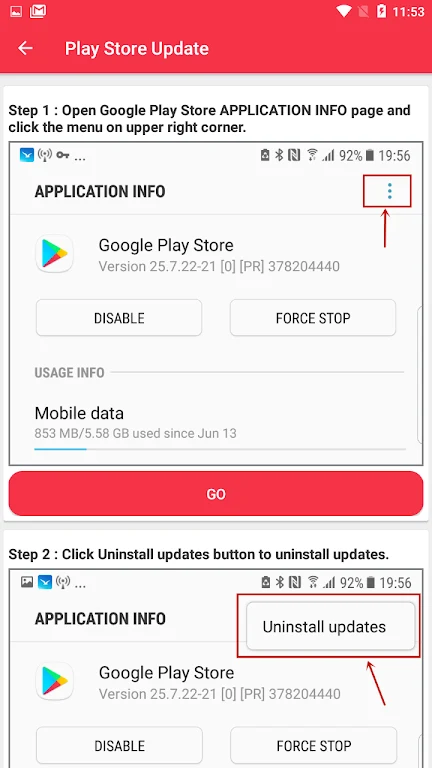
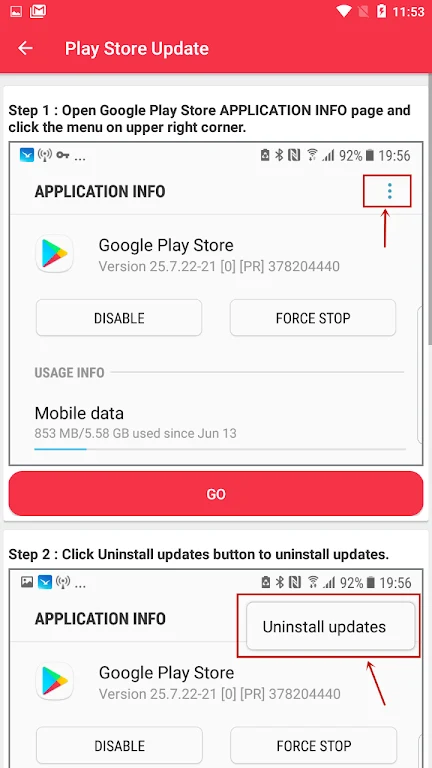
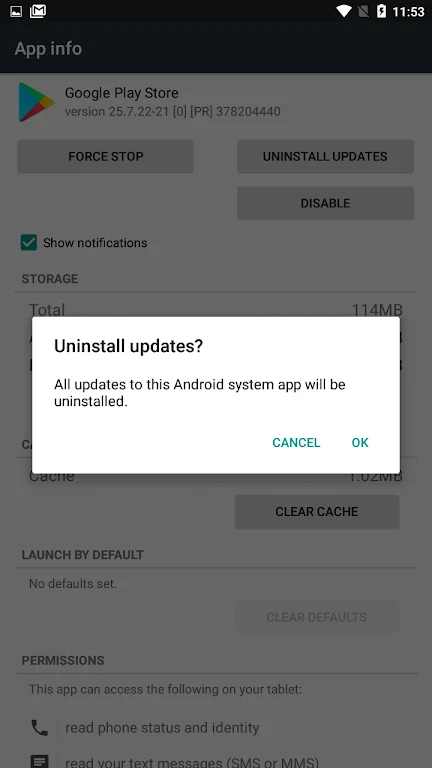
When a recent Play Store release causes difficulties, the app explains how to uninstall updates through the same system menus. This action returns the store to the version that shipped with the device. After the rollback finishes, the store typically begins fetching a fresh copy on its own, completing the cycle without external intervention. The method stays within standard Android capabilities and does not request any system modifications or additional permissions beyond those already granted for normal store use.
Addressing Failed or Pending Updates
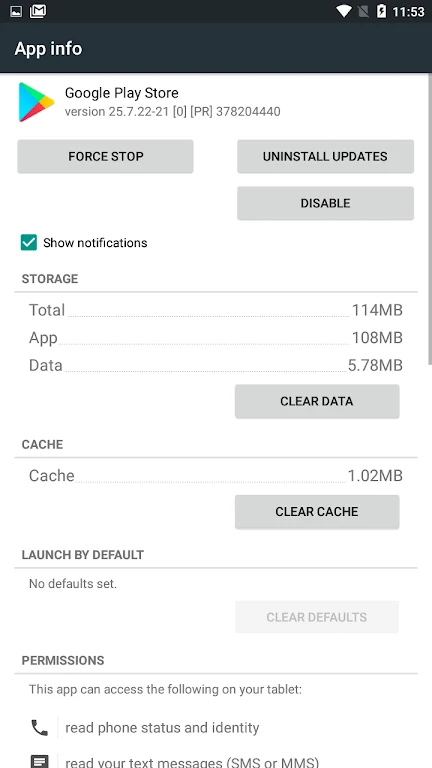
If the expected update does not appear, Play Store Update supplies a checklist that covers clearing cache and data for the store and related services, verifying available storage, confirming that date and time are set automatically, and re-adding the Google account. Each step is presented in plain order so users can test one change at a time and observe whether the update becomes available afterward. These actions target the most frequent causes of stalled refreshes while remaining entirely within the device's existing tools.
Lightweight Guidance Without Extra Requirements
The interface keeps instructions brief and pairs them with simple illustrations that indicate exactly which screen or button comes next. Because the app relies solely on menus already present in Android and the store, it works across most devices without demanding root access or downloaded packages. The presence of banner and interstitial advertisements from the Google AdMob SDK is noted in the source material, yet the core directions themselves require no personal data collection. This combination allows the app to serve as a focused reference for a narrow but recurring maintenance task.
Version history
View all25 Jun 2026 · stable
Frequently asked questions
Is the app free to download and use?
Yes, the app is free and provides directions for updating Android apps and managing device information.
Will the app store any of my personal information?
No, the app does not store personal information and simply helps users stay current with the latest features.
Can I uninstall multiple apps at once with the app?
The app supports uninstalling individual apps but does not offer a feature to uninstall multiple apps simultaneously.