

Pizza Boy GBA Pro
Pizza Boy GBA Pro emulates Game Boy Advance games using files stored on your phone; it does not include ROM files. It also offers save and Google Drive sync features, adjustable controls, and settings for game speed, visuals, and sound.
App information
- Category
- Tools
- Package name
- it.dbtecno.pizzaboygbapro
- Version
- 2.13.1
- File size
- 20.9 MB
- Requires
- Android Votes:430
Screenshots
About this app
Play Game Boy Advance games
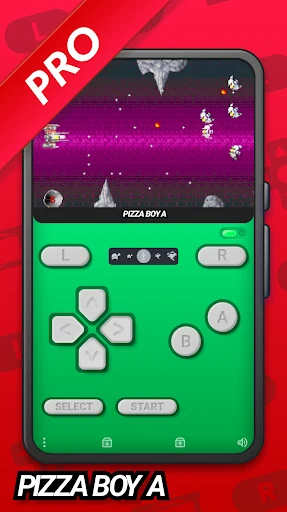
Pizza Boy GBA Pro is an Android emulator for running Game Boy Advance (GBA) game files. It does not include ROM files, so you need to have compatible GBA files saved on your phone. The description says that Game Boy and Game Boy Color content will not run, distinguishing the supported GBA format from those other systems. Once a game file is available, you can select a game and a visual theme, then use the on-screen controls to play.
The app is intended to bring GBA games to a phone interface rather than supply a catalogue of games. The source mentions familiar titles such as Contra and Pac-Man as examples, but also states that game files are not included. Your available games therefore depend on the GBA files you provide.
Save progress and sync it
Pizza Boy GBA Pro provides quick saves and can save game progress so you can continue from where you left off. It also supports synchronizing progress with Google Drive. The description presents this as a way to carry a saved game between devices, with account synchronization and automatic saving. These functions relate to continuing a game; they do not change which game files the emulator supports.
Save and sync features sit alongside the emulator’s play controls, so you can use the app both to run a game and to retain progress between sessions. The supplied description does not give detailed setup steps for linking an account or transferring saves, so those procedures should not be assumed from the feature description alone.
Adjust controls and the screen layout
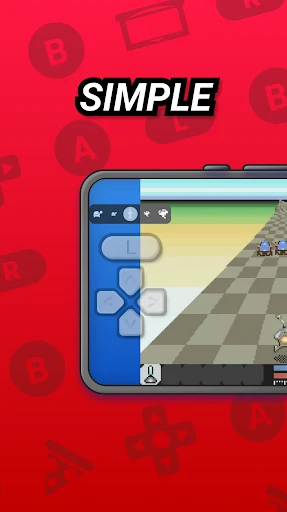
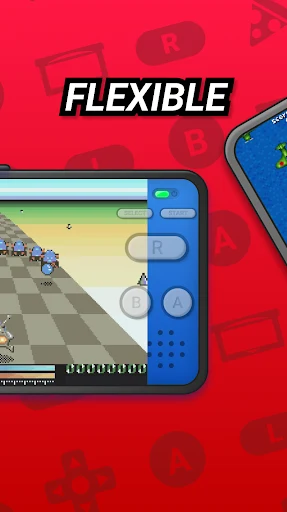
The touchscreen interface offers themes and a layout editor. You can change the positions and sizes of controls, including moving the character movement buttons horizontally or vertically, and use a color palette to alter the appearance. The description also mentions creating shortcuts to favorite games. These options let you adjust how the emulator’s interface is arranged, rather than changing the underlying GBA game file.
Controller support and physical buttons can also be customized. The app’s settings include support for the phone’s light and tilt sensors, while the description notes that some games may still be played with on-screen buttons. It does not specify which games use each sensor or controller option.
Game speed, visuals, and sound
Playback settings include options to speed up or slow down a game and skip opening animations. The source describes double-speed progression as an option, while also noting that speed adjustment depends on the GBA console; it does not provide a detailed account of that qualification. A frame-rate setting is also mentioned, without specifying available values.
For visuals, the description says the emulator can display graphics at twice the original resolution and offers selectable interface themes. Sound has its own built-in settings, including volume adjustment. The app also identifies OpenGL and OpenSL libraries among its graphics and audio features. These settings provide controls over presentation and playback, alongside the separate layout and controller adjustments.
Version history
View all12 May 2026 · stable