
PDF Pro: Edit, Sign & Fill PDF
PDF Pro: Edit, Sign & Fill PDF is a productivity app for reading, editing, annotating, converting, scanning, filling, and signing PDF documents. It also provides file organization tools and access to documents stored in Google Drive and Dropbox.
App information
- Category
- Productivity
- Package name
- com.kmo.pdf.editor
- Version
- 7.0.0
- File size
- 59.4 MB
- Requires
- Android Votes:509
Screenshots
About this app
PDF Pro: Edit, Sign & Fill PDF is a productivity application for working with PDF documents from one workspace. It supports reading, direct editing, annotation, page organization, conversion, document scanning, form completion, and signatures.
Read, search, and annotate documents
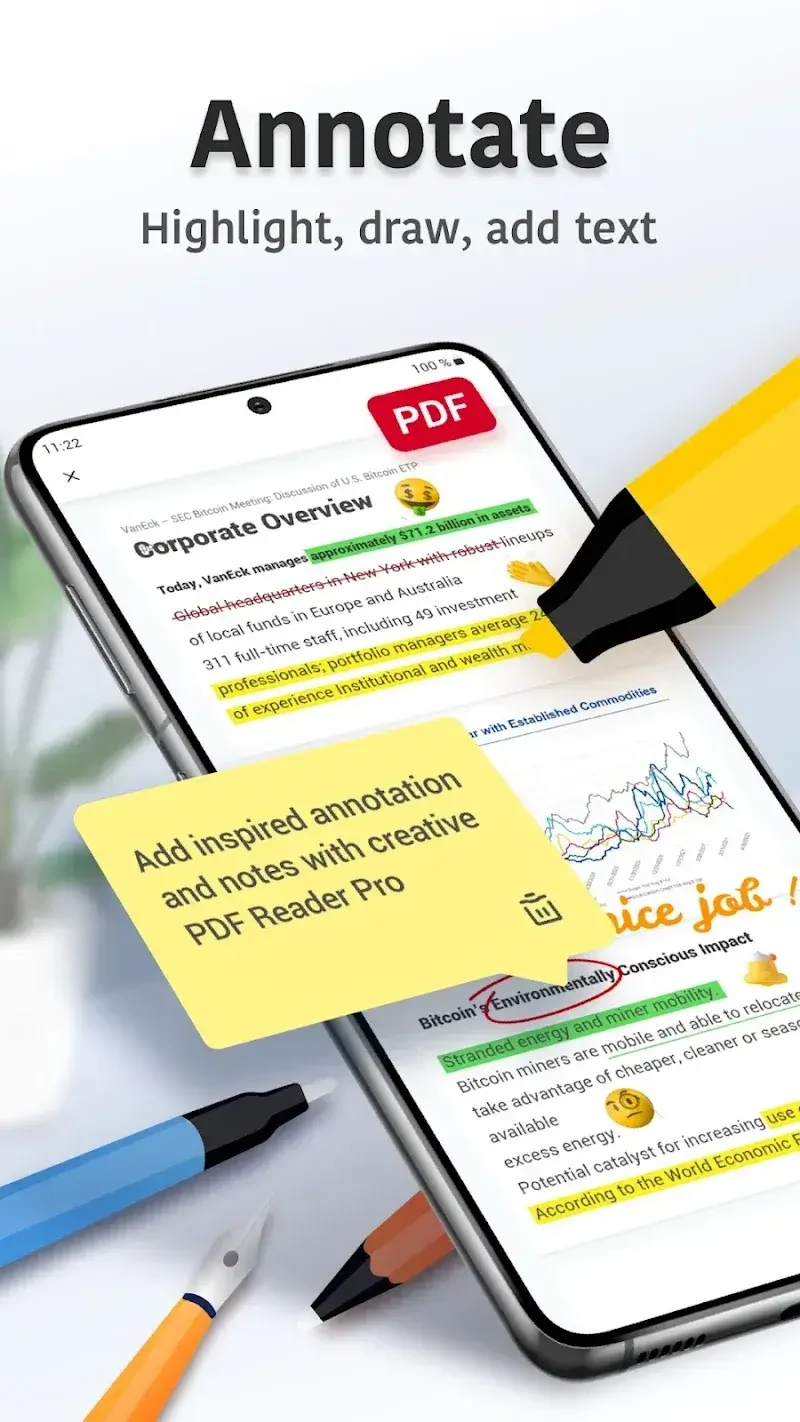
The app can open PDF files for reading and lets you search within a document to locate specific text or pages. For review work, you can add comments, highlights, underlines, and strikethroughs, draw on pages, and place bookmarks for later reference.
These tools support different stages of document review without requiring separate files for each marked-up version. Bookmarks provide a way to return to selected pages, while text search helps locate information inside longer documents.
Edit pages, text, and images
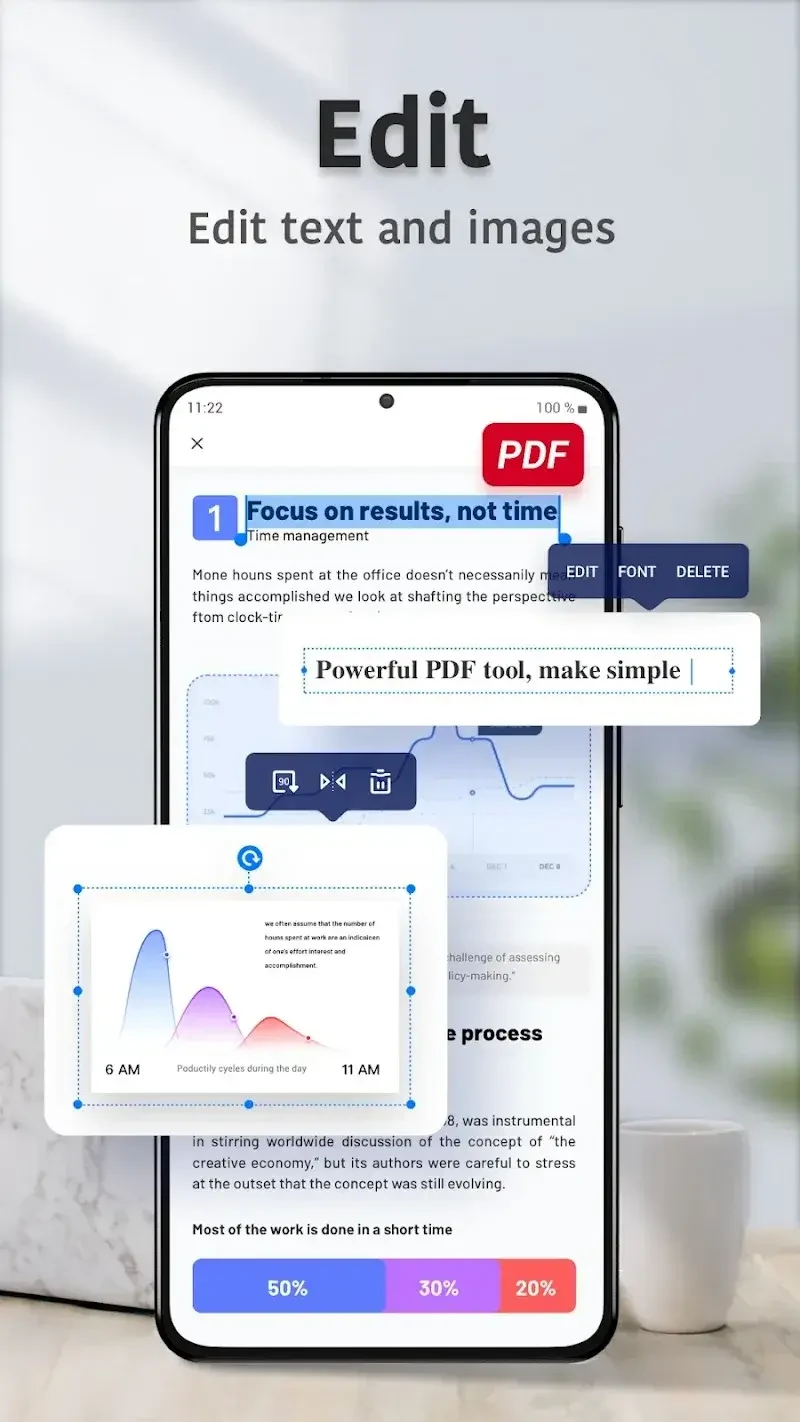
PDF Pro: Edit, Sign & Fill PDF allows direct changes to PDF text and images. Page-level tools include merging and splitting documents, deleting pages, changing their order, and inserting blank pages. Images can be added, removed, or rotated within a document.
The file manager adds practical organization controls: documents can be starred, renamed, copied, moved, or deleted. The app also provides access to files in Google Drive and Dropbox, so supported documents can be managed from those cloud locations.
Convert and create PDF files
PDF files can be exported to Microsoft Word, Excel, and PowerPoint formats. The app can also create new PDFs from existing images and other file types, which is useful when paper or image-based material needs to be assembled into a PDF document.
Fill forms, sign, and scan
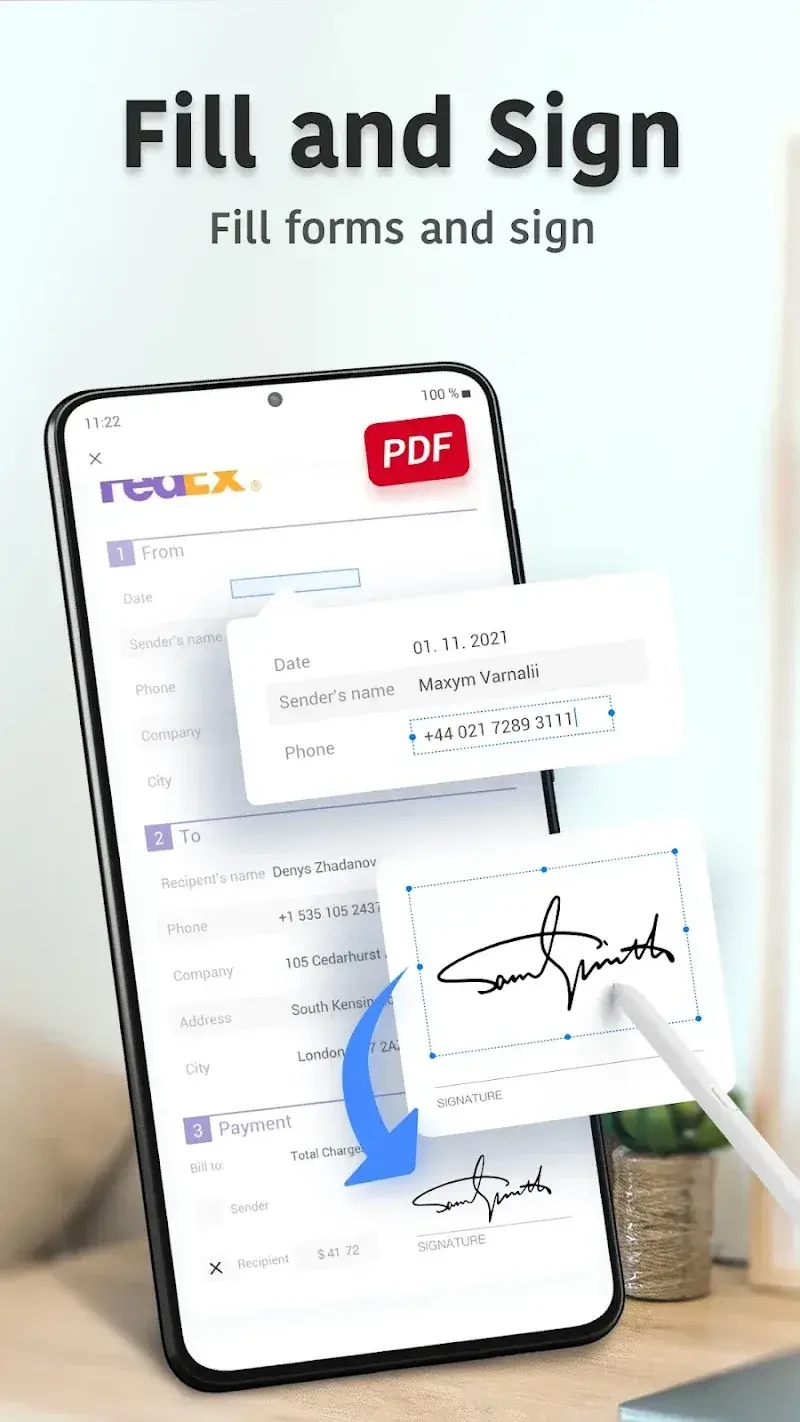
Users can fill out PDF forms, save completed forms, and send them. The application also supports adding signatures to PDF documents, covering workflows that require a completed and signed file.
Its scanning tools are designed for capturing different kinds of documents and include scan-quality optimization for clearer, sharper results. The source also identifies OCR as part of the application’s document-scanning capabilities.
Document considerations
The source notes that advanced features require a paid subscription. It also reports occasional formatting or compatibility issues, limited font-style options, and possible minor glitches when handling complex documents. These considerations may affect editing or conversion results for some files.
Version history
View all16 May 2026 · stable
Frequently asked questions
How much storage space does the application require?
The supplied information lists approximately 59.43 MB, or 62,313,058 bytes, for the application. The actual space used may vary by device and by additional data downloaded during use.