

Password Safe
Password Safe stores passwords and related access details in an encrypted database on an Android phone or tablet. It uses one master password and includes categories, password generation, widgets, backup and restore tools, import and export options, automatic locking, and other configurable data-management features.
App information
- Category
- Productivity
- Package name
- com.reneph.passwordsafe
- Version
- 8.3.0
- File size
- 18 MB
- Requires
- Android Votes:457
Screenshots
About this app
Password Safe is an Android application for storing and managing passwords, access data, and related notes in a virtual safe on a phone or tablet. The database is protected by a master password established when the safe is first opened. The source also describes offline operation, so users can manage stored information without relying on an internet connection.
Organizing stored information
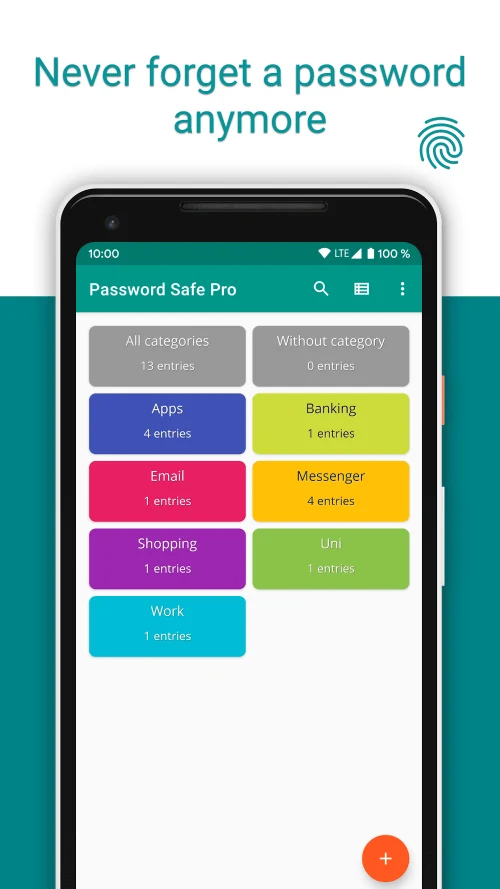
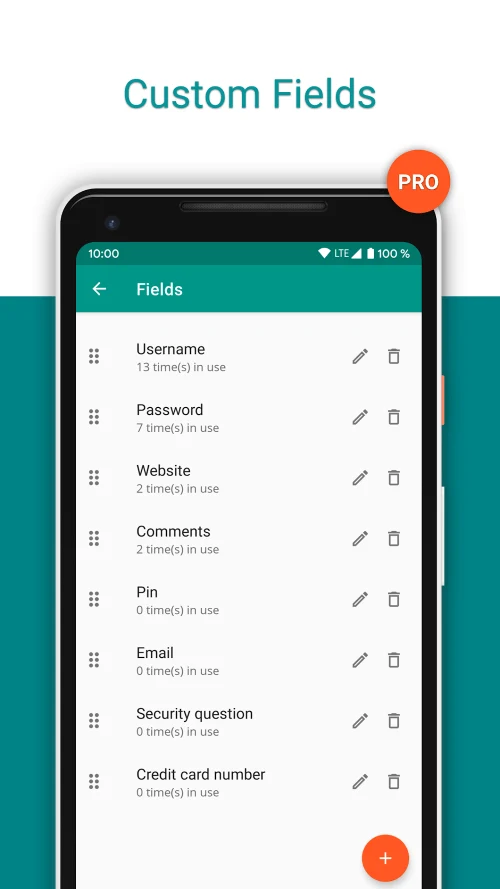
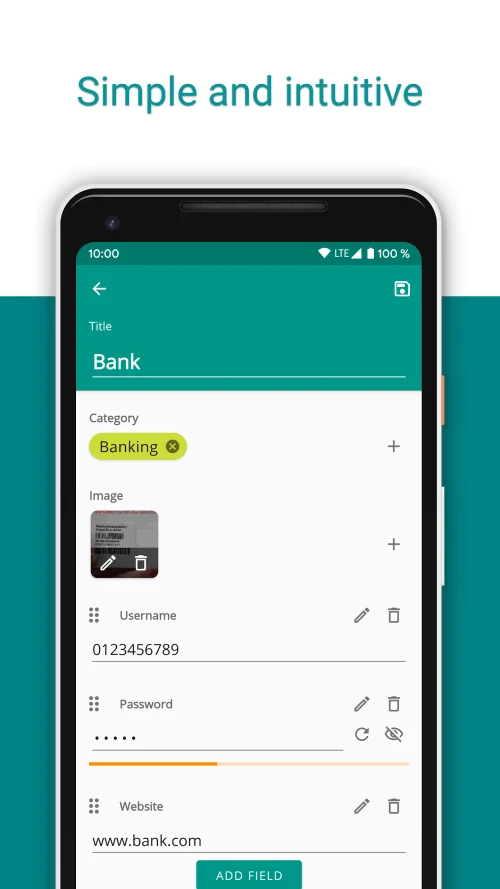
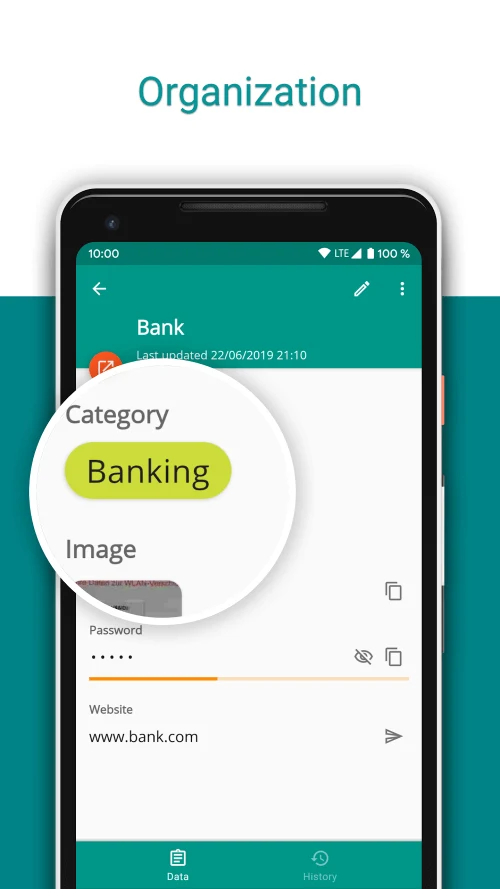
Entries can be grouped into categories, and one entry can belong to multiple categories. The app allows users to define the elements included in an entry and reorder those elements to suit their records. A stored item may contain account details, a password, a website, history, and other relevant notes. The interface is customizable, and a language-selection option is identified in the source.
Password Safe also provides statistics related to password use. The source describes counting how often a password is used and using that information when reviewing whether passwords should be changed. This gives the app a way to present usage information alongside the stored records.
Creating and using passwords
A built-in password generator can create passwords for new accounts. The source also describes a password rating system that evaluates entered passwords using factors such as characters and password rules, with the result indicating their relative strength. Password-generation widgets can be placed on the device desktop, allowing a generated password to be requested without opening the main application.
Backups and data exchange
The app includes backup and restore for its encrypted database. It also supports CSV import and export, as well as import and export with Excel tables. The source specifically lists encrypted CSV files and automatic backup to encrypted CSV. It also notes that, because the app does not use the internet, users need to export and retrieve information through their own backup files when moving or recovering data.
Protection and automatic controls
The source lists encryption-key sizes up to 256 bits and describes the stored database as encrypted. Access is controlled through one master password, while an auto-lock option can lock the safe automatically. Password Safe can clear the clipboard automatically after copied information has been used. A self-destruction option is also included in the listed settings, although the source does not explain when it is triggered or what data it removes.
Additional configuration
Other documented options include password-generator widgets, automatic backups, customizable entry fields, and statistics. The source states that the app requests no unnecessary Android rights, but it does not provide a detailed permissions list. Some source text refers to a pro version and additional features, yet it does not clearly define those features or their availability, so they are not described here.
Version history
View all21 Jul 2025 · stable
Frequently asked questions
Can entries be imported from or exported to Excel?
Yes. The source lists import and export with Excel tables, along with CSV import and export.
Does Password Safe support encrypted CSV backups?
Yes. The listed options include encrypted CSV files and automatic backup to encrypted CSV.