

OmniCard
OmniCard brings UPI and prepaid card payments together with tools for managing business expenses. Users can load funds, review transaction records, and submit receipts and expense requests through the app.
App information
- Category
- Finance
- Package name
- com.eroute.omnicard
- Version
- 0.7.5
- File size
- 66.5 MB
- Requires
- Android Votes:307
Screenshots


About this app
OmniCard is a finance app for payments and expense management in India. It brings UPI, card, and cash-related functions into one service, and records payments, transfers, and receipts to produce spending reports. The source describes the service as operating under an RBI-approved prepaid payment instrument (PPI) licence.
Payments and account funds
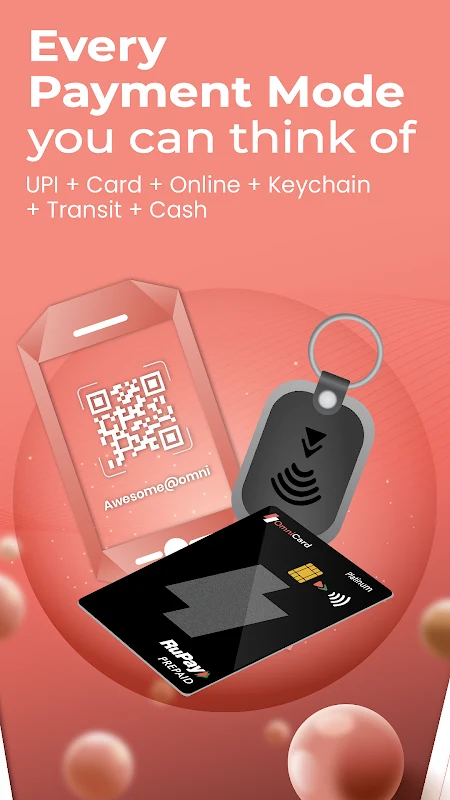
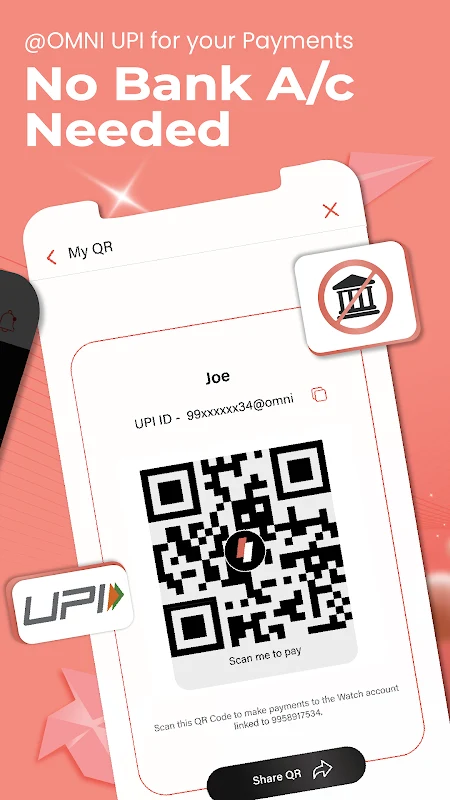
The app supports UPI payments and UPI IDs without requiring a traditional bank account to be linked, according to the supplied description. Payment options include scanning UPI codes, using a physical card for swipe or contactless transactions, shopping online, and withdrawing cash at ATMs. Supplementary cards can also be linked for payments.
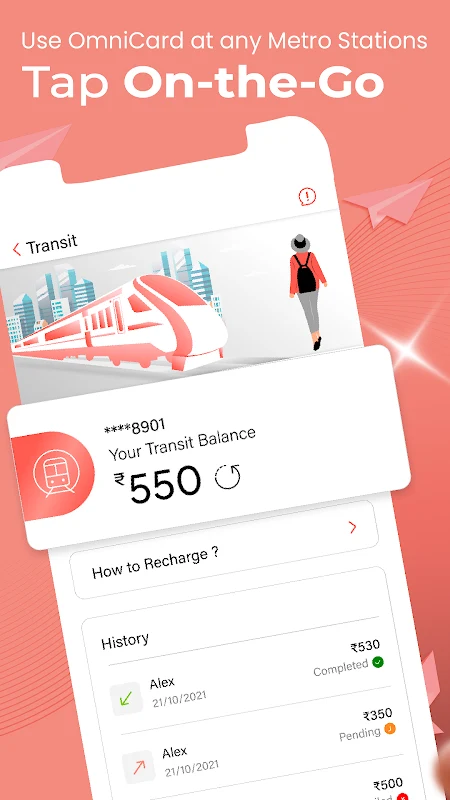
Users can add funds to an OmniCard account through UPI, net banking, or debit and credit cards. The app keeps a record of payment, transfer, and receipt activity and generates related analytical reports. The source also lists card controls such as blocking or deactivating a card, changing its PIN, and setting transaction limits.
Business expense management
OmniCard includes expense-management functions for employees and businesses. Users can upload receipts, categorize expenses, request funds, and keep digitized spending records. The source connects these records with reimbursement workflows and reduced manual expense administration, without specifying particular reimbursement timelines.
Business-related materials describe prepaid RuPay cards, a UPI-enabled app, and a SaaS dashboard for tracking and managing expenses. The description also says transaction data can be exported and that the service integrates with popular ERP and accounting tools, though it does not name specific products. These capabilities are intended to support expense tracking and reconciliation across a business.
Setup and help
The app description says KYC onboarding is digital. Separate business onboarding information says setup can take as little as 24 hours, with assistance for KYC, configuration, and training; this is presented as an onboarding estimate rather than a guaranteed completion time.
A FAQ and customer-service function are available for questions or issues. The supplied material also describes users raising complaints about transactions, but does not provide a complete account of support hours or resolution times. The app’s features therefore cover payment activity, expense documentation, and access to help in one place.
Version history
View all14 May 2026 · stable
Frequently asked questions
Does OmniCard support ERP or accounting tools?
The supplied information says OmniCard integrates with popular ERP and accounting tools and allows users to export data, but it does not identify specific products.