

OCR Text Scanner Pro
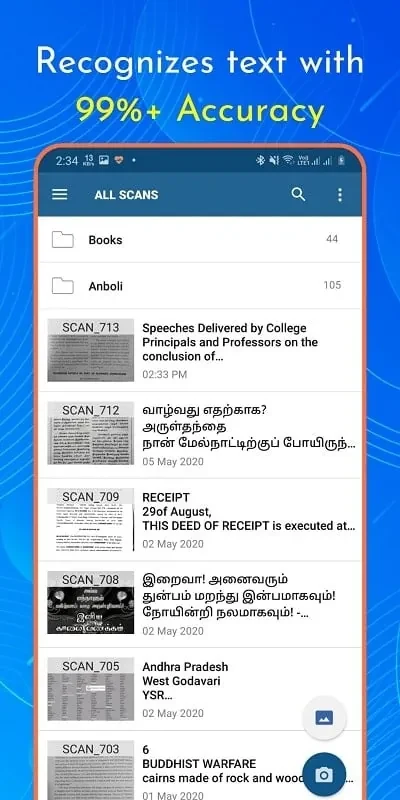
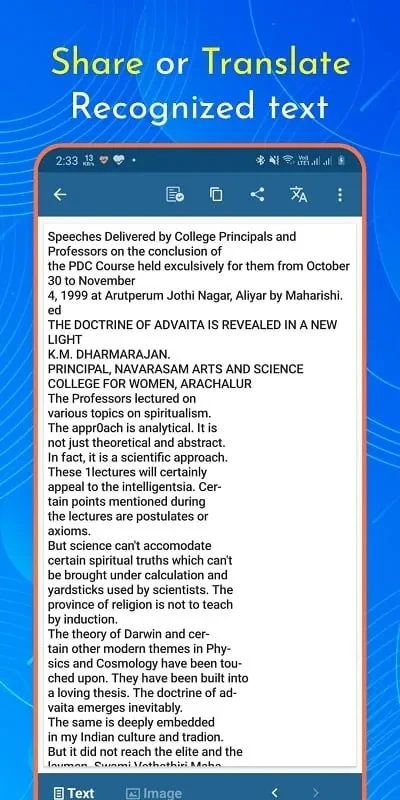
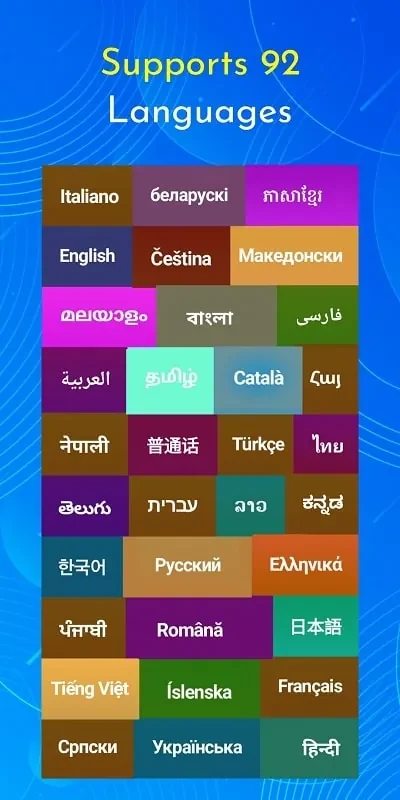
Rishi AppsOCR Text Scanner Pro recognizes text from document images on a mobile device, supporting text copying and translation into 92 languages. Its described uses include document recognition and work involving large amounts of data or text.
App information
- Developer
- Rishi Apps
- Category
- Productivity
- Package name
- com.offline.ocr.english.image.to.text.pro
- Version
- 1.7.5
- File size
- 43.8 MB
- Requires
- Android Language:
Screenshots
About this app
OCR Text Scanner Pro is designed for recognizing text in document images when you need to work with printed content on a mobile device. It brings text scanning, copying, and translation together for tasks involving documents or larger amounts of text.
When you need text from a document image
The app scans documents using a mobile device and recognizes text in images. This can support tasks such as extracting document content for copying, rather than manually rewriting it. The description presents it as useful for office work and for people handling substantial amounts of data or characters. It describes document recognition as applying to different types of documents, without listing specific formats or recognition conditions.
When the recognized text needs translation
For content that needs to be read in another language, the app can translate text into 92 languages. Its image-based document functions are described as supporting both recognition and translation, so the purpose is to work with content captured from documents as well as to translate text. The source does not specify particular language pairs or translation settings.
For everyday document tasks on mobile
The listed uses also include copying text and recognizing document content from a phone or other mobile device. The app is described as having simple operations and a user-friendly interface, with functions aimed at document processing. These details speak to its intended use for quick text-related tasks, but the source does not provide a step-by-step workflow, supported file formats, or further details about how recognized text is handled after copying.
Version history
View all06 Sep 2024 · stable