

NoteCalendar
NoteCalendar combines calendar scheduling with colorful memo-taking, allowing users to attach notes directly to dates and track tasks with checkboxes. It also provides customization, password locking, recurring plans, and backup import and export options.
App information
- Category
- Productivity
- Package name
- info.androidx.memocalenf
- Version
- 1.4.3
- File size
- 16.9 MB
- Requires
- Android Votes:595
Screenshots

About this app
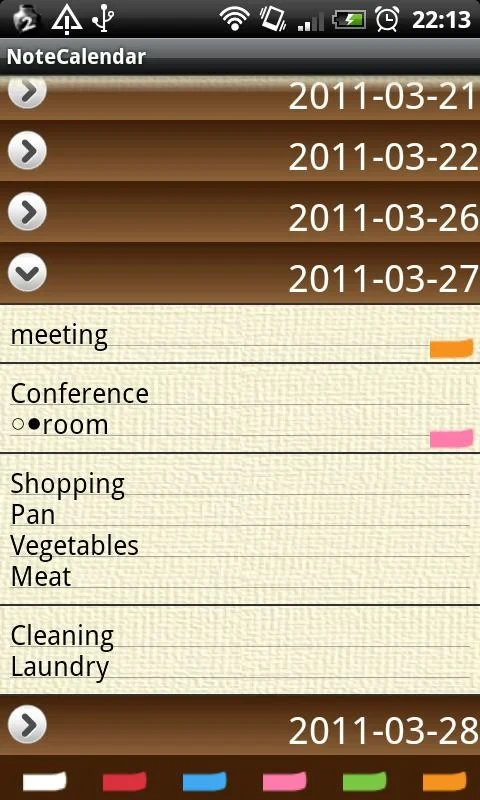
NoteCalendar is a visual planner that combines note-taking and scheduling in a calendar interface. Users can attach colorful memo notes to specific dates, making reminders, tasks, and events visible from the calendar.
Calendar notes and task tracking
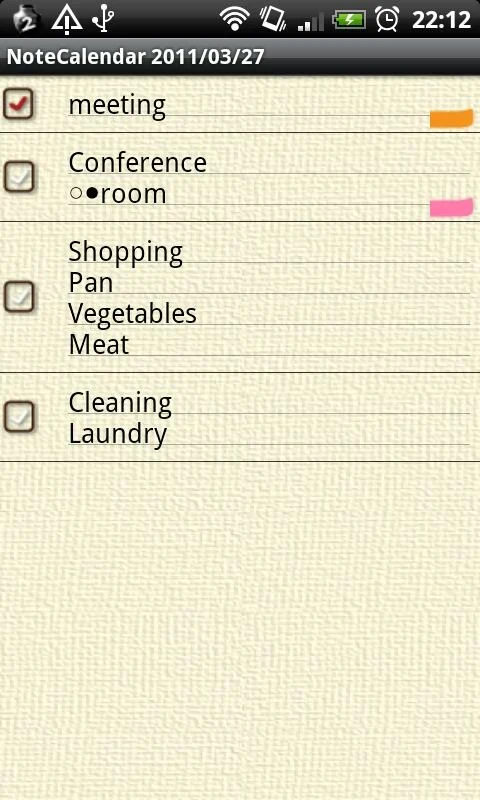
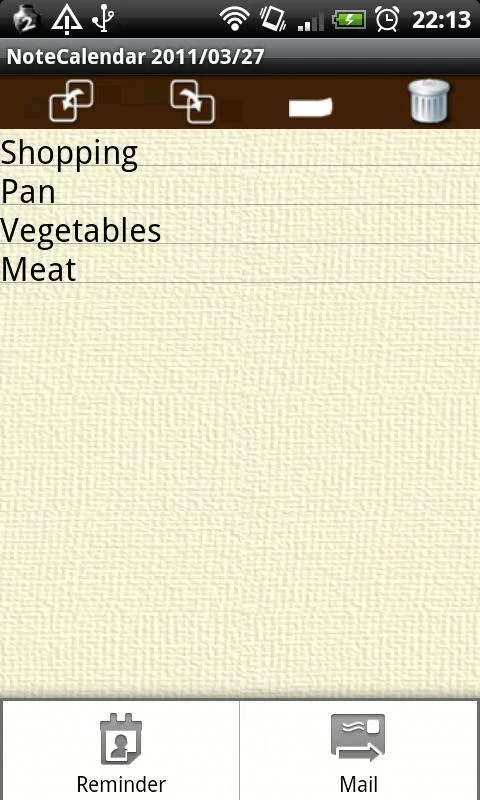
To create a memo, select a date and tap the add button. The edit screen opens for text entry, after which you can choose the Post-it option and assign a color to the note. Returning to the calendar displays saved memos in a list.
Different colors can be used to distinguish types of notes, such as tasks or events. Checkboxes let users mark tasks as completed, with checkmarks shown on the calendar to help identify finished and pending items.
Recurring plans and customization
The repeat feature supports recurring plans for daily, weekly, monthly, or annual events. Calendar settings can be adjusted to match personal preferences, and the settings menu provides additional customization controls.
Protection and backups
NoteCalendar includes a password lock for app data. Its backup tools support exporting and importing data through an SD card or cloud storage, providing a way to preserve notes and schedules.
An ad-free Pay version is available for users who prefer planning without advertising. The source identifies the app as version 1.4.3.
Version history
View all21 Oct 2025 · stable