

Moonlite Storytime Projector
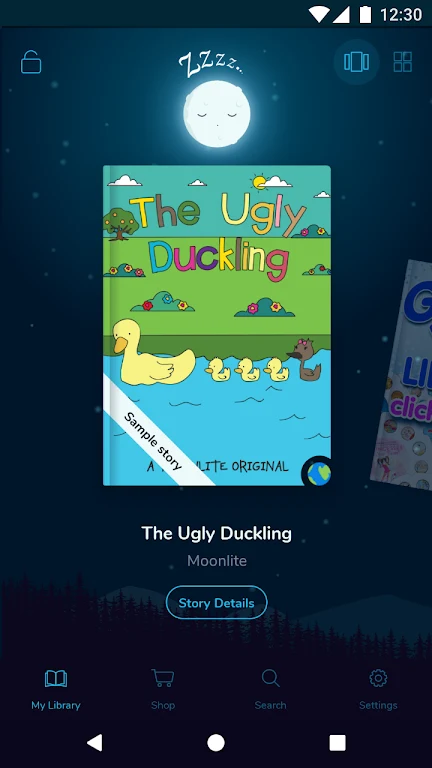
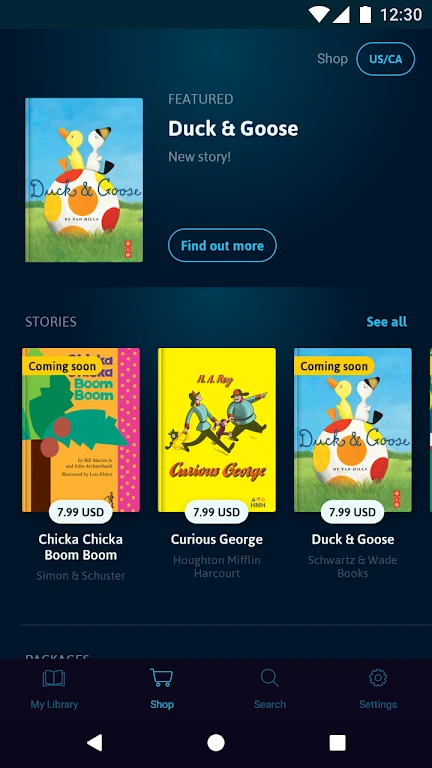
MyMoonLiteMoonlite Storytime Projector works with a mobile phone, projector, and storybook reels to create an interactive reading experience. The app provides setup instructions, sound effects, simulated page turns, background music, and access to a collection of classic and bestselling stories, with additional stories available for purchase in the app.
App information
- Developer
- MyMoonLite
- Category
- Other Apps
- Package name
- my.moonlite
- Version
- 3.3.3
- File size
- 66.4 MB
- Requires
- Android Language:
Screenshots
About this app
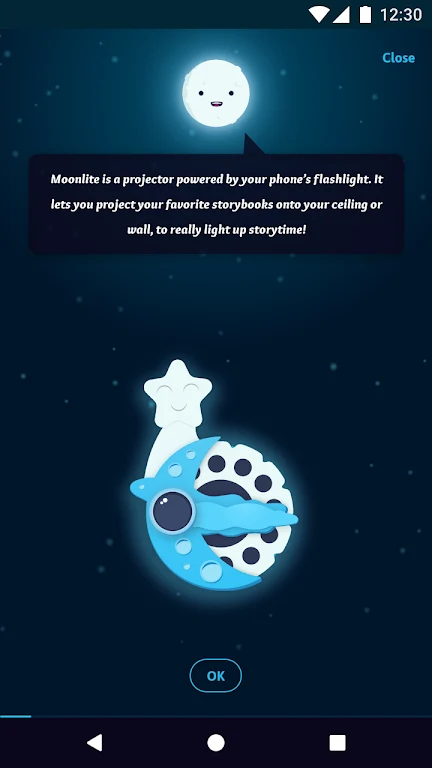
Moonlite Storytime Projector works with a mobile phone, Moonlite projector, and storybook reels to create an interactive storytime experience. The app guides users through setting up the projector and reels, making the initial arrangement straightforward.
Projector setup and storytelling
Follow the in-app instructions before starting a story. Once the projector and storybook reel are ready, the phone functions as part of the storybook projection setup. The app includes page-turn software that simulates moving through physical pages as the story progresses.
Sound and atmosphere
Adorable sound effects accompany the narratives, while background music adds audio to the reading session. These elements are designed to support the projected illustrations and make the storytelling presentation more engaging for children.
Story collection and purchases
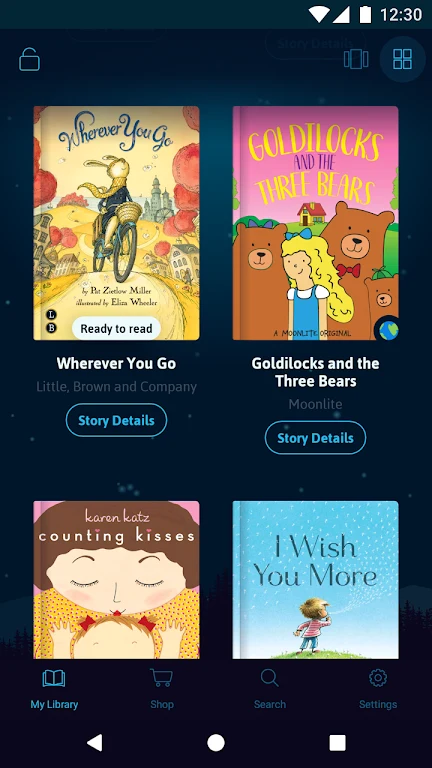
The available collection includes beloved classics and stories described as New York Times Bestsellers, with options intended for children of different ages. After reading the stories already in the collection, users can purchase additional stories within the app.
For the suggested atmosphere, users can dim the lights, prepare a cozy blanket, and use soft background music during storytime. These adjustments complement the app's projection, page-turn, and audio features without changing the setup process.
Version history
View all09 Aug 2024 · stable