
Manga Effect BOOOOOM
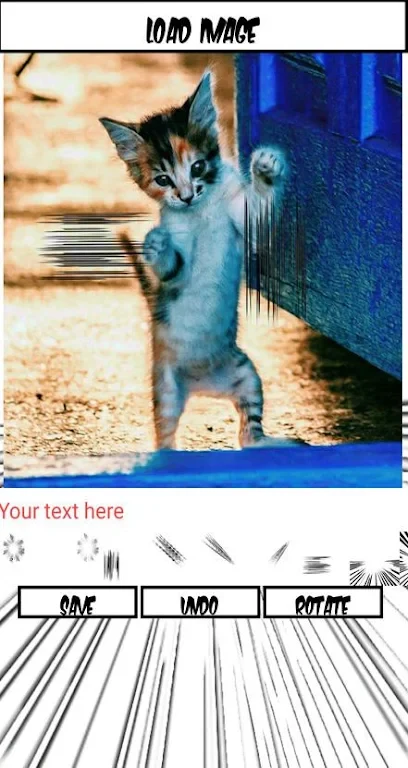
RekiosManga Effect BOOOOOM transforms ordinary photos with manga-inspired filters, bold lines, vibrant colors, and cartoon-style effects. It also provides filter variations, intensity control, real-time previews, and adjustments for brightness, contrast, and saturation.
App information
- Developer
- Rekios
- Category
- Lifestyle
- Package name
- com.rekios.mangafilter
- Version
- 1.2
- File size
- 7.3 MB
- Requires
- Android Language:
Screenshots
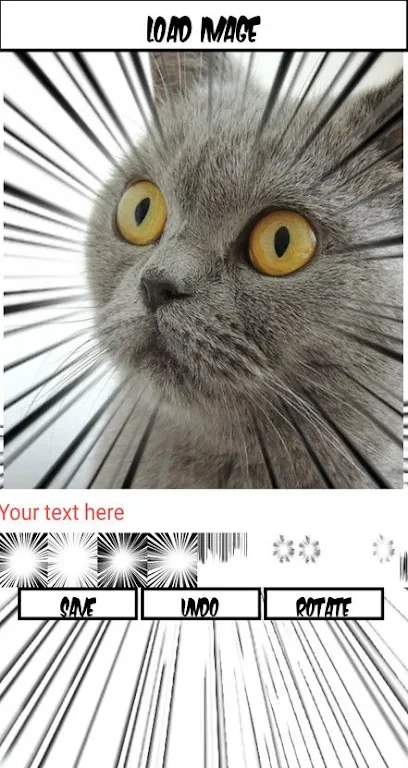
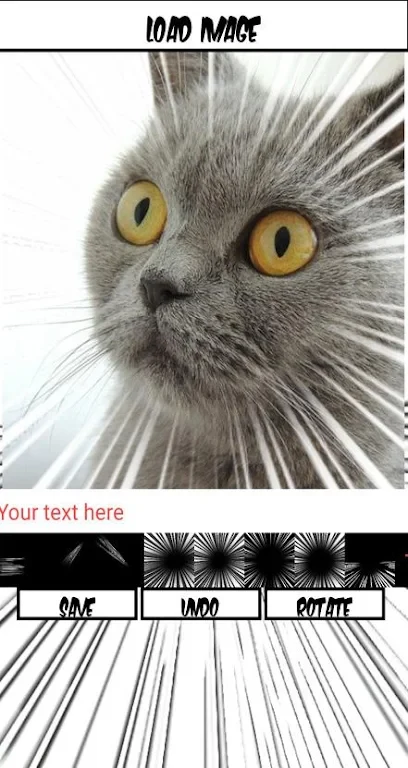
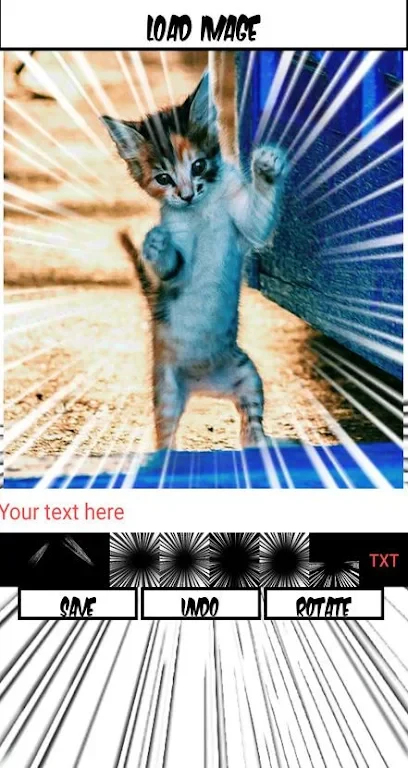
About this app
Manga Effect BOOOOOM transforms ordinary photos with manga-inspired filters, helping you create cartoon-style images with bold lines, vibrant colors, and expressive visual effects. The app is designed for people who want to give their pictures a creative manga or concentration-line treatment without using a complex editing workflow.
Manga-inspired photo effects
The app applies a dedicated manga-inspired effect to a selected photo with a few taps. Its visual style can turn a conventional image into a more animated composition, making it suitable for users who enjoy manga aesthetics or want to add a playful artistic treatment to their pictures.
Rather than limiting you to one appearance, Manga Effect BOOOOOM includes several filter options. These options cover different looks, including stronger vibrant colors and softer, dreamier tones. Exploring the available styles lets you choose an effect that fits the image and the result you want to create.
Preview and effect control
A real-time preview shows how a selected filter changes the photo before you apply it. This allows you to compare the available looks directly on the image and make a choice without committing to each effect first. The preview is useful when the same picture could work with either a more noticeable cartoon treatment or a subtler manga touch.
The app also provides control over effect intensity. You can adjust the strength of the manga effect to create a lighter visual change or a more pronounced cartoon-style result. This gives you a way to balance the original photo with the applied filter instead of relying only on a fixed setting.
Additional image adjustments
After choosing the main manga effect, the built-in editing tools can be used to refine the image. Brightness, contrast, and saturation adjustments are available for bringing out particular details or changing the overall balance of the picture. These controls work alongside the filter options, allowing you to fine-tune the final appearance after selecting a style.
A practical workflow is to begin with the manga-inspired filter, review the real-time preview, and then try different filter variations. Once you find a suitable style, adjust its intensity and use brightness, contrast, or saturation controls to emphasize the details you want to stand out.
Version history
View all12 Aug 2024 · stable