

M3U8 Converter
تطبيقيM3U8 Converter is an Android app for converting m3u8 playlist files into mp4 format. Users paste a playlist link into the app, start the conversion, and can adjust output settings such as video quality and resolution.
App information
- Developer
- تطبيقي
- Category
- Lifestyle
- Package name
- tatbigi.com.video
- Version
- 1.1
- File size
- 24.2 MB
- Requires
- Android Language:
Screenshots
About this app
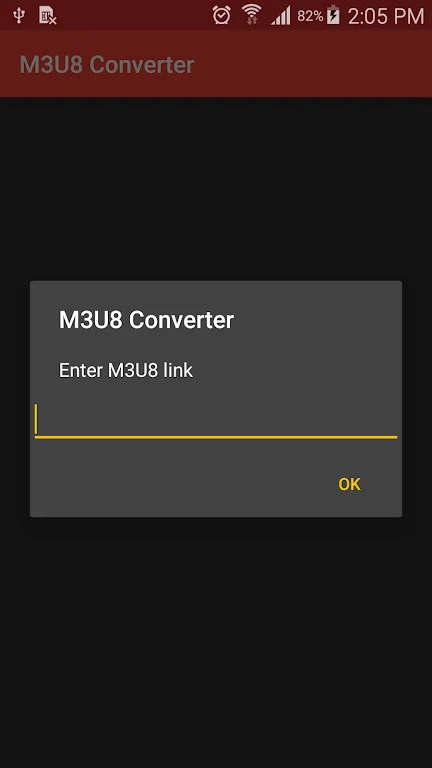
M3U8 Converter is an Android app for turning m3u8 playlist files into mp4 videos. According to its description, the workflow starts by pasting the playlist link into the app and then clicking a button to download and convert the file.
Converting m3u8 playlists to mp4
The app's main function is converting m3u8 files to mp4 format. The description presents this as a short, simple process intended for users who want their media playlists in a format that is more widely supported. Because mp4 is the format the description recommends for playback on multiple devices and media players, it is the most practical choice for users who plan to watch converted files across different hardware.
The developer describes the conversion as quick and efficient. The description does not provide timing measurements or details about performance with particular playlist sizes, so the speed of any individual conversion is not established by the supplied information.
Output settings and batch conversion
Users can customize the output of converted files. The description says options include video quality, resolution, and other parameters, which allows the converted video to be adjusted to specific viewing needs. The description does not list the exact settings available or the full range of values for each one.
The app also supports batch conversion, which lets users convert several m3u8 files in one session. The description notes this is useful for people who have many playlists to convert.
Requirements and tips for better results
The description states that a stable internet connection is important. Downloading and streaming m3u8 files can be affected by a weak or intermittent connection, which can interrupt the conversion.
- Use a stable internet connection before starting a conversion.
- Choose mp4 if you plan to play the converted files on several devices or media players.
- Adjust video quality and resolution to suit your viewing preferences.
The description also lists other output formats as supported, but it does not name them, so mp4 is the only format the supplied information specifically recommends.
Version history
View all21 Aug 2024 · stable