

Lumii APK
Lumii APK is an Android photo editor for adjusting images, applying filters and effects, and editing portrait backgrounds. Its tools also include HSL color controls, text and stickers, cropping, object removal, and editing history and drafts.
App information
- Category
- Photography
- Package name
- photo.editor.photoeditor.filtersforpictures
- Version
- 1.722.179
- File size
- 44 MB
- Requires
- Android Votes:73
Screenshots
About this app
Editing photos with Lumii APK
Lumii APK is an Android photo editor for adjusting photographs and shaping their style with color controls, filters, effects, and other image tools. Users can bring a photo into the app and work with individual adjustments or combine several treatments in an edit. The interface is described as arranging editing functions under selectable icons, making it possible to move from the original image to tools such as filters, text, or background processing.
The editor covers both basic corrections and more stylized changes. Brightness, contrast, highlights, warmth, shadows, sharpness, and exposure are among the adjustable properties, with controls for setting their strength. Photos can also be rotated and cropped freely, including with multiple aspect ratios and preset ratios for social media formats. These controls provide a way to frame an image and adjust its appearance before applying more distinctive effects.
Color adjustments, filters, and effects
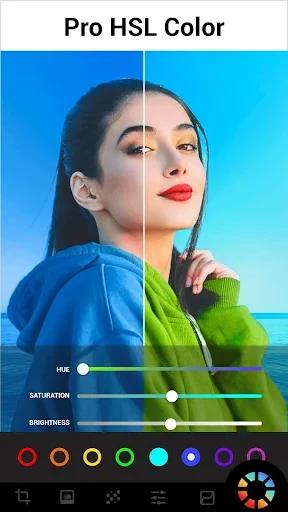
For more targeted color work, Lumii includes HSL controls for hue, saturation, and luminance across eight color channels. The source describes changing these values with sliders, so adjustments can be made separately by color rather than treating the entire image as one uniform tone. A curves tool offers further tonal adjustment, with four color options. Users can also customize filter and effect strength rather than relying only on a preset's initial appearance.
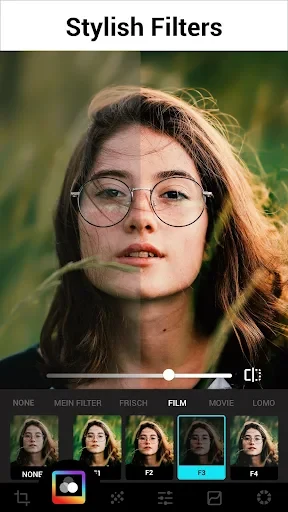
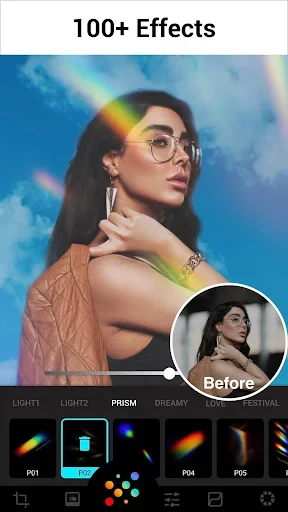
The app describes more than 100 presets or color filters, grouped into styles that include classic, film, food, and other categories. Available looks include film, LOMO, and retro styles. Its effects include glitch, light leak, and double exposure, along with texture, lighting, and weather effects. Glitch options such as VHS and vaporwave can be adjusted in strength. These tools let an editor choose a broad visual treatment and then fine-tune how strongly it appears in the photo.
Some effects are intended to suggest photographic imperfections or analog characteristics, such as dust, overexposed areas, and color prisms. Double exposure tools can blend images, with templates available for creating a combined composition. The different effects and blending options are useful when the aim is to make a deliberate visual treatment rather than only correct exposure or color.
Portrait backgrounds and object removal
Lumii has background tools for portrait images, including changing, blurring, or mixing a background. The supplied description says AI processing can apply these background changes, while an eraser tool lets users remove selected details. An automatic background eraser is also described for repairing or erasing unwanted parts and combining a cutout with a preset background.
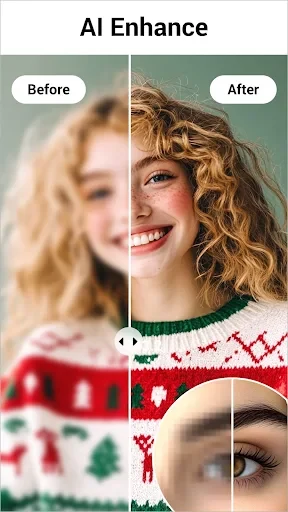
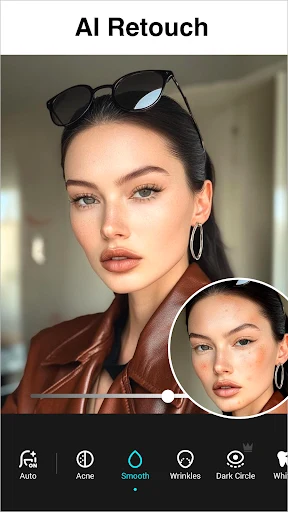
Other removal and enhancement tools address different image edits. AI Remove is described as detecting and removing unwanted objects automatically, while Quick Erase is presented as a way to remove unwanted objects with offline convenience. The app also lists an AI photo enhancer for sharpening or improving image quality, including portraits and group photos. These functions are distinct from background replacement: they focus on unwanted objects or image clarity rather than changing the scene behind a subject.
Adding text and finishing a composition
For edits that include graphic elements, users can add text with a selection of fonts and styled text presets. Stickers and frames are also described as available additions. These elements can be positioned alongside the photo and its visual effects to create a composed image, rather than limiting the edit to color and tone adjustments.
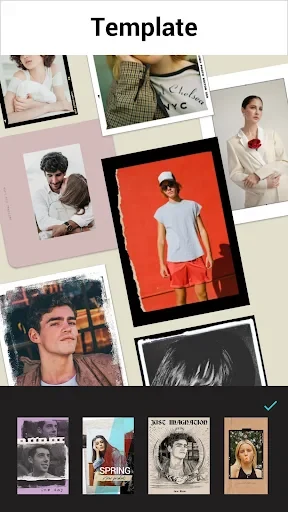
Templates provide another starting point for a chosen look, with themes such as retro film, aesthetic, urban, and journal styles. They sit alongside the filters and effects as options for giving a photo a more coordinated appearance. The source also describes saving presets, which allows a chosen set of adjustments to be retained for later use.
Editing history and drafts
Lumii lists support for editing history and multiple draft workspaces. These features relate to keeping track of edits and working on more than one draft, complementing the app's range of adjustment and design tools. Together, the controls span basic image correction, color-specific changes, effects, portrait backgrounds, and added elements, so a photo can be worked on in several different ways within the editor.
Version history
View all15 Jul 2025 · stable