
LetsView TV: Screen Mirroring
LetsView TV: Screen Mirroring casts screens and selected media from phones, tablets, and computers to a TV. It also describes TV playback controls from a phone or tablet and support for presenting common document formats.
App information
- Category
- Tools
- Package name
- com.apowersoft.letsview.tv
- Version
- 1.2.7
- File size
- 8.7 MB
- Requires
- Android Votes:108
Screenshots
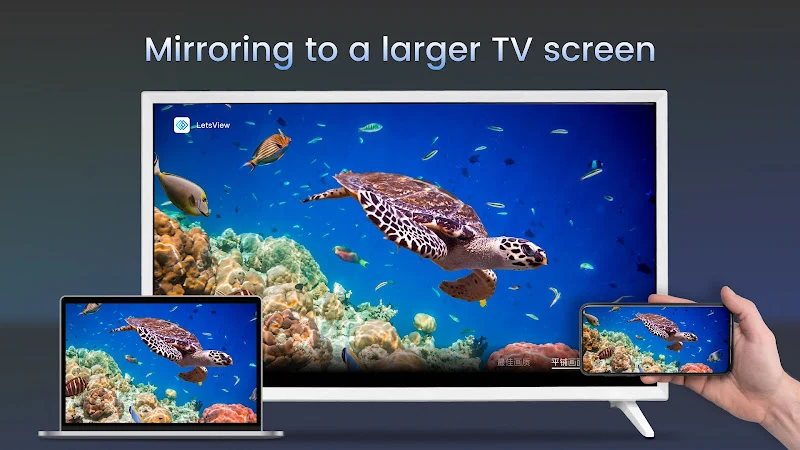
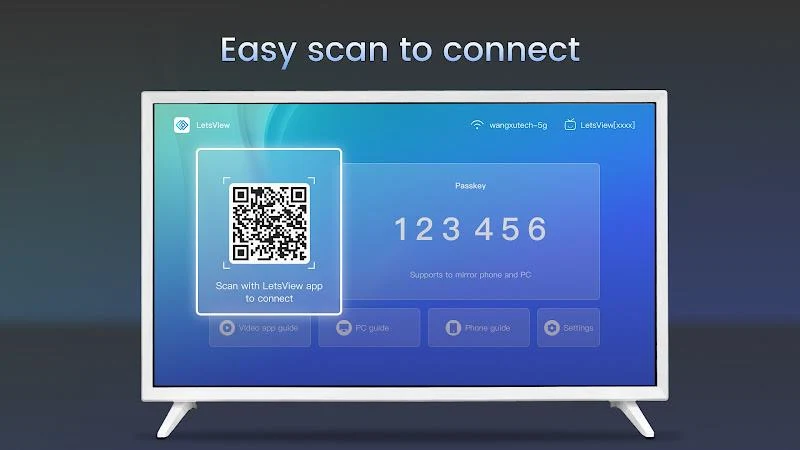
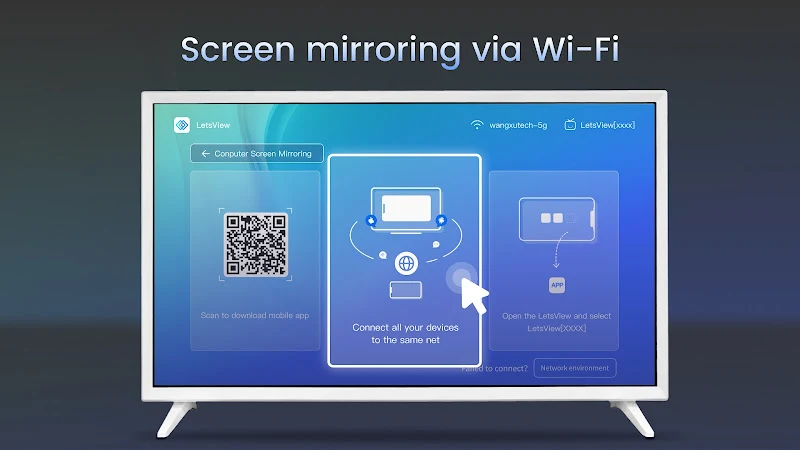
About this app
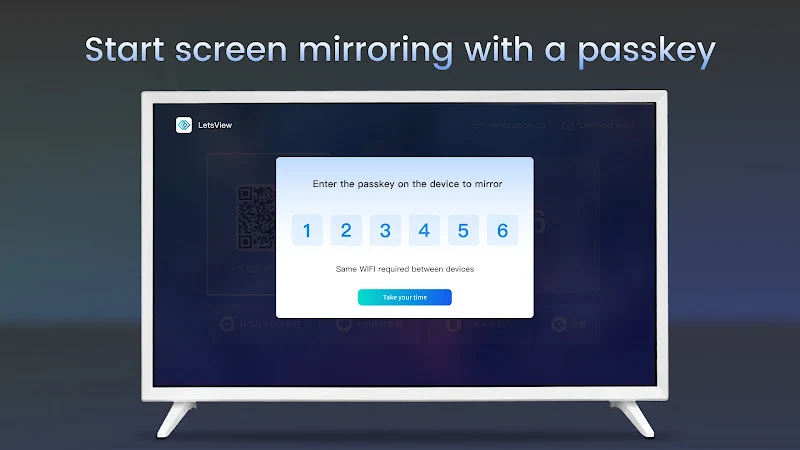
LetsView TV: Screen Mirroring is an app for casting a phone, tablet, or computer screen to a TV. Its listed uses include sharing screen content, streaming video and music, displaying mobile games, presenting documents, and controlling playback from a phone or tablet.
Which devices and content can it mirror?
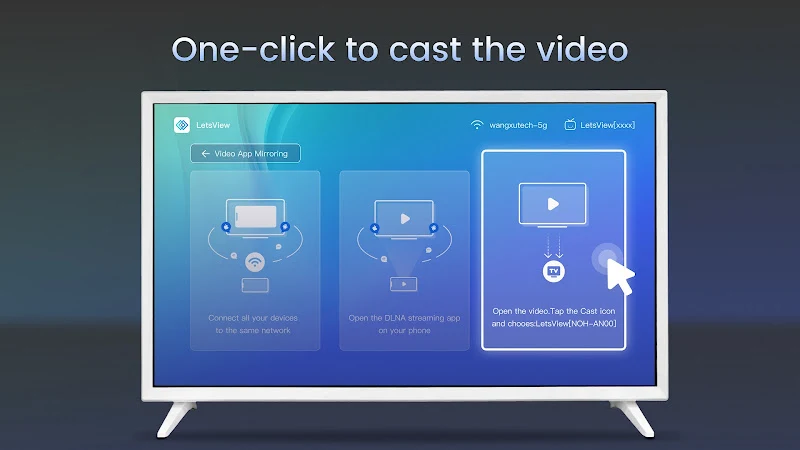
The app describes screen mirroring from mobile phones, tablets, and computers to a TV. For video, it lists sources that include Android and iOS devices as well as other DLNA streaming apps. These functions cover both displaying a device screen and sending video to the TV; the source does not specify particular TV models or connection requirements.
Can it stream games and music?
LetsView TV: Screen Mirroring supports streaming mobile games to a TV, with the description stating that gameplay can be shown at high resolution. It also supports casting music from a mobile device or computer to a TV. These options are intended for viewing or listening through the TV, including sharing gameplay or music with other people.
What can it show for a presentation?
The app can display presentations or demonstrations on a TV and lists PPT, PDF, Word, and Excel documents among the supported formats. The description says these files can be opened from a phone, computer, or tablet. It does not provide further details about document editing or presentation controls.
What controls are available from a phone?
After a device is displayed on the TV, a phone or tablet can act as a remote control for video playback. The stated controls include play, pause, volume adjustment, and moving forward or backward through a video. This remote-control function is described in relation to successful screen display, rather than as a separate TV-control setup.
When might its features be useful?
The listed functions address different shared-screen situations: showing device content on a TV, streaming videos or music, displaying mobile gameplay, and presenting documents. The description does not state specific compatibility requirements beyond the named device and content types, so users should not assume that every TV or device combination is supported.
Version history
View all17 Oct 2025 · stable
Frequently asked questions
What version is listed in the app information?
The supplied app information lists version 1.2.7.