

IPEVO Visualizer
IPEVO Visualizer displays live camera images on an Android device for document viewing and presentations. It provides controls for adjusting the image, adding on-screen annotations, and capturing images or video.
App information
- Category
- Education
- Package name
- com.ipevo.android.visualizer
- Version
- 4.1.0
- File size
- 43.5 MB
- Requires
- Android Votes:453
Screenshots
About this app
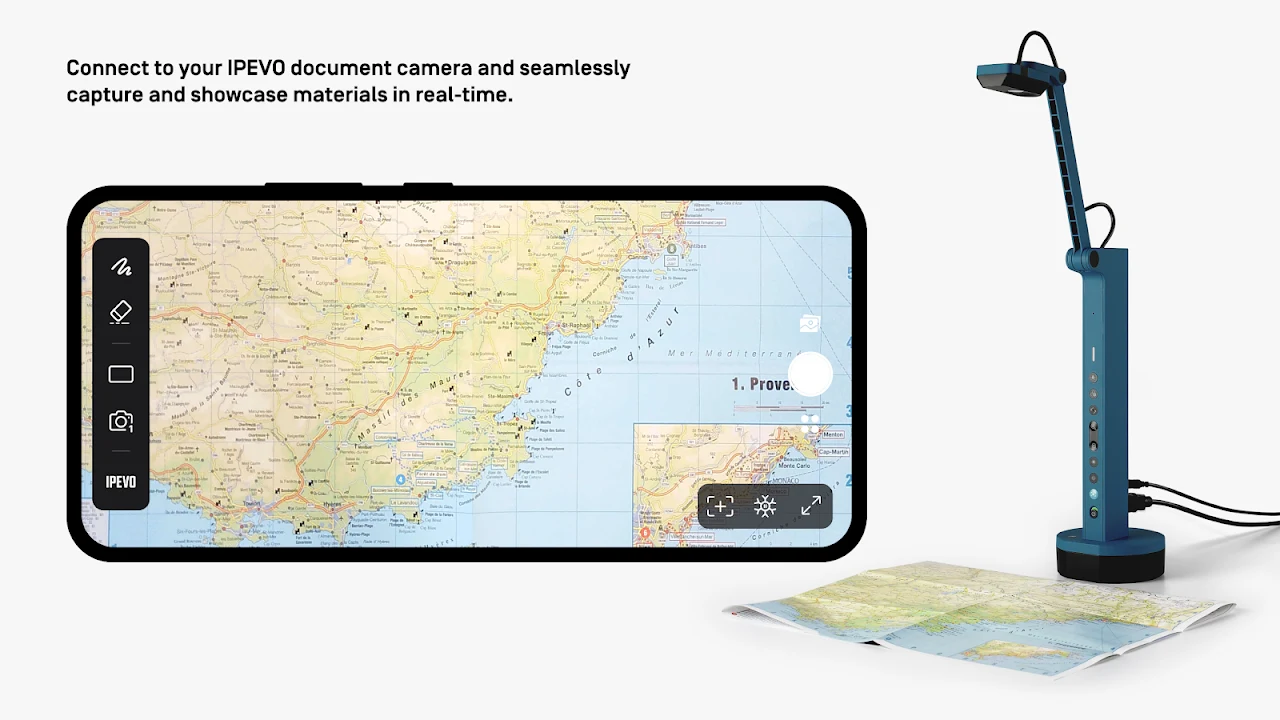
IPEVO Visualizer displays live images from a camera on a mobile device, supporting document viewing and presentations. The source describes connecting an IPEVO educational camera over Wi-Fi or a wired connection and using front- or rear-facing camera options. It also describes the app as compatible with camera feeds more generally.
Control the displayed image
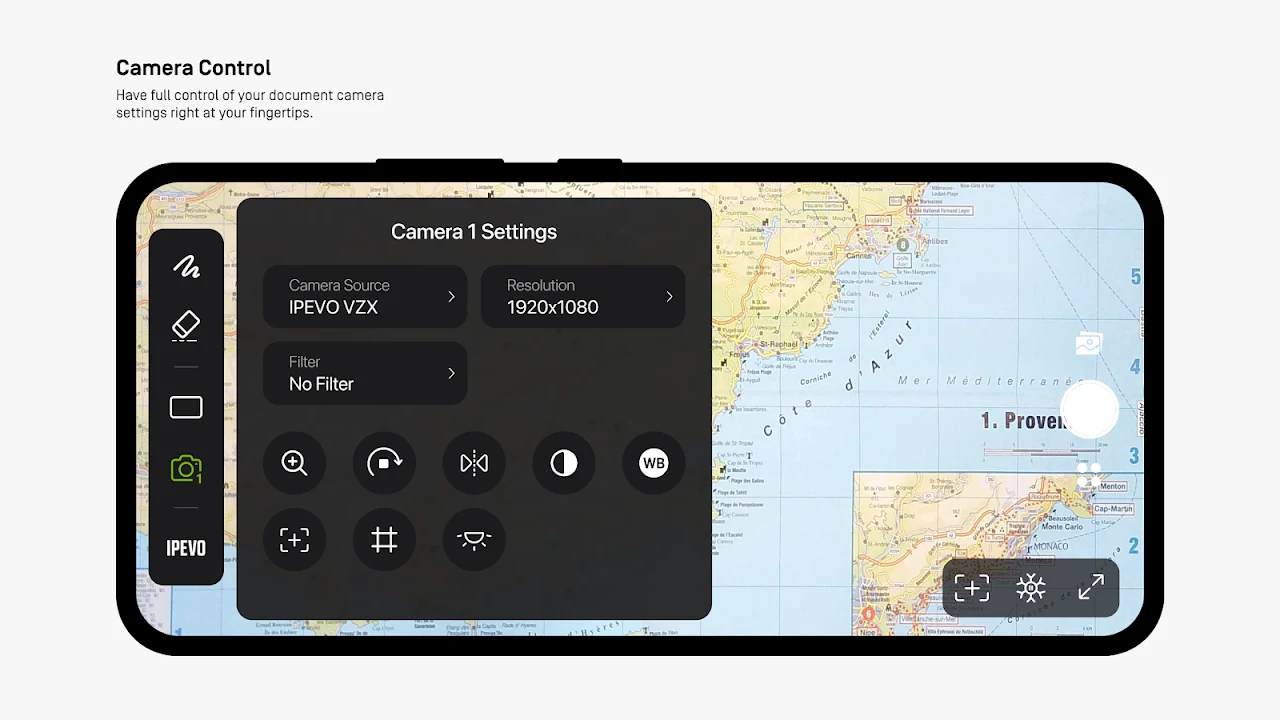
While viewing a live feed, users can change its screen size, rotate or mirror the image, and adjust resolution and exposure. The source also lists zoom and video filters among the available image adjustments. These controls let users change how the camera image appears during viewing; the source does not specify particular adjustment ranges or presets.
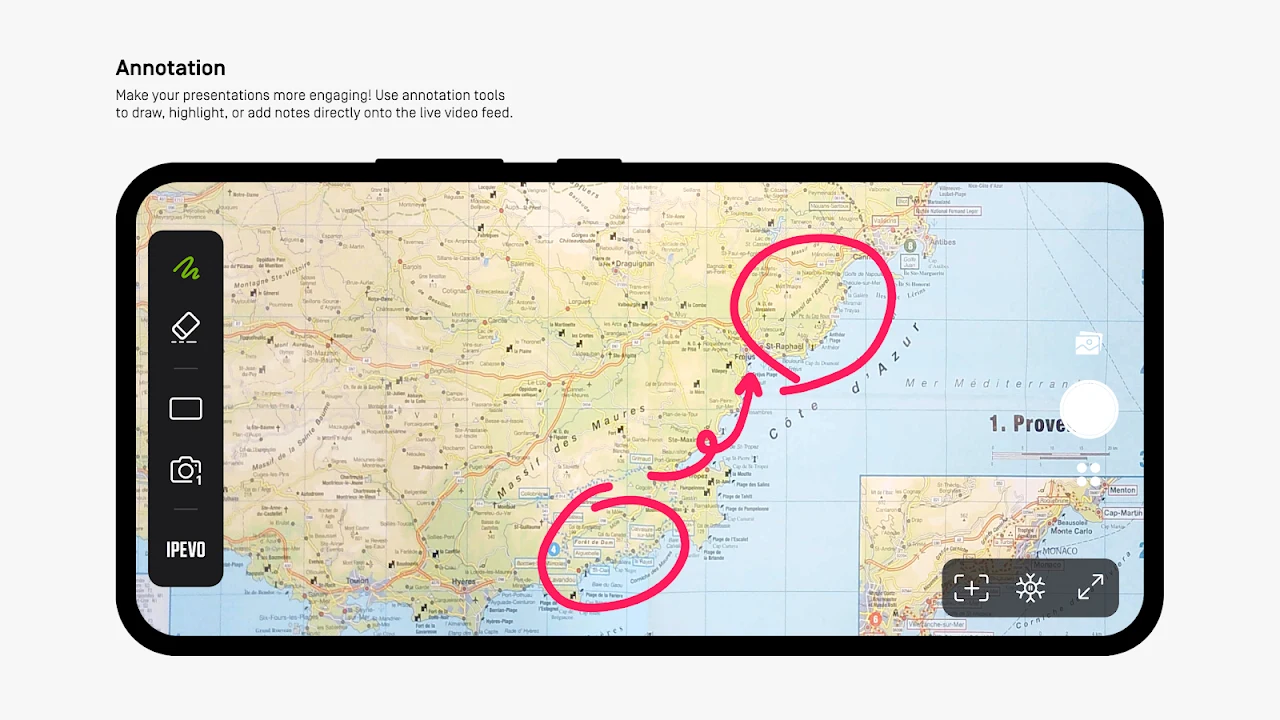
Visualizer also provides on-screen annotation tools. Users can draw, mark, and add comments directly over live images, which can be useful when explaining details in a document or object. The annotations are described as part of presenting camera content, rather than as a separate document-editing feature.
Layouts for camera presentations
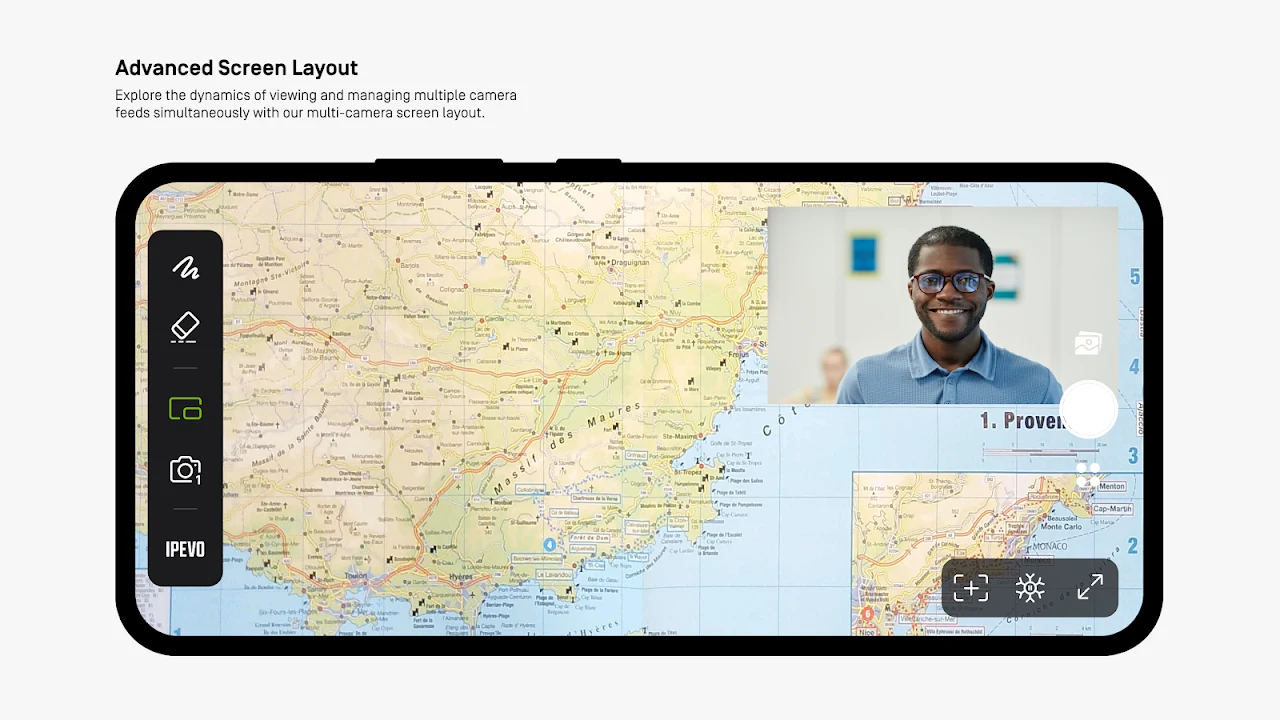
The source describes a split-screen mode for presenting live feeds from two document cameras connected to a computer, with the two panes adjustable independently. It also describes picture-in-picture for Mac and Windows, where a pinned overlay can show the presenter while the main window displays the work. These platform-specific descriptions should not be taken as confirmation that those layouts are available in the Android app.
Capture images and video
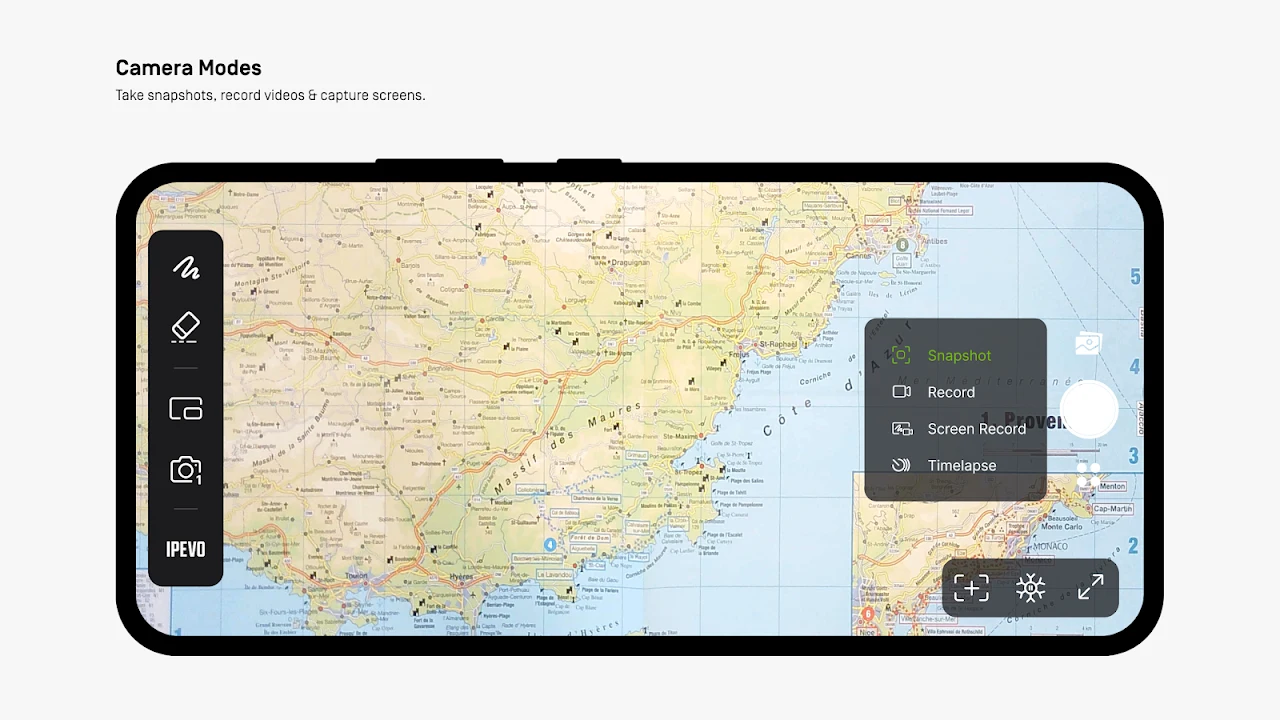
Visualizer can capture images from a camera or the device screen, record video, and provide time-lapse photography. The source also refers to taking a snapshot. It does not specify file formats or where captured material is stored.
Some other listed tools are explicitly tied to different versions: document scanning, including area selection and JPG or PDF output, is described as available on Mac and Windows, while reading aids such as a line marker and magnifier are described for Visualizer for Chrome. Those details do not establish that the same tools are included in the Android app.
Version history
View all11 Aug 2025 · stable