

IBO Pro Player
IBO Pro Player is an M3U stream player for Android smart TVs, Android sticks, smartphones, and tablets. It accepts playlist files or URLs, supports resolutions up to 4K, and provides tools for searching, organizing, and customizing supported video content.
App information
- Category
- Video Players & Editors
- Package name
- com.ibopro.player
- Version
- 3.7
- File size
- 24.2 MB
- Requires
- Android Votes:171
Screenshots
About this app
IBO Pro Player is an M3U stream player for viewing content from a playlist supplied by an IPTV provider. It is intended for Android smart TVs, Android sticks, smartphones, and tablets, with support for different screen resolutions including 4K.
Loading a provider playlist
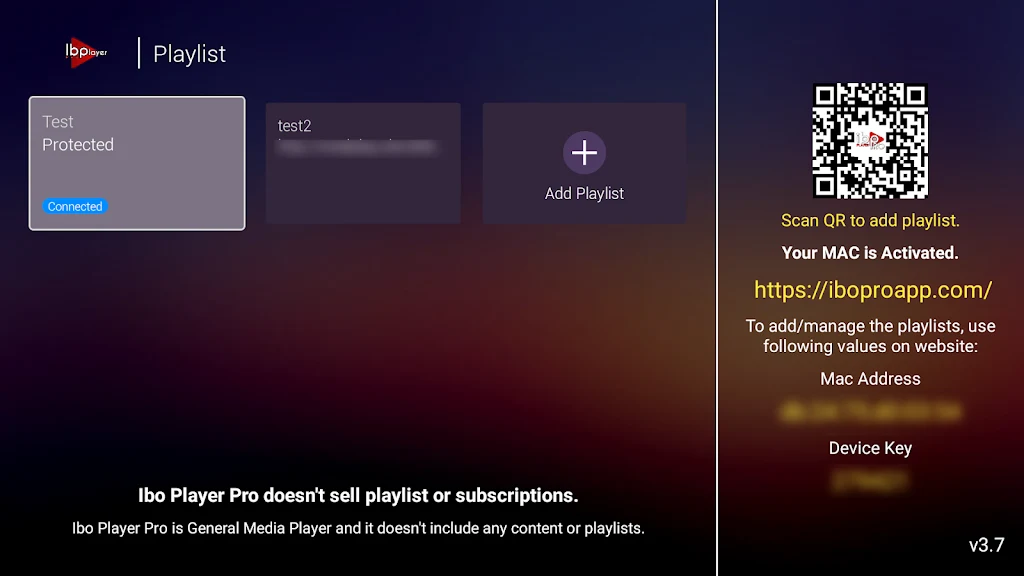
To begin using the app, you need an M3U URL or playlist from your provider. The source describes uploading that URL or file through the app’s website and activating the account before playing content. This means the available channels, shows, movies, and sports depend on the playlist or service connected to the player rather than being supplied as a separate catalog by the app.
Finding channels and shows
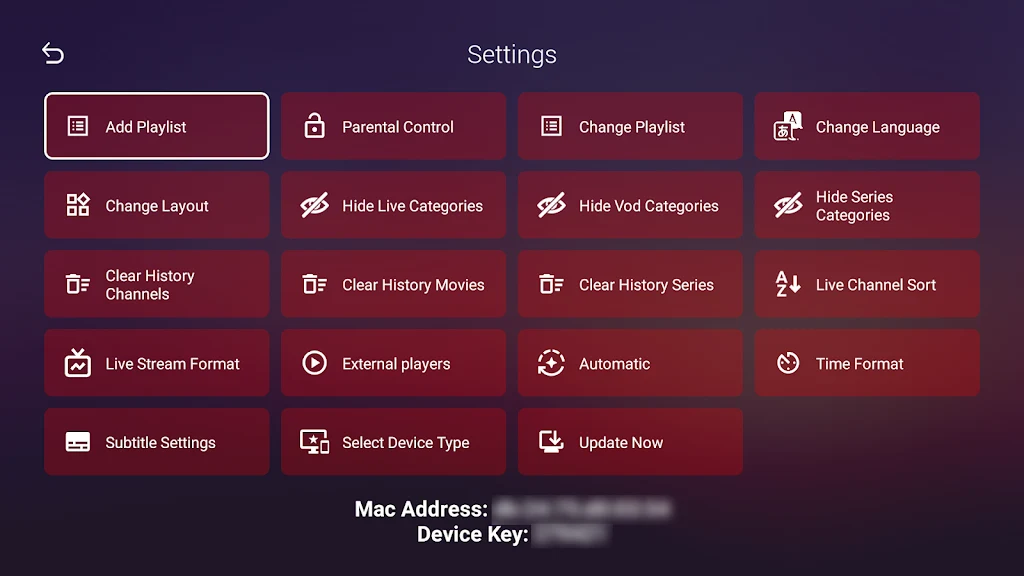
When a playlist contains many entries, search and categorization tools help locate particular channels or shows. You can also add channels, movies, and series to favorites, keeping frequently watched items in a dedicated place for easier access later. A program guide is available for checking what is scheduled next and planning viewing around the listed programs.
Watching on different screens
IBO Pro Player is described as supporting Android smart TVs, Android sticks, smartphones, and tablets. It handles all screen resolutions, including 4K, so the playback resolution can match the supported display and source content. Chromecast support is also listed for sending shows to a compatible television for viewing on a larger screen.
Choosing playback and language options
The player supports a range of video, audio, and subtitle formats, with compatibility mentioned for Samsung TV, LG TV, and other Smart TV platforms. It also supports popular media players including MX Player and VLC player. For movies and series with available alternatives, you can select preferred languages and subtitles to adjust the viewing setup.
Managing playback and viewing controls
The app includes controls for saving your place in shows, allowing you to return to the point where you stopped. Parental controls can be enabled to restrict what children can watch. Together with the simple interface and playlist organization tools, these settings are intended to keep navigation and playback manageable across supported Android devices.
Version history
View all17 Jul 2025 · stable